

















Informational
Standalone Access Control vs Networked Access Control
Explainer Guide
What It Means
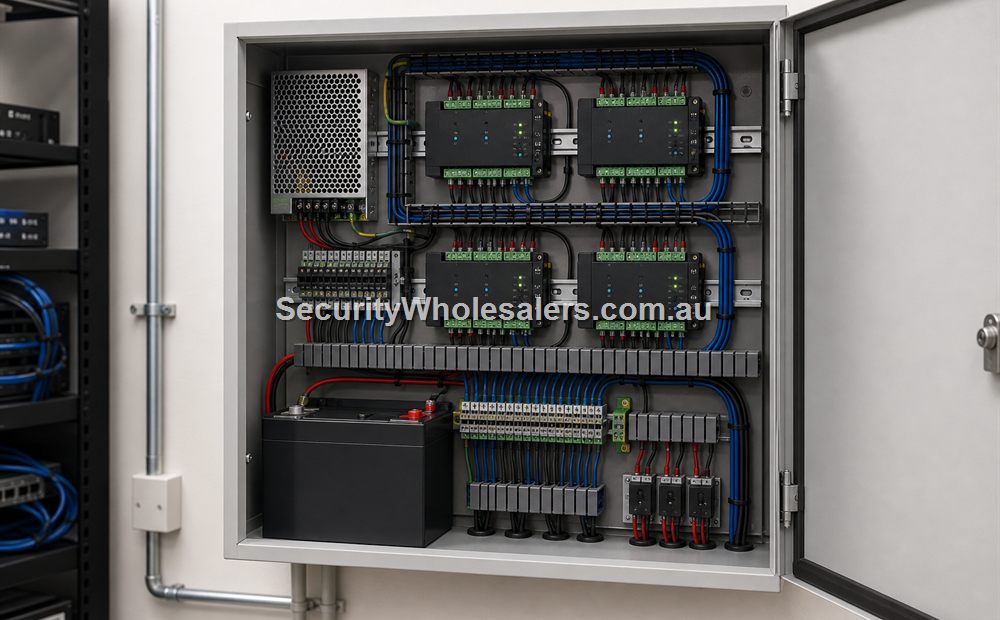
Standalone access control makes the decision locally at the door device. Networked access control connects the decision and the administration into a broader controller or software environment. In practice, standalone is often simpler and cheaper, while networked systems are usually better once the site needs logs, schedules, or several coordinated doors.
| Question | Standalone | Networked |
|---|---|---|
| Best fit | Simple low-admin door | Sites with logs, schedules, several users, or several doors |
| Administration | Local and simpler | More central and usually cleaner |
| Growth path | Limited | Much stronger |
How It Fits in a Real Installation
Standalone fits low-complexity one-door jobs. Networked fits sites that need named users, schedules, cleaner event history, or expansion across multiple doors. The right answer depends on the site's real admin burden, not just its door count today.
Why It Matters
This matters because choosing the wrong tier creates rework. A cheap one-door install often has to be replaced once the site starts asking management questions. A heavy networked system on a truly tiny door can also be overkill. The goal is proportion, not maximum complexity.
Common Misunderstandings
A common misunderstanding is assuming "one door" automatically means standalone. Some one-door jobs still need networked or logged management because the access question is really about accountability, not quantity.
Where to Go Next
Read the buying guides for small business, staff entry, or front doors next if you are trying to choose a live deployment path.
Relevant SecurityWholesalers Product Areas
- Hikvision HA-AC-S1 - A practical standalone card and PIN terminal for simple single-door jobs.
- Hikvision DS-K2702X-P - A strong fit when one or two doors need proper logs, schedules, and a real controller architecture.
- Hikvision DS-K2704X - A four-door controller with web-based setup and room to grow into a much larger system.
- Hikvision Access Control Base License Package - Useful when the site needs a proper software layer for users, schedules, event review, and central administration.
- Hik-Connect Team Mode 1 Door - Relevant where a smaller site wants cloud-style management for access control and time attendance.
Related Guides in This Series
Source References
Frequently Asked Questions
-
What does standalone versus networked access control mean in plain English?
Standalone decides at the door; networked systems coordinate doors and administration more centrally.
-
Where does standalone versus networked access control fit in a real installation?
Standalone suits simple one-door jobs; networked suits multi-user, multi-door, or audit-heavy sites.
-
Why does standalone versus networked access control matter to a buyer or installer?
The system tier determines how much admin control, logging, and growth room the site really gets.
-
What is useful to understand about standalone versus networked access control?
One door does not always mean standalone; the admin burden matters more than the count alone.
-
When should a site move beyond the basic version of this?
A site should move beyond standalone as soon as logs, schedules, or coordinated permissions become important.
-
Which related guide should someone read next?
Read the relevant buying guide next to turn the comparison into a real system choice.
Review information
Content owner: SecurityWholesalers access control guide team. Revision: 17 July 2026. Use these examples as a starting point, then confirm the details against current product manuals, approved drawings and relevant authority requirements.
NCC access and egress | ACMA cabling requirements | OAIC biometric guidance | Access control definitions