

















Informational
Fire Compliance and Egress Basics for Access Control
Compliance Guide
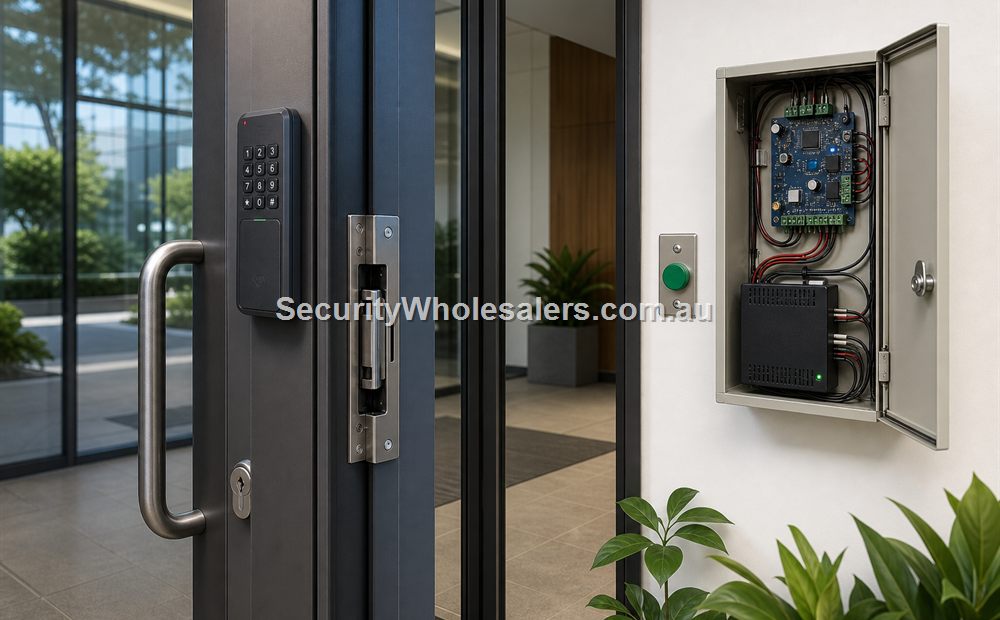
Fire and egress basics matter because an access-controlled opening is still a door first. The reader, controller, and credential type do not remove the need to decide how people exit, how the lock path behaves, and whether the opening still makes sense when the building is not in its normal state.
Questions the project should answer early
- What should the opening do during normal operation, after hours, and during abnormal building conditions?
- How do people leave from the safe side and is that path simple and deliberate rather than improvised?
- Does the chosen lock path still make sense once release and egress behaviour are considered together?
- Is the site trying to force a hardware choice before the door behaviour has actually been agreed?
Simple rear office entry
A rear office entry may have a straightforward access-control path, but it still needs a clear safe-side egress method and a lock choice that matches how the opening should behave if power is lost or the building is in an abnormal condition.
Shared building front entry
A shared building front entry carries more expectation than a low-traffic internal door. People approach it differently, leave through it differently, and expect it to behave appropriately under abnormal conditions. That is why the egress question has to be settled early.
What this usually changes in the quote
- The lock choice may change once the full door behaviour is understood.
- The safe-side device path may need to be quoted more carefully than a simple reader-only sketch suggests.
- The project may need a more protected controller or power arrangement if the opening behaviour has to remain predictable through short disturbances.
- The installer often needs a more deliberate testing and handover procedure because the door should be demonstrated in several states, not only on valid entry.
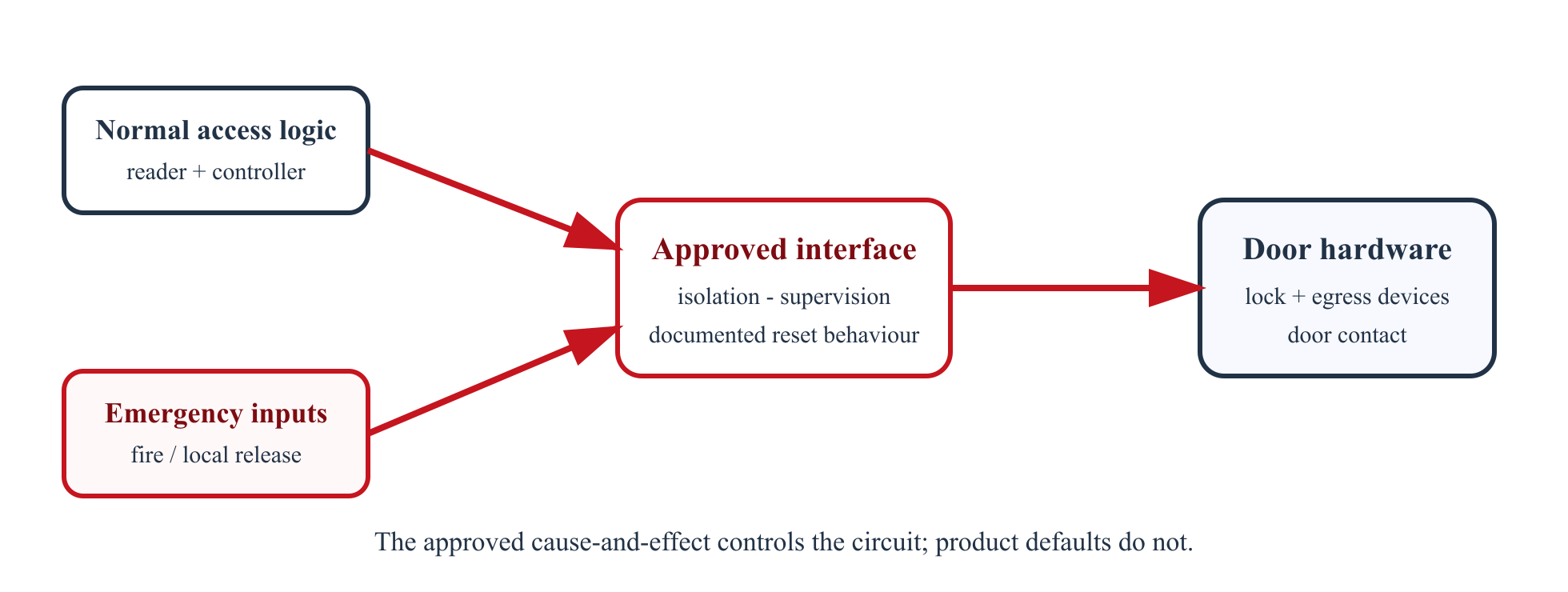
Build a cause-and-effect schedule before wiring
| Condition to test | Entry side | Exit side | Lock and monitoring outcome to document |
|---|---|---|---|
| Normal, valid credential | Reader grants access for the configured time. | Normal approved egress remains available. | Lock releases/re-secures, door opens/closes, event and door contact state are correct. |
| Invalid or expired credential | Door remains secure and the denial is logged. | Egress must not depend on presenting an entry credential. | No unintended lock pulse; event identifies the correct door and reason. |
| REX activation | No entry permission is created. | Controller receives the exit request or release input as designed. | Distinguish ordinary REX from any independent emergency-release circuit. |
| Loss of mains / battery mode | Behaviour follows the approved fail mode. | Approved egress remains available. | PSU faults report; autonomy and loaded voltages are witnessed. |
| Fire alarm input | Follows the project-specific fire cause-and-effect. | Follows the approved egress and fire strategy. | Release, non-release, relock/reset and monitoring are explicitly named for every affected door. |
| Emergency release device | Local effect is as approved. | Device is reachable, identified and operates the intended release path. | Physical reset/replacement, alarm indication and event logging are demonstrated. |
Three potential door solutions
Strike with mechanical egress
Potential parts: compatible strike, latch/lockset providing the required safe-side operation, reader, protected controller, door contact, regulated PSU and battery where specified. Cabling: reader data/power, lock power, contact and REX/event pair, network to controller. Confirm whether the opening is part of a required exit, fire/smoke door or accessible path before frame work.
Fail-safe maglock with coordinated releases
Potential parts: maglock/brackets, reader, controller, contact, REX, approved local emergency release, fire-interface equipment, continuously rated PSU/charger and calculated battery strategy. Cabling: separate lock-power, reader, contact, REX, emergency-release and fire-interface functions. The approved design decides whether emergency devices directly interrupt lock power, signal the controller, or use another supervised arrangement.
Entry security retained without compromising egress
Potential parts: fail-secure strike or electrified lock, appropriate mechanical safe-side hardware, two-factor reader if justified, secure controller, monitored contact/tamper and individually protected PSU output. Cabling: reader bus, lock circuit calculated for inrush, supervised inputs where supported, network and alarm integration. Fire, safe egress and power-loss states still need approval even when the business preference is 'stay locked.'
Australian project boundary
This guide is a design checklist, not a fire-engineering or building approval. The applicable NCC edition, state or territory variations, the building approval, fire strategy, door certification and authority requirements decide the final arrangement. Coordinate the certifier/fire engineer, fire contractor, door hardware supplier and access-control installer. Covered communications/security cabling must also follow ACMA registration, competency and wiring-rule requirements.
Primary references
Relevant SecurityWholesalers product paths
- Door strikes and maglocks because the lock path must align with the wider door behaviour.
- Access control hardware for readers, controllers, exit devices, and related components.
Related guides
Frequently Asked Questions
- Why should access control buyers understand egress early?
Because access control is not only about entry. The opening also has to behave appropriately when people exit or when the building enters an abnormal condition.
- Does every access-controlled door need the same fire and egress logic?
No. The right behaviour depends on the actual opening, its purpose, and how the wider door and building workflow has been designed.
- Why is this more than a lock decision?
Because egress and release involve the whole opening: lock hardware, safe-side devices, release logic, and how people actually use the door.
- What is a common issue here?
Leaving the egress and release discussion until after the reader and lock have already been selected.
- Should installers coordinate these questions early?
Yes. They should confirm the expected door behaviour early so the project does not become a hardware fix for a workflow that was never defined.
- Which page should someone read next?
The fail-safe-versus-fail-secure page is the natural next step because it sits right beside the wider egress behaviour question.
Review information
Content owner: SecurityWholesalers access control guide team. Revision: 17 July 2026. Use these examples as a starting point, then confirm the details against current product manuals, approved drawings and relevant authority requirements.
NCC access and egress | ACMA cabling requirements | OAIC biometric guidance | Access control definitions