

















Commercial
Access Control for Medical Centres
Sector Guide
Where this usually fits
A clinic may need to verify who is at the front door, keep staff movement simple, and restrict certain internal rooms cleanly. That makes the management structure and the visitor path just as important as the reader or lock itself.
| Situation | Usually the cleaner path | Why it fits |
|---|---|---|
| One simple internal staff room | Single Door Access Control Kit | Possible if the room is internal and the clinic does not need stronger reporting. |
| Clinic front door plus one staff-only room | 2 Door Access Control Kit | The front entry and internal room are already different access workflows. |
| Front door, staff room, records room, treatment-support room | 4 Door Access Control Kit | Several different permission layers justify controller capacity. |
| Larger practice with several restricted areas | Controller and software path | The site is now a managed internal-access system, not only a door release job. |
Sample site scenarios
Suburban GP clinic
A suburban GP clinic may only need the front door verified after hours and one internal staff-only medication or records room kept separate. That often makes a two-door or four-door design more appropriate than either a fully standalone front entry or a very large controller system.
Specialist suite with several internal restricted areas
A specialist suite with a front intercom entry, a back staff entry, records, and multiple controlled support rooms is already beyond the simple-reader tier. The site benefits from controller-based permissions and proper event review because different staff groups need different boundaries.
Typical hardware and software direction
These jobs are usually decided by the management layer as much as the lock hardware. The right reader or terminal only solves part of the problem if the permissions, schedules, and review workflow have been underspecified.
- Front-door intercom or access station where reception needs to verify visitors before release.
- Controller path for internal restricted rooms where named staff permissions and logs matter.
- Correct strike or maglock plus safe egress on each controlled opening.
- Door contacts where the clinic cares about whether a restricted room was left open rather than only whether a credential was accepted.
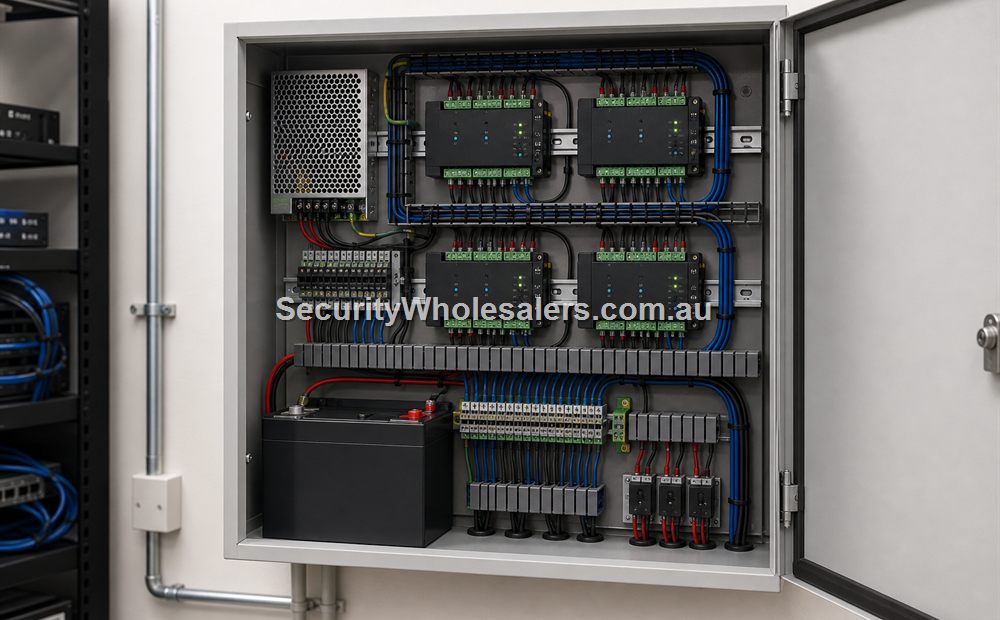
- UPS and secure cabinet planning if the practice expects event continuity and stable administration.
Things to check
- Treating the medical centre as if the front door and restricted internal rooms should run on the same simple logic.
- Using one shared code on rooms that should have named staff accountability.
- Forgetting how visitor handling and staff-only rooms interact in daily clinic use.
Relevant SecurityWholesalers product paths
- DS-KV6124-WBE1 for front-door verification and release.
- DS-K2702X-P for smaller clinic controller paths.
- Door strikes and maglocks for opening-specific lock design.
Related guides
Frequently Asked Questions
- Do medical centres usually need intercom on the front door?
Often yes, especially where the clinic wants reception or staff to verify visitors before releasing entry.
- Is a simple one-door access system enough for most clinics?
Usually only for a single isolated internal room. Most clinics quickly split into a front-door workflow and one or more staff-only room workflows.
- Why do logs matter on internal medical-centre doors?
Restricted rooms and staff-only areas often benefit from named-user accountability rather than shared codes.
- Can medical centres still use PIN entry?
They can, but card or tag-based named-user workflow is often easier to manage where staff changes or internal accountability matter.
- What is the biggest clinic access-control mistake?
Treating the whole practice as one front-door product choice instead of separating patient-facing and staff-only access properly.
- What page should someone read next?
If the clinic is deciding between credential methods, the card-reader-versus-PIN-versus-face page is a useful next step.
Plan this site door by door
Download the editable workbook, list every controlled opening, then email it with matching door photos to sales@securitywholesalers.com.au. Include the site suburb, installation requirement and target timing.
Review information
Content owner: SecurityWholesalers access control guide team. Revision: 17 July 2026. Use these examples as a starting point, then confirm the details against current product manuals, approved drawings and relevant authority requirements.
NCC access and egress | ACMA cabling requirements | OAIC biometric guidance | Access control definitions