

















Dahua NVR Offline in DMSS
When a Dahua NVR appears offline in DMSS, start with the physical recorder and network before changing app settings. Most remote-viewing failures are caused by power, router, internet, platform access or account changes.
DMSS offline
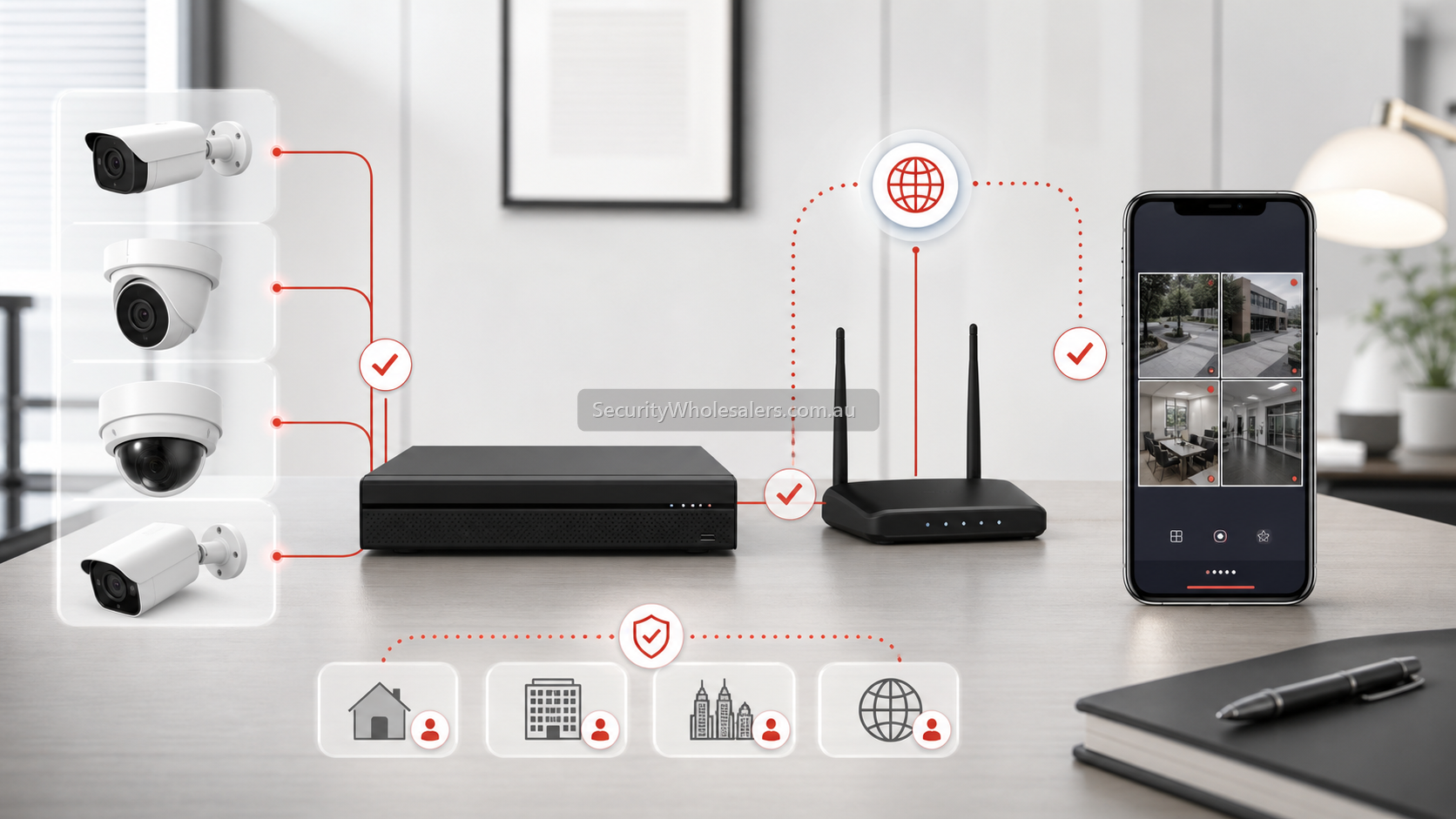
Most common causes
| Cause | What it looks like | What to do |
|---|---|---|
| NVR lost internet | Cameras may still record locally, but DMSS says offline. | Check NVR network cable, router and internet connection. |
| Router or ISP changed | DMSS worked before a modem swap, NBN change or network change. | Check NVR IP, gateway, DNS and platform access status. |
| Platform access disabled | Recorder is online locally but not reachable through DMSS. | Check P2P/platform access is enabled and showing online. |
| Wrong account or device binding | One phone works, another does not. | Check owner account, shared access and user permissions. |
Troubleshooting order
- Confirm the NVR has power and is recording locally.
- Check the network cable from NVR to router or switch.
- Open the NVR network menu and confirm IP, gateway and DNS settings.
- Check platform access/P2P status on the recorder.
- Restart router and NVR in a controlled way.
- Test DMSS on Wi-Fi and mobile data.
- If only one phone fails, check account sharing and app permissions.
Do not delete the device too early
Deleting and re-adding the device can make troubleshooting messier if the issue is platform access, account ownership or a network fault. Confirm the recorder is online at the NVR first, then adjust DMSS.
FAQ
- Can cameras still record if the Dahua NVR is offline in DMSS?
Yes. Remote access can fail while local recording continues, provided the recorder and hard drive are working.
- Why did DMSS stop after a modem change?
The NVR may have lost correct gateway, DNS or platform access connectivity after the network changed.
- Should I port forward Dahua for DMSS?
Most modern simple setups use platform access/P2P. Port forwarding should be treated carefully and is not the first fix for most buyers.