

















How to Share Dahua CCTV in DMSS
Sharing Dahua CCTV access should be deliberate. The owner should keep control of the recorder, while staff, family or managers receive only the live view, playback and notification access they genuinely need.
DMSS sharing
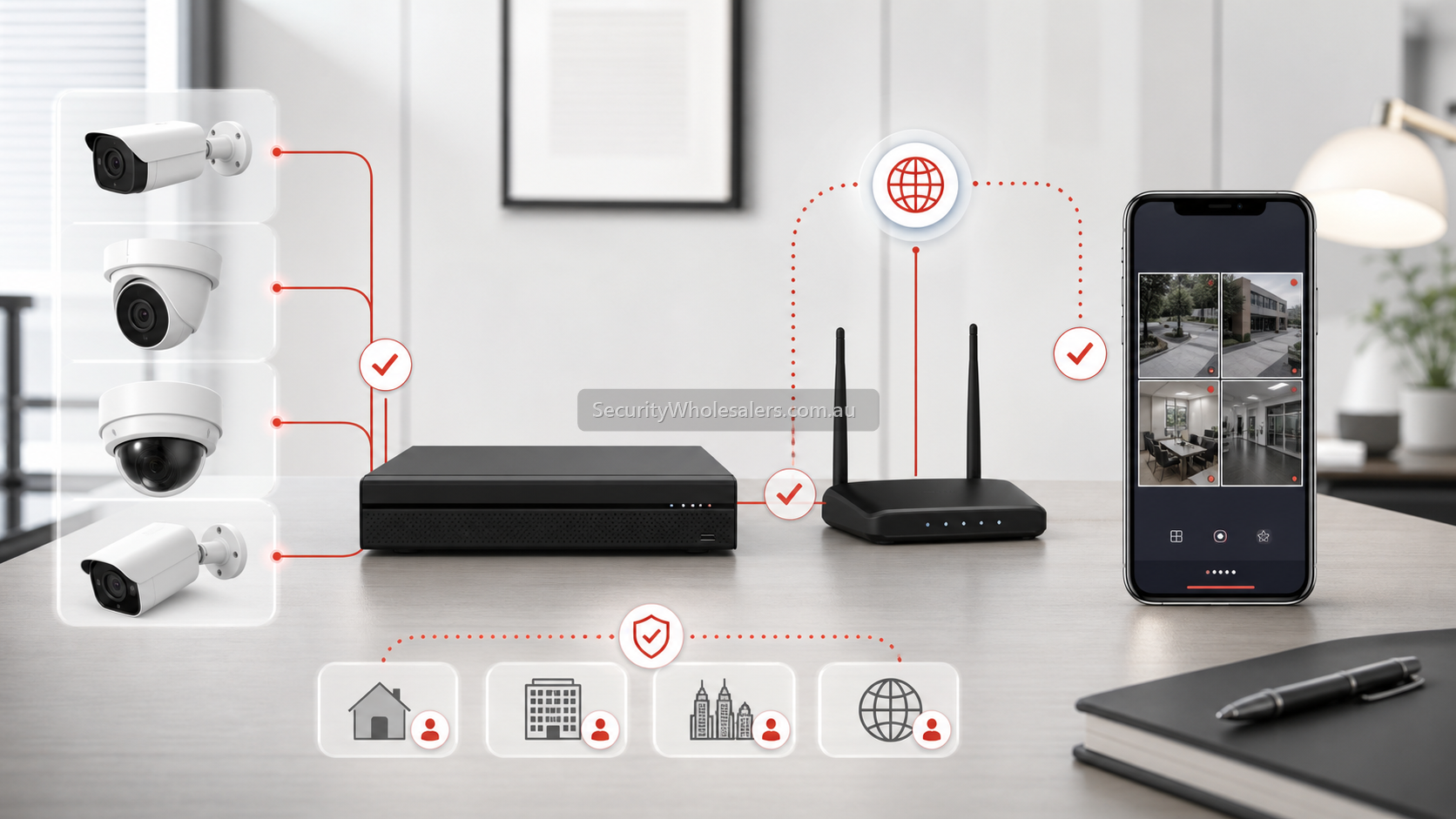
Access levels to think about
| User type | Typical access | What to avoid |
|---|---|---|
| Business owner | Full live view, playback, notification and device management. | Losing ownership by letting an installer or staff member control the only account. |
| Manager | Live view, playback and selected alerts. | Giving system-level control unless needed. |
| Staff member | Limited live view or selected camera access. | Giving access to private areas, all recordings or admin settings. |
| Family member | Live view or playback depending on the home safety purpose. | Sharing one password across multiple phones. |
Good sharing practice
- Use named users where possible rather than one shared login.
- Decide who owns the Dahua account before handover.
- Give playback access only to people who need it.
- Review app users when staff leave, property managers change or family roles change.
- Test live view, playback and notifications on the recipient's phone before considering the job complete.
Handover checklist
- Confirm the recorder is online in DMSS.
- Confirm the owner account and recovery email/phone are correct.
- Add or share access to each user deliberately.
- Set camera, playback and notification permissions.
- Test access on Wi-Fi and mobile data.
- Record who has access and who can remove users later.
FAQ
- Should every user share one DMSS login?
No. Shared logins create handover and security problems. Named access is cleaner where the setup allows it.
- Can I give someone live view but not playback?
That is usually the better approach for staff or casual users who do not need full recording access.
- What should I do when staff leave?
Remove or review their DMSS access immediately and check whether any shared passwords need changing.