

















Dahua DMSS Playback Not Working
If Dahua DMSS live view works but playback does not, the fault is usually not the phone alone. Work through recording, storage, time, permissions and network access in that order.
DMSS playback
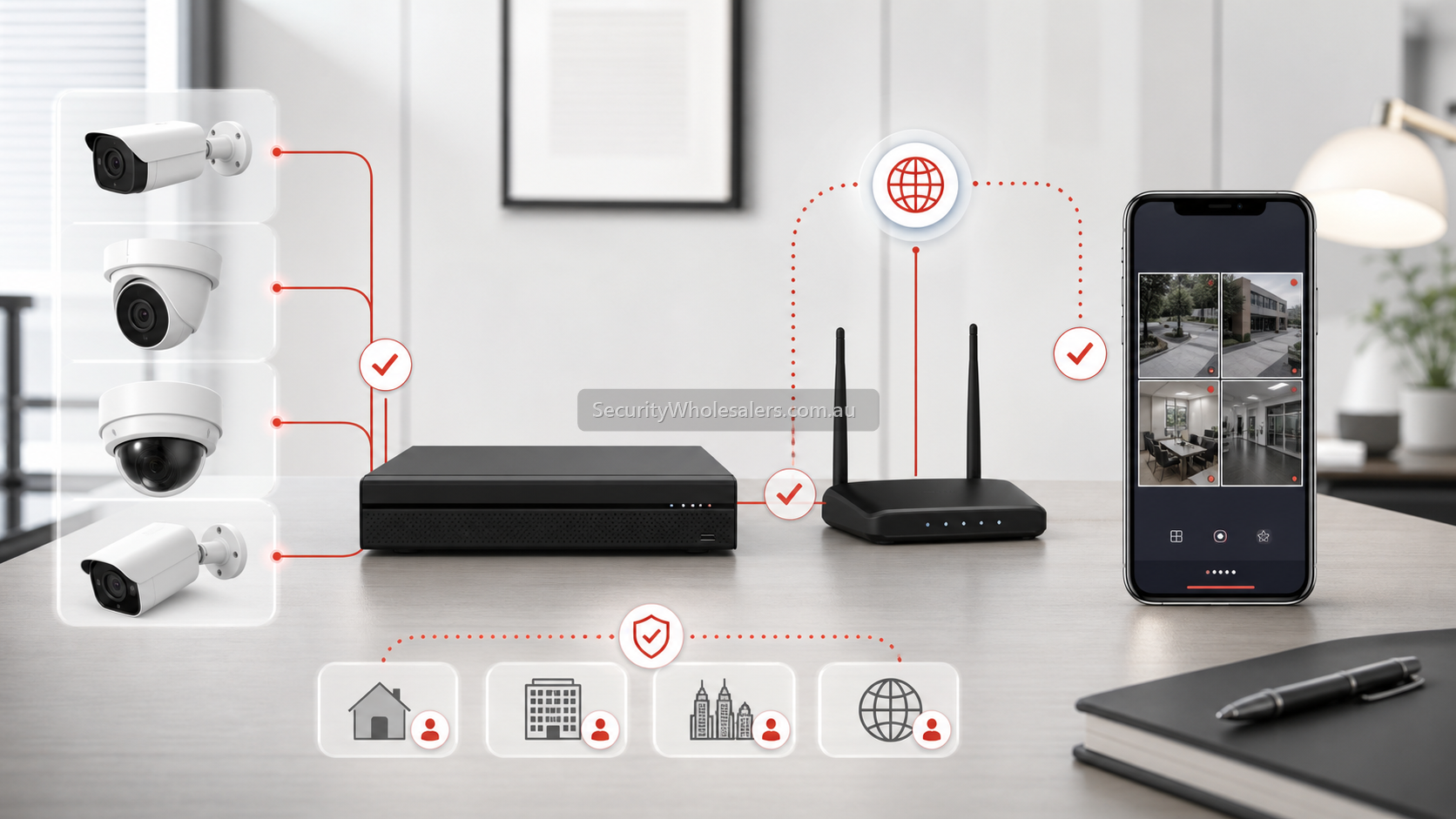
Fast diagnosis
| Symptom | Likely cause | What to check |
|---|---|---|
| Live view works but no recordings appear. | Recording schedule, HDD or permissions. | NVR recording schedule, HDD health and user playback rights. |
| Playback timeline exists but wrong time. | Time zone or daylight saving mismatch. | NVR time, phone time, NTP and time zone settings. |
| Only some cameras have playback. | Channel recording disabled or camera added incorrectly. | Per-channel recording schedule and stream settings. |
| Playback works onsite but not remotely. | Remote connection or bandwidth limitation. | DMSS connection status, upload speed and substream/mainstream behaviour. |
Step-by-step checklist
- Check whether the NVR is actually recording to a healthy hard drive.
- Confirm the recording schedule is continuous or event-based as expected.
- Check the correct channel and date in DMSS playback.
- Confirm the recorder time, time zone and daylight saving settings.
- Confirm the user account has playback permission, not only live view permission.
- Test playback locally on the NVR monitor if possible.
- If local playback works but DMSS does not, troubleshoot remote access and bandwidth.
When to check the NVR instead of the app
DMSS can only show playback that the recorder has saved and that the user is allowed to access. If the hard drive is missing, failed, full in the wrong mode, or recording is disabled, reinstalling the app will not fix the real issue.
FAQ
- Why can I see live Dahua cameras but not playback?
Live view only proves the camera is online. Playback also needs a working HDD, recording schedule and playback permission.
- Can DMSS playback fail because of the phone?
Yes, but check the NVR first. Phone issues are more likely when local NVR playback works correctly.
- Should I delete and reinstall DMSS?
Only after checking recording, HDD status, time and permissions. Reinstalling the app rarely fixes a recorder-side recording issue.