

















Dahua DMSS Setup and Troubleshooting
App Support
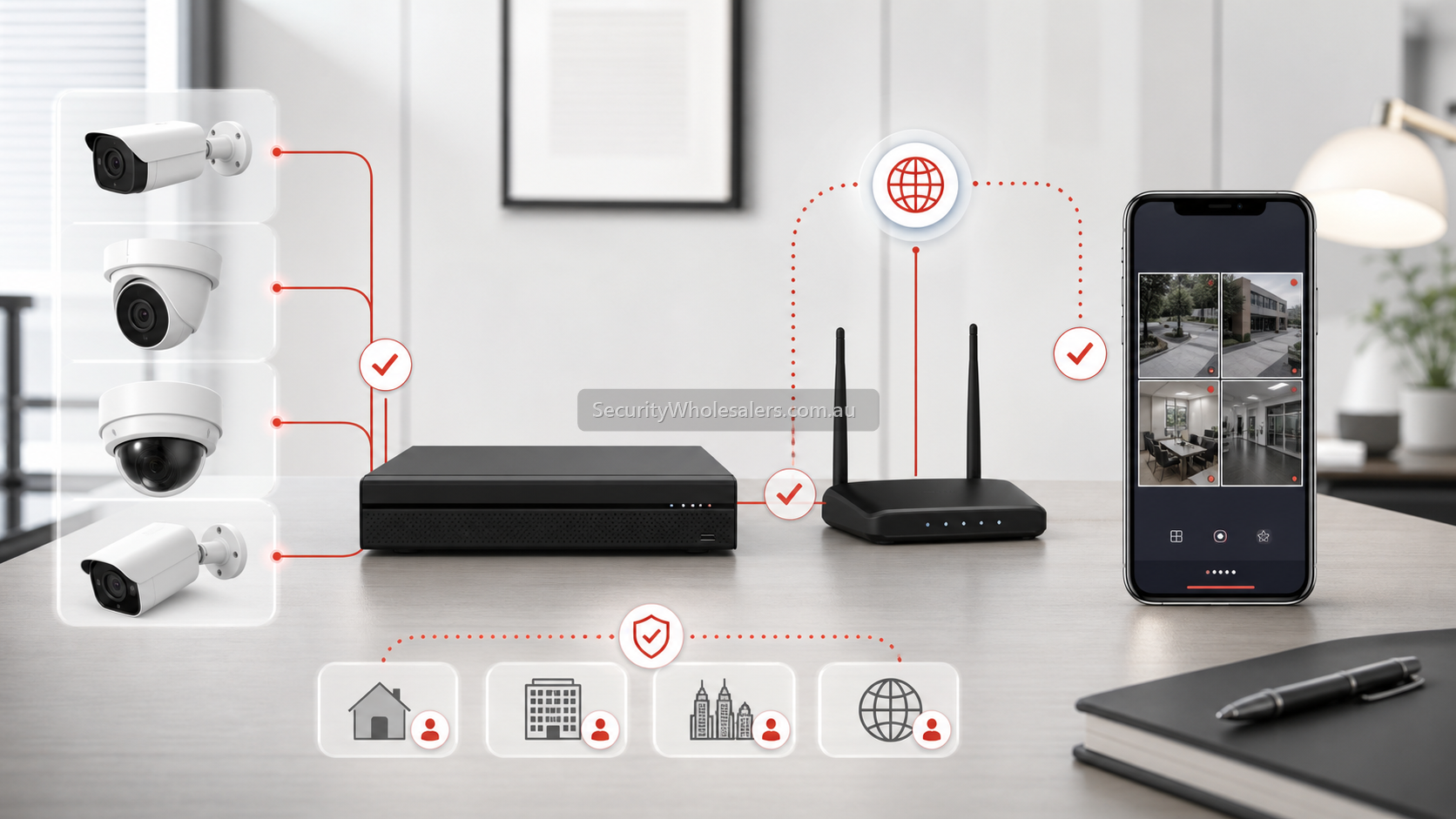
What DMSS should do on a normal site
- Show live view from the recorder or camera.
- Allow playback of recorded footage where the device supports it.
- Deliver alarm or event notifications when the device and phone are configured correctly.
- Give the owner a simple way to review the system without logging into the NVR every time.
The first checks when DMSS will not behave
- Confirm the camera or NVR is actually online locally before testing the app.
- Confirm the device P2P or cloud status is online in the recorder or camera settings.
- Confirm the correct device has been added to DMSS and is not bound to a different user account.
- Confirm the phone still has notification permission, background activity permission, and network access allowed for DMSS.
Sample scenarios
Example: a butcher shop changes internet provider and suddenly DMSS live view fails. The cameras are still recording locally. In that case the issue is often recorder network settings, P2P status, or DNS rather than the cameras themselves.
Example: a warehouse manager receives no push alerts after replacing their phone. The NVR is online and the camera analytics are working. The fault is often DMSS notification permissions or the device not being re-added or rebound properly to the new phone session.
What usually fixes DMSS problems
- Checking whether the recorder is online before touching the app.
- Refreshing the device addition in DMSS if the account or binding history is unclear.
- Checking push configuration and event linkage at the recorder or camera.
- Checking phone-level permissions and battery optimisation settings.
Relevant SecurityWholesalers Categories and Products
These Dahua categories are relevant because DMSS is most often being used with Dahua cameras, NVRs, and small-business systems.
- Dahua NVRs - DMSS most often fronts a Dahua recorder on small-business and commercial sites.
- Dahua CCTV cameras and kits - The main Dahua camera and kit category for users who are setting up a new DMSS site.
Sources and Further Reading
Frequently Asked Questions
-
Why is Dahua DMSS not connecting to my recorder?
Usually because the recorder is offline, the P2P status is not healthy, the wrong device has been added, or the account binding history is confused.
-
Why did DMSS stop working after an internet change?
Often because the recorder network settings, DNS, or P2P state changed when the modem or router changed.
-
Why am I not receiving notifications in DMSS?
Often because push permissions, event linkage, or phone-level notification permissions are not configured properly.
-
Should I remove and re-add the device in DMSS?
Sometimes yes, but only after checking that the recorder or camera is healthy locally. Re-adding the device will not fix a recorder that is already offline.
-
Can DMSS problems be caused by the phone rather than the NVR?
Yes. Battery optimisation, background restrictions, and notification permissions on the phone can all affect DMSS behaviour.
-
Which related page helps after this one?
Usually the camera-not-showing page or the notifications-not-working page, depending on whether the problem is device visibility or push alerts.
Related Pages
Dahua Camera Not Showing on NVR
Work through a Dahua camera discovery fault in the right order before replacing hardware.
Dahua Notifications Not Working
Troubleshoot Dahua push notifications in the right order before blaming the camera.
How to Choose a Dahua NVR
Choose the Dahua recorder path properly before locking in the camera mix.
Dahua CCTV Buying Guide
Start here to decide which Dahua branch matters before diving into camera, PTZ, NVR, or use-case pages.