

















Informational
Mining CCTV Commissioning and Handover Checklist
Return to Mining CCTV and Camera Solutions
Commissioning
Quick answer
Commission mining CCTV in layers: live view, then playback, then backhaul and power, then labels and documentation, then handover evidence. A site with remote poles, thermal, bridges, or hazardous branches should never be signed off on a live image alone.
Commissioning checklist by branch
| Branch | What to check | What to record as handover evidence |
|---|---|---|
| Fixed cameras | Final framing, night behaviour, playback quality, and whether the actual threshold or lane is visible without guesswork | Reference screenshots by day and night, plus one playback clip per critical scene |
| Wireless bridge or fibre branch | Throughput, stability, cabinet labels, and local switch or converter health | Bridge settings or alignment notes, cabinet labels, and link-health screenshots where practical |
| Thermal branch | Target zone, visible-light context where applicable, and false-alarm behaviour at relevant times | Thermal reference screenshots and the final tuned target-zone notes |
| Remote solar or 4G branch | Battery state, overnight recovery assumptions, local storage, and alert or event behaviour | Power and storage notes, SIM/APN details if appropriate, and one proven event playback example |
| Hazardous-area branch | Boundary definition, field labels, live and playback verification, and documentation of where the classified branch begins | As-built notes, branch labels, and sign-off evidence tied to the engineering boundary |
Minimum handover pack that usually helps later
- Site map with camera names and cabinet names.
- Final IP plan or branch map.
- Bridge, solar, thermal, or hazardous branch notes where relevant.
- Reference screenshots or short playback examples for the critical scenes.
- Recorder, UPS, and remote-branch notes needed for first-line troubleshooting.
Best paired pages
Use the installation guide before commissioning, the remote troubleshooting guide if the branch is unstable, and the thermal tuning guide when thermal alerts are the issue rather than camera uptime.
Real quote scenarios
| Scenario | Typical quote shape | Why this design works |
|---|---|---|
| Small quarry gate and office | 8 to 12 cameras, 16-channel NVR, gate, weighbridge approach, office, workshop entry and fuel area coverage. | Keeps the first stage focused on the incidents most likely to be reviewed: vehicles, visitors, fuel, workshop and office access. |
| Quarry with weighbridge and plant | 16 to 24 cameras, 32-channel recorder, weighbridge close view, overview, plant movement, workshop, fuel farm and dust-aware mounting. | Uses paired close/detail and overview views so disputes can be reviewed without relying on one broad camera. |
| Large site with remote areas | 40+ cameras, fibre/wireless/solar planning, thermal where justified, role-based playback and formal commissioning records. | At this size, network architecture and maintenance ownership matter as much as the camera models. |
Best-in-country commissioning standard
Mining and quarry CCTV should be commissioned like an operational system, not like a normal small-business install. The handover should prove that the camera answers the site question under dust, glare, vibration, shift change, vehicle movement and after-hours conditions.
| Acceptance test | Pass condition | Evidence to keep |
|---|---|---|
| Day/night review | Critical views remain usable in the actual lighting cycle. | Sample clips from day, dusk and night. |
| Vehicle and plant movement | Trucks, loaders, light vehicles or contractors can be reviewed at the intended point. | Test vehicle pass and playback export. |
| Dust and vibration | Mounts and image quality remain stable around normal site activity. | Installer notes and any cleaning interval. |
| Network resilience | Remote links, PoE, fibre, wireless or 4G paths recover cleanly after interruption. | Network diagram and restart test notes. |
Product and system paths to compare
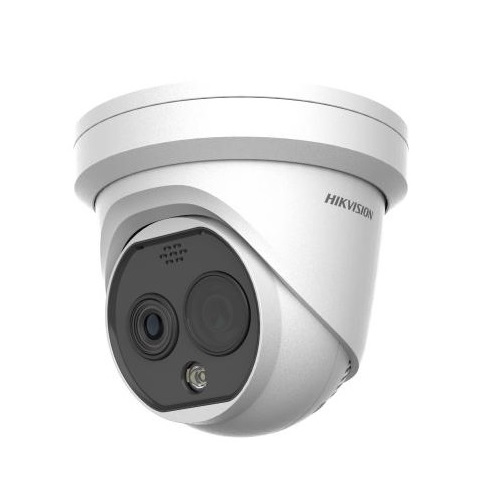
Thermal and bi-spectrum
Use where fire risk, dust, darkness or perimeter detection makes visible-light CCTV insufficient.
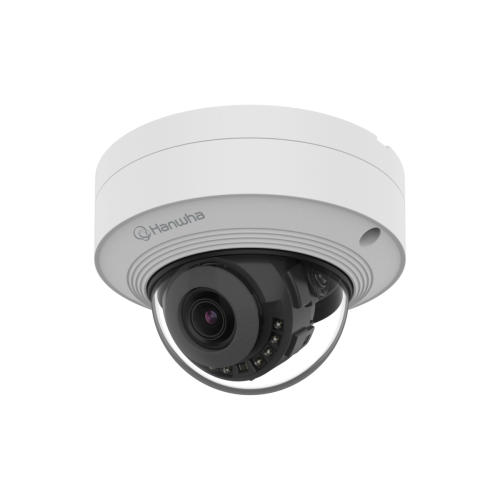
Premium commercial CCTV
Compare for higher-governance or enterprise-style sites where platform fit and durability matter.
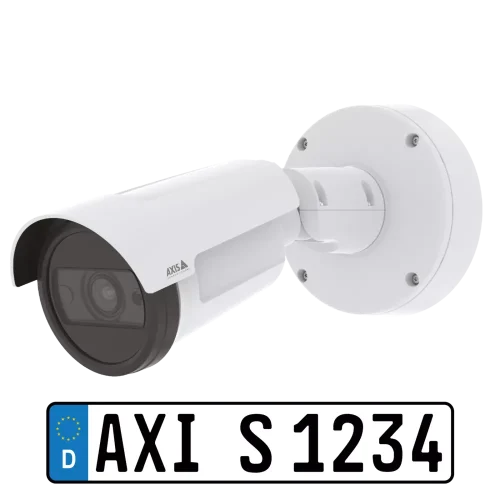
AXIS and LPR paths
Compare where open-platform design, weighbridge vehicle records or premium integration are important.
Operational handover checklist
- Camera names match site language such as weighbridge, fuel farm, crusher feed or workshop entry.
- Cleaning, inspection and lens-wipe intervals are assigned to a role, not left vague.
- Playback and export are tested with the person responsible for incident review.
- Known blind spots, exclusion zones and hazardous-area boundaries are documented.
Field notes that make the design stronger
On quarry and mine sites, the most useful camera is often not the most expensive one. It is the one that survives the mount, the dust, the wash-down routine, the sun angle and the review workflow. Before sign-off, ask the installer to show a real export clip from the exact view that will matter after an incident. A still image is not enough for moving plant, shift change or vehicle movement.
For higher-risk areas, keep a simple commissioning record: camera name, pole or mount location, lens setting, network path, cleaning expectation, test date and known limitation. That record becomes valuable when the site expands, a camera is replaced, or an incident is reviewed months later.
Frequently asked questions
Why do mining CCTV projects fail?
Usually because dust, vibration, distance, lighting, network path or review workflow was not tested under real site conditions.
Does thermal replace normal CCTV?
No. Thermal is a detection or heat-risk layer. Visible-light cameras are still needed for colour, identity and operational context.