

















Commercial
Aged Care Visitor Entry, Medication Rooms, and Staff-Only Zones
Return to CCTV and Security Systems for Aged Care Facilities
Workflow
Short answer
The strongest pattern is usually camera plus process: a camera on the front entry, a camera at reception, intercom verification where needed, and access control on the limited number of staff-only or restricted doors that actually matter. Medication rooms are often best protected at the threshold rather than by filming private handling activity inside.
Front-entry workflow
| Entry point | What usually helps | Why it matters |
|---|---|---|
| Main day-time visitor entry | Front-door camera plus reception view | Gives the site a clear record of arrival and interaction without over-complicating the process. |
| After-hours front entry | Video intercom plus controlled release | Lets staff verify who is outside before unlocking. |
| Service or contractor entry | Threshold camera and named-user or supervised access | Useful where deliveries, contractors or maintenance access continue beyond visiting hours. |
| Staff side entry | Credential-based access with camera at the boundary | Gives a better audit trail than a shared key or code alone. |
Medication rooms and restricted spaces
Medication rooms are a good example of where aged care security needs judgement. The high-value point is usually the threshold: who entered, when they entered, and when they exited. That is usually more appropriate than trying to record the private clinical or administrative activity inside the room itself.
Where the room carries a higher operational or compliance burden, Hikvision access control can make sense because it gives the site a named-user path rather than a shared code. The same logic often applies to records rooms, pharmacy-adjacent stores, or staff-only storerooms.
Staff-only zones that usually deserve more structure
- Medication-room thresholds.
- Back-of-house admin or records rooms.
- Service entries that remain active after hours.
- Storage areas with higher misuse or loss risk.
- Doors that are routinely left open because the workflow is poorly designed.
Worked examples
Small care home: a front-door camera, reception camera, one intercom answer point, one controlled medication-room door and one camera at the staff-only corridor threshold. This usually gets the facility much further than trying to add cameras to every room.
Larger facility: a more structured front-entry workflow, visitor path coverage, controlled staff entries, credentialed medication-room access and a clearer separation between visitor circulation and back-of-house movement.
Common mistakes
- Trying to secure medication handling by filming private activity rather than protecting the threshold.
- Using one shared code for too many important doors.
- Treating the front door the same way during business hours and after hours.
- Adding more cameras when the real issue is that the door-release workflow is weak.
Related guides
Aged Care Security: Access Control, Intercoms and Nurse Call
Use this when the conversation is broader than doors and thresholds.
Coverage Zones and Camera Placement
Use this when you need to map which shared spaces should be covered around the doors.
Access Control for Aged Care Facilities
Use this when the main question is reader, controller and credential design.
Aged-care authority layer: dignity, response and auditability
Aged-care security design should be more restrained than retail CCTV and more accountable than ordinary residential CCTV. The goal is to support resident dignity, staff safety, visitor management and incident review without normalising unnecessary monitoring of private life.
| Area | Security purpose | Boundary to document |
|---|---|---|
| Entry and reception | Visitor arrival, access and after-hours entry. | Who can release doors and review entry footage. |
| Medication or staff-only rooms | Threshold accountability and restricted access. | Avoid private care areas unless there is a clear, lawful and documented reason. |
| Duress points | Staff support during escalation or after-hours concern. | Who receives duress alerts and how response is tested. |
| Common areas | Incident review and movement context. | Resident dignity, signage, footage access and retention. |
Product paths to compare
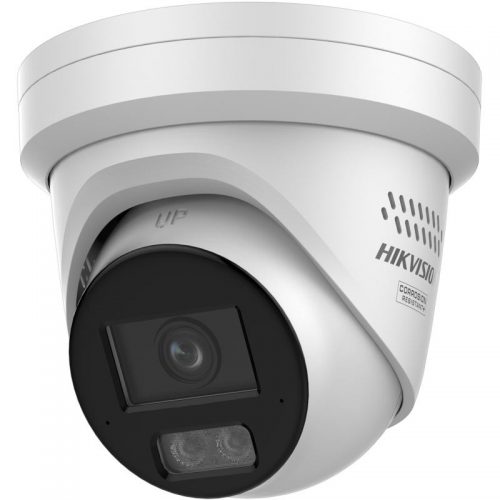
CCTV for common areas
Use fixed cameras for entries, corridors and public/common movement zones where review is appropriate.

Access control
Use controlled access for medication rooms, staff-only areas and doors where keys create poor accountability.
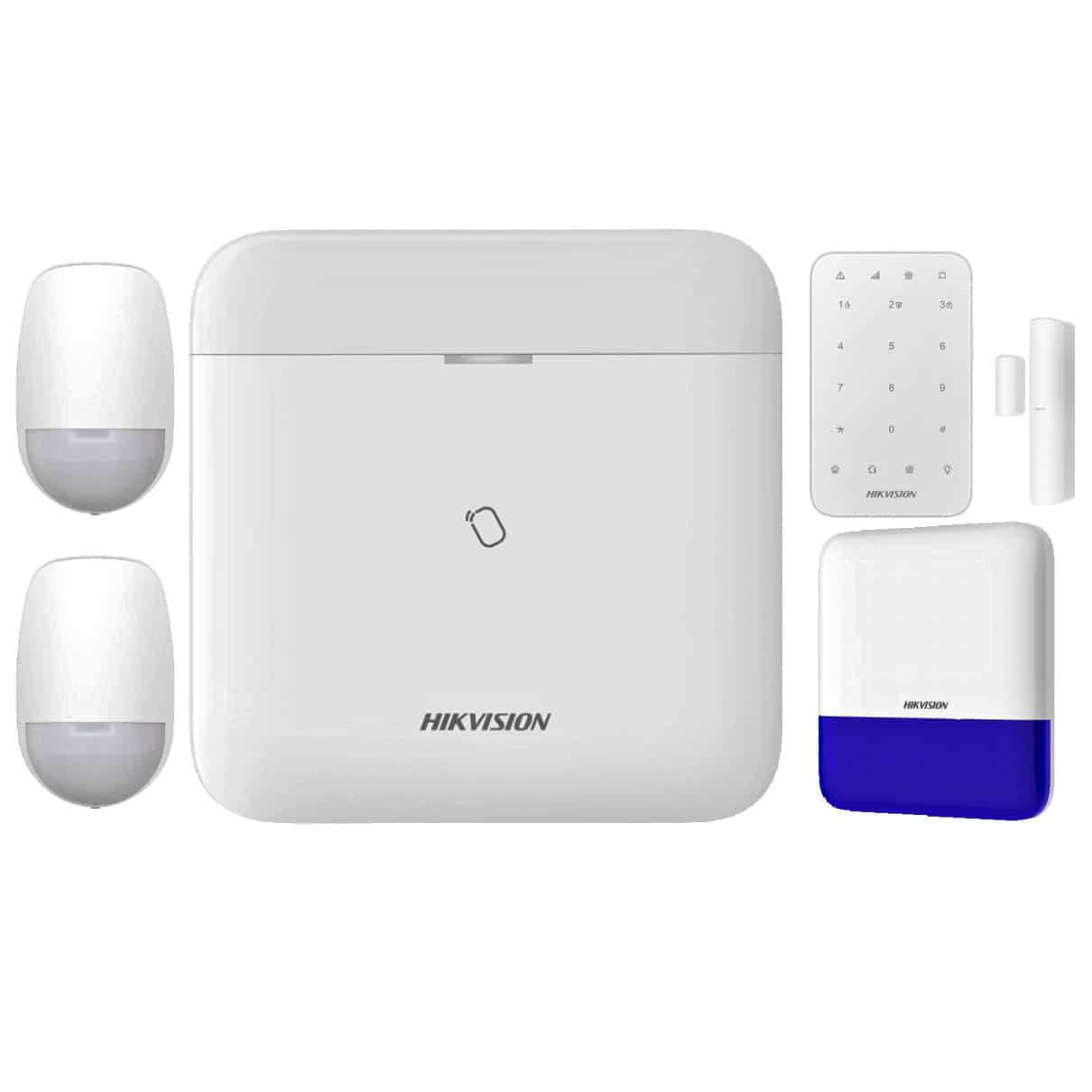
Duress and alarm layer
Compare where staff need a discreet alert path or after-hours response needs to be formalised.
Governance checklist
- Document why each camera exists and what it must not monitor.
- Limit footage access to named roles and keep export decisions traceable.
- Test duress response with real staff workflow, not only device activation.
- Review signage, retention and incident access procedures with management before handover.
Frequently asked questions
Should aged-care cameras be installed everywhere?
No. Cameras should be used carefully in appropriate common and security-relevant areas, with privacy and dignity boundaries documented.
What matters most for duress?
The response path. A duress button is only useful if the alert reaches the right people and the procedure is tested.