

















Commercial
Aged Care Duress, After-Hours Security, and Incident Response
Return to CCTV and Security Systems for Aged Care Facilities
Response
Quick direction
If the facility is asking how staff raise an alert, who answers the front door after hours, how footage gets reviewed after an incident, or how a small night-shift team stays supported, the answer is broader than just camera count. It usually includes clear front-entry workflow, staff duress planning, controlled access, reviewable footage and a defined escalation path.
Where after-hours risk usually appears
- Front entry or reception when visitor handling changes outside normal hours.
- Side and rear service doors that are less visible than the main entry.
- Car parks and pick-up areas where incidents are only discovered later.
- Staff-only doors used by smaller teams late in the day or overnight.
What a good incident-response setup usually includes
| Layer | Purpose | Typical fit |
|---|---|---|
| Clear entry cameras | Review who arrived and what happened | Main entry, reception, side and rear doors |
| Intercom or controlled front entry | Verify before release | After-hours front door and visitor-facing entries |
| Staff duress path | Raise a fast alert | Reception, late-shift desks, security-sensitive workflows |
| Footage review process | Know who checks what after an incident | Shift leads, facility management or delegated reviewers |
Where AX Pro may fit
Some aged care sites may also consider an alarm layer such as Hikvision AX Pro for selected after-hours or staff-alert scenarios, particularly where the site wants a cleaner disturbance or duress workflow around the front office, back-of-house doors or service areas. It still needs disciplined detector placement and should not be treated as a substitute for nurse call or resident-care workflow.
Worked examples
Smaller facility: front-entry camera, reception camera, controlled front entry after hours, one duress option at reception and a clear rule about who reviews footage if an event occurs overnight.
Larger facility: front-entry and side-entry review, controlled medication-room access, defined late-shift entry workflow, multiple after-hours cameras, and a documented chain for who answers, who verifies, who escalates and who reviews footage the next morning.
Common mistakes
- Assuming the day-shift process is good enough for night or weekend conditions.
- Adding more cameras without deciding who is supposed to act when something happens.
- Mixing up nurse call, duress and visitor-entry workflow as if they are the same system.
- Having good footage but no clear process for who can review or export it after an incident.
Related guides
Aged Care Security: Access Control, Intercoms and Nurse Call
Use this when after-hours response needs to be understood as part of a broader layered system.
Recording, Storage, UPS, and Network Planning
Use this when response quality depends on reliable playback and better uptime.
Best CCTV System for Aged Care Facilities in Australia
Use this when you need to tie the response plan back into a practical camera-system recommendation.
Real quote scenarios
| Scenario | Typical quote shape | Why this design works |
|---|---|---|
| Small residential care home | Entry/reception cameras, rear access camera, two to four duress points and clear manager response procedure. | Supports staff safety and entry review without normalising unnecessary resident monitoring. |
| Medium facility with night staff | Common-area transition cameras, staff-only door control, duress at reception and nurse/admin points, after-hours alert testing. | The system is designed around escalation and response, not just recording. |
| Larger aged-care facility | Structured CCTV, access-controlled medication/staff areas, multiple duress points, role-based footage permissions and scheduled governance review. | Creates auditability across care, facilities and management teams while keeping dignity boundaries visible. |
Aged-care authority layer: dignity, response and auditability
Aged-care security design should be more restrained than retail CCTV and more accountable than ordinary residential CCTV. The goal is to support resident dignity, staff safety, visitor management and incident review without normalising unnecessary monitoring of private life.
| Area | Security purpose | Boundary to document |
|---|---|---|
| Entry and reception | Visitor arrival, access and after-hours entry. | Who can release doors and review entry footage. |
| Medication or staff-only rooms | Threshold accountability and restricted access. | Avoid private care areas unless there is a clear, lawful and documented reason. |
| Duress points | Staff support during escalation or after-hours concern. | Who receives duress alerts and how response is tested. |
| Common areas | Incident review and movement context. | Resident dignity, signage, footage access and retention. |
Product paths to compare
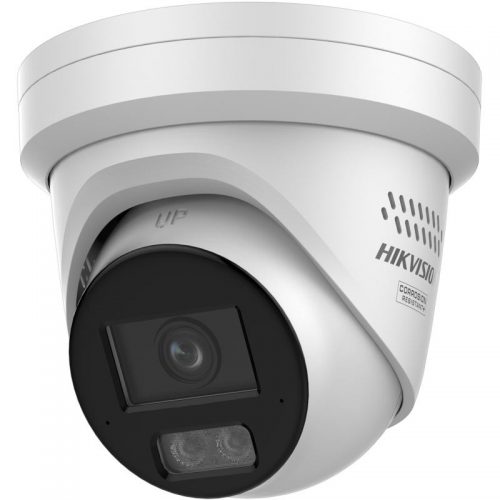
CCTV for common areas
Use fixed cameras for entries, corridors and public/common movement zones where review is appropriate.

Access control
Use controlled access for medication rooms, staff-only areas and doors where keys create poor accountability.
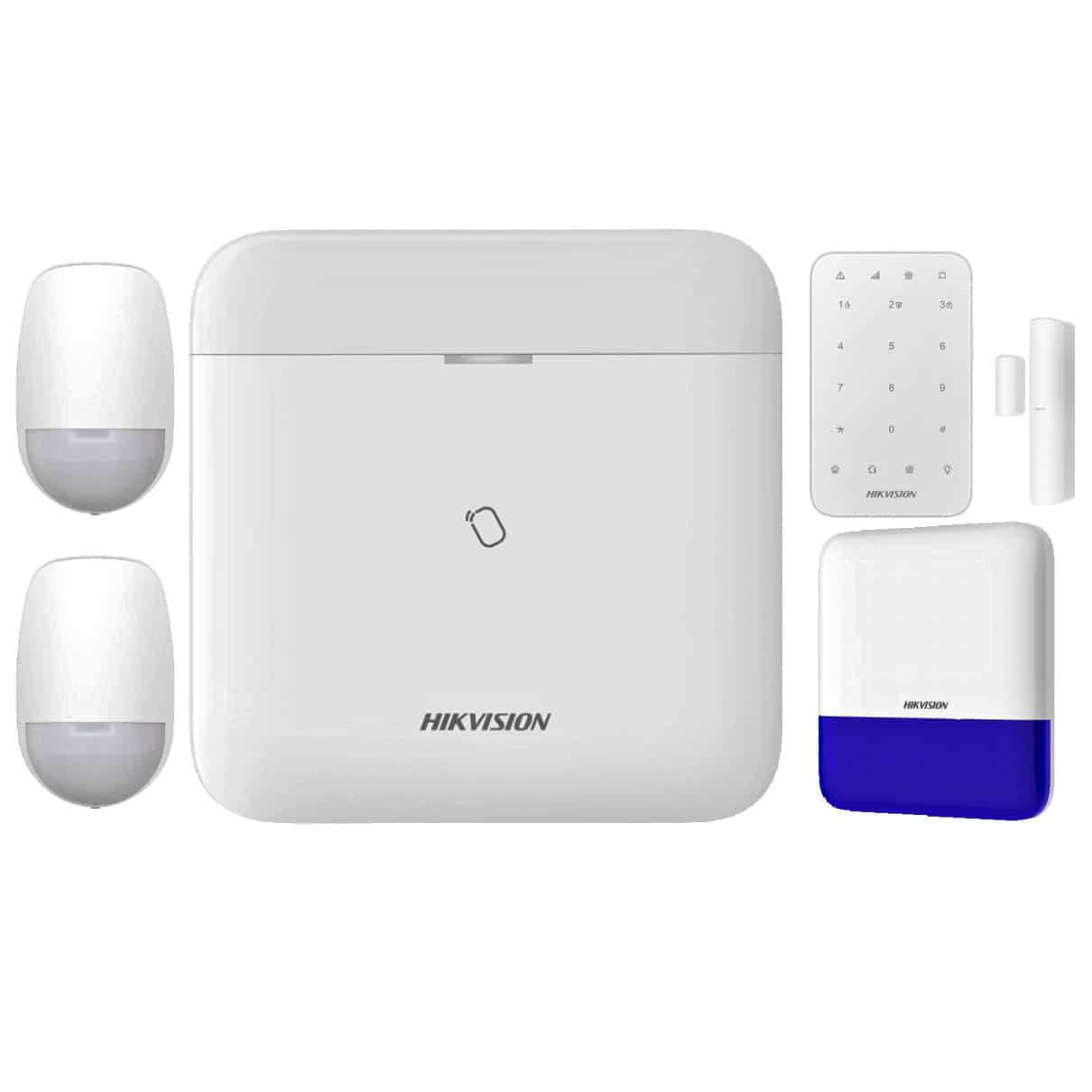
Duress and alarm layer
Compare where staff need a discreet alert path or after-hours response needs to be formalised.
Governance checklist
- Document why each camera exists and what it must not monitor.
- Limit footage access to named roles and keep export decisions traceable.
- Test duress response with real staff workflow, not only device activation.
- Review signage, retention and incident access procedures with management before handover.
Frequently asked questions
Should aged-care cameras be installed everywhere?
No. Cameras should be used carefully in appropriate common and security-relevant areas, with privacy and dignity boundaries documented.
What matters most for duress?
The response path. A duress button is only useful if the alert reaches the right people and the procedure is tested.