

















Informational
Aged Care CCTV Coverage Zones and Camera Placement
Return to CCTV and Security Systems for Aged Care Facilities
Planning
Quick direction
Start with the main entry, reception, visitor path, common-area circulation, staff-only thresholds, medication-room thresholds, car parks and after-hours access points. Be much more cautious around bedrooms, bathrooms, private-care areas, treatment spaces and any area where a resident should expect a much higher level of privacy.
Coverage zone table
| Area | Recommended camera type | What to capture | Notes |
|---|---|---|---|
| Main front entry | Fixed turret or dome | Visitor arrival, door approach, entry sequence | Usually the highest-value camera on the whole site. |
| Reception desk | Fixed turret or dome | Reception interactions, visitor identification, incident review | Avoid awkward angles that mainly show the top of heads. |
| Visitor path from front door | Fixed cameras at intersections | Movement into common areas | Use corridor intersections instead of filming every metre of hallway. |
| Common lounge and dining entry points | Fixed cameras | Who entered, when movement occurred, shared-space review | Focus on the shared zone, not intimate private activity. |
| Staff-only doors | Fixed threshold cameras | Access at the boundary | Threshold capture is usually better than constant internal staff surveillance. |
| Medication-room threshold | Fixed camera outside the doorway | Entry and exit sequence | Keep the camera on the threshold rather than the private handling activity inside. |
| Service and loading doors | Bullet or turret | Deliveries, contractors, after-hours access | Often overlooked on multi-wing facilities. |
| Rear and side entries | Bullet or turret | After-hours approach, door use and exit path | These are often more important than extra indoor cameras. |
| Car park and pick-up zone | Bullet or varifocal | Vehicle arrival, visitor movement, incident review | Keep lighting and headlight glare in mind. |
Areas to treat very carefully
- Bedrooms and private suites are not standard CCTV zones.
- Bathrooms, ensuites and change areas should be treated as obviously inappropriate in normal circumstances.
- Private-care and dignity-sensitive spaces need a very specific lawful and documented reason before any camera discussion should even begin.
- Do not assume more internal coverage automatically means a better aged care system.
Common placement mistakes
- Trying to cover the whole facility equally instead of prioritising transitions and shared spaces.
- Mounting one camera too wide and expecting it to solve entry, reception and hallway review at once.
- Covering private spaces instead of capturing the boundary where people enter and leave them.
- Ignoring after-hours side and rear entries while over-focusing on the front door.
- Placing cameras so high that they lose usable face detail.
What to read next
Best CCTV System for Aged Care Facilities in Australia
Use this when you need camera count, recorder size and a starting buying path.
Visitor Entry, Medication Rooms, and Staff-Only Zones
Use this when the real question is front-entry release, restricted rooms and staff-only control.
Privacy, Dignity, Signage, and Footage Access
Use this when you need a more governance-led answer on what should and should not be captured.
Aged-care authority layer: dignity, response and auditability
Aged-care security design should be more restrained than retail CCTV and more accountable than ordinary residential CCTV. The goal is to support resident dignity, staff safety, visitor management and incident review without normalising unnecessary monitoring of private life.
| Area | Security purpose | Boundary to document |
|---|---|---|
| Entry and reception | Visitor arrival, access and after-hours entry. | Who can release doors and review entry footage. |
| Medication or staff-only rooms | Threshold accountability and restricted access. | Avoid private care areas unless there is a clear, lawful and documented reason. |
| Duress points | Staff support during escalation or after-hours concern. | Who receives duress alerts and how response is tested. |
| Common areas | Incident review and movement context. | Resident dignity, signage, footage access and retention. |
Product paths to compare
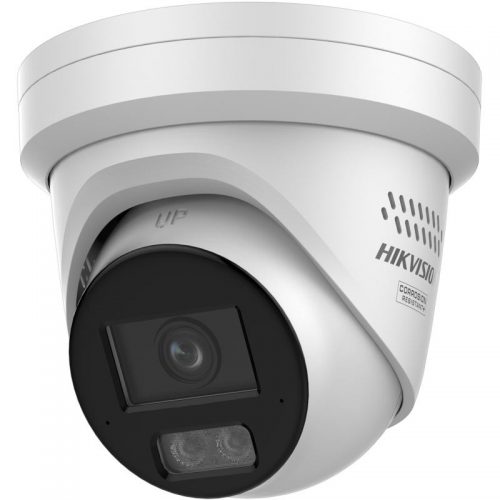
CCTV for common areas
Use fixed cameras for entries, corridors and public/common movement zones where review is appropriate.

Access control
Use controlled access for medication rooms, staff-only areas and doors where keys create poor accountability.
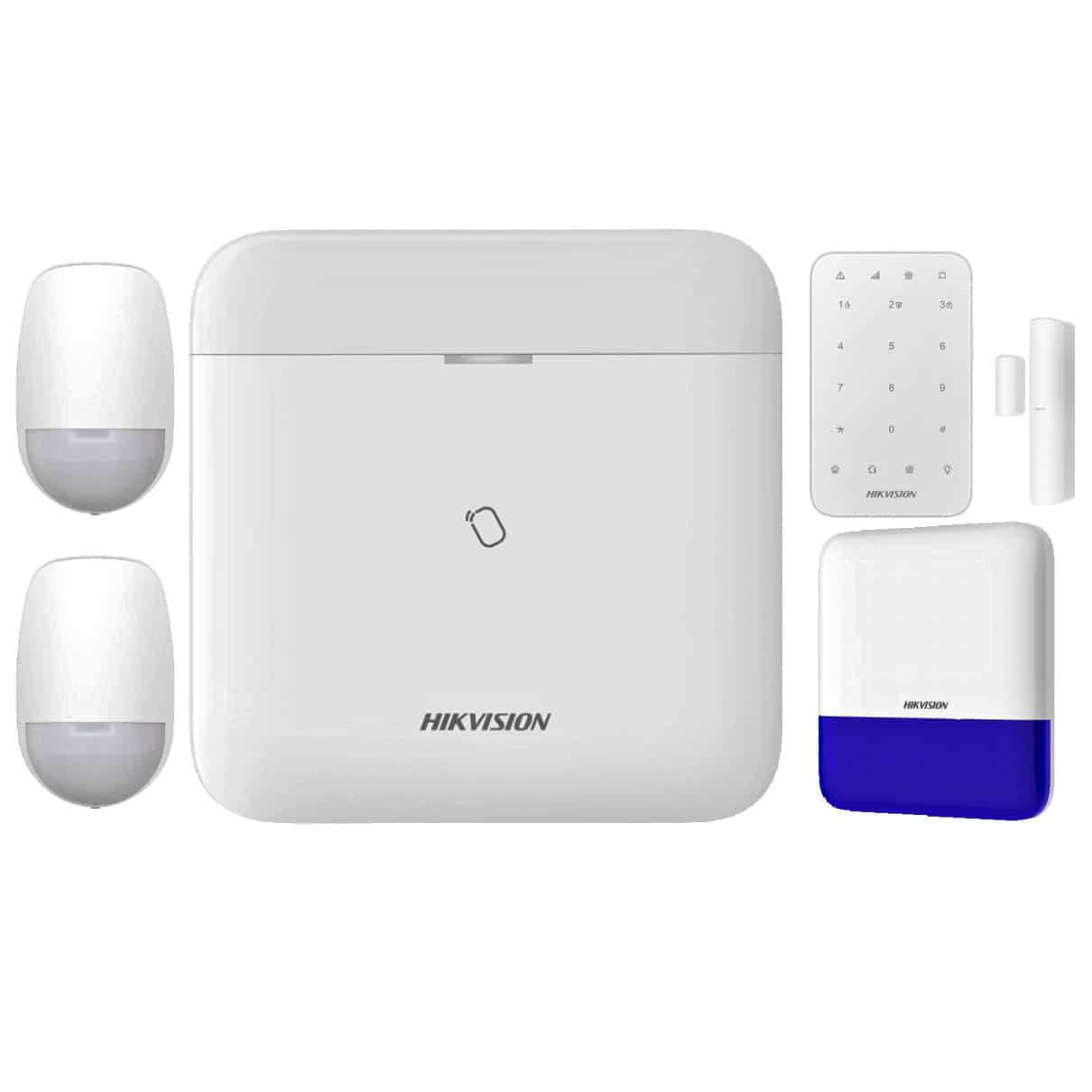
Duress and alarm layer
Compare where staff need a discreet alert path or after-hours response needs to be formalised.
Governance checklist
- Document why each camera exists and what it must not monitor.
- Limit footage access to named roles and keep export decisions traceable.
- Test duress response with real staff workflow, not only device activation.
- Review signage, retention and incident access procedures with management before handover.
Frequently asked questions
Should aged-care cameras be installed everywhere?
No. Cameras should be used carefully in appropriate common and security-relevant areas, with privacy and dignity boundaries documented.
What matters most for duress?
The response path. A duress button is only useful if the alert reaches the right people and the procedure is tested.