

















Commercial
Aged Care CCTV Recording Time, Storage, UPS, and Network Planning
Return to CCTV and Security Systems for Aged Care Facilities
Infrastructure
Quick direction
Choose the recorder not just by camera count, but by future headroom, user permissions, secure location, UPS support and retention needs. Many aged care sites benefit from buying the next step up in channel count so that one extra wing, one extra car-park camera or one future staff-only threshold does not force an early replacement.
What drives storage requirements
| Factor | Why it matters | Practical note |
|---|---|---|
| Camera count | More cameras obviously generate more footage. | Large common areas and multi-building sites step up faster than people expect. |
| Resolution | Higher resolution means better detail but more storage use. | Do not default everything to maximum resolution without a reason. |
| Frame rate | Higher frame rates create heavier storage demand. | Not every corridor camera needs the same frame rate as an entry camera. |
| Continuous vs event recording | Continuous recording uses more space. | Many aged care sites still prefer continuous recording on critical cameras because the review value is higher. |
| Retention target | Longer retention means larger drives or more efficient design. | Agree the target before buying, not after the recorder fills up. |
Recorder planning by site size
| Site size | Typical recorder thinking | What to watch |
|---|---|---|
| Small care home | 8 or 16 channel recorder with some future spare channels | Do not lock the site into a recorder that is already full on day one. |
| Typical facility | 16 channel or a more capable step-up recorder | User permissions, remote access control and storage headroom matter more here. |
| Multi-wing site | Larger recorder or grouped design | Think about cabinet location, network uplinks and who actually reviews footage. |
| Multi-building site | Grouped recorders or staged architecture | Treat it as a site-wide system rather than one overgrown box. |
UPS and power resilience
Many facilities underestimate how quickly the value of CCTV drops if the recorder, switch or router all fall over during a short outage. If the site cares about after-hours review, incident evidence or a stable remote-viewing path, the recorder and core network gear should usually have UPS protection.
- Protect the NVR, core PoE switch and router together, not just one device.
- Keep the recorder in a secure room or cabinet with controlled access.
- Label drives, logins and network links so handover does not depend on one person remembering everything.
Permissions and footage access
Aged care sites are rarely well served by everyone sharing one admin password. It is usually better to decide who can view live footage, who can search playback, who can export footage, and who can change system settings. That discipline matters because the sensitivity of the footage is usually higher than a simple retail or warehouse site.
Network planning
Wired PoE is usually the cleanest path for internal and building-adjacent cameras. On larger facilities, it is worth thinking early about comms cabinet location, switch uplinks, spare switch capacity and how multiple wings or buildings will be linked. Facilities often grow slowly, so leaving spare ports and spare recorder channels is usually smarter than buying exactly to the current count.
What to read next
Best CCTV System for Aged Care Facilities in Australia
Use this when you need the broader system-size answer.
Privacy, Dignity, Signage, and Footage Access
Use this when recorder planning starts blending into governance and footage-access discipline.
Duress, After-Hours Security, and Incident Response
Use this when the real issue is how the footage is used after an event.
Aged-care authority layer: dignity, response and auditability
Aged-care security design should be more restrained than retail CCTV and more accountable than ordinary residential CCTV. The goal is to support resident dignity, staff safety, visitor management and incident review without normalising unnecessary monitoring of private life.
| Area | Security purpose | Boundary to document |
|---|---|---|
| Entry and reception | Visitor arrival, access and after-hours entry. | Who can release doors and review entry footage. |
| Medication or staff-only rooms | Threshold accountability and restricted access. | Avoid private care areas unless there is a clear, lawful and documented reason. |
| Duress points | Staff support during escalation or after-hours concern. | Who receives duress alerts and how response is tested. |
| Common areas | Incident review and movement context. | Resident dignity, signage, footage access and retention. |
Product paths to compare
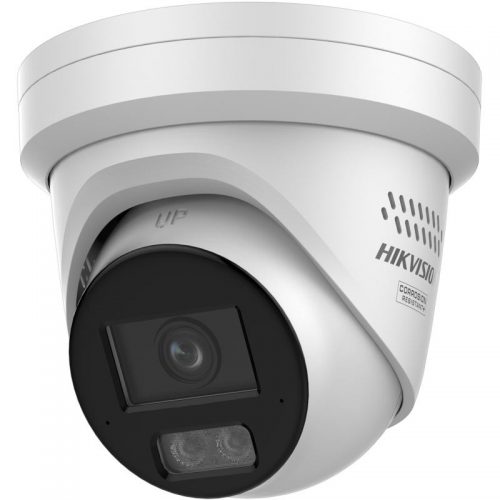
CCTV for common areas
Use fixed cameras for entries, corridors and public/common movement zones where review is appropriate.

Access control
Use controlled access for medication rooms, staff-only areas and doors where keys create poor accountability.
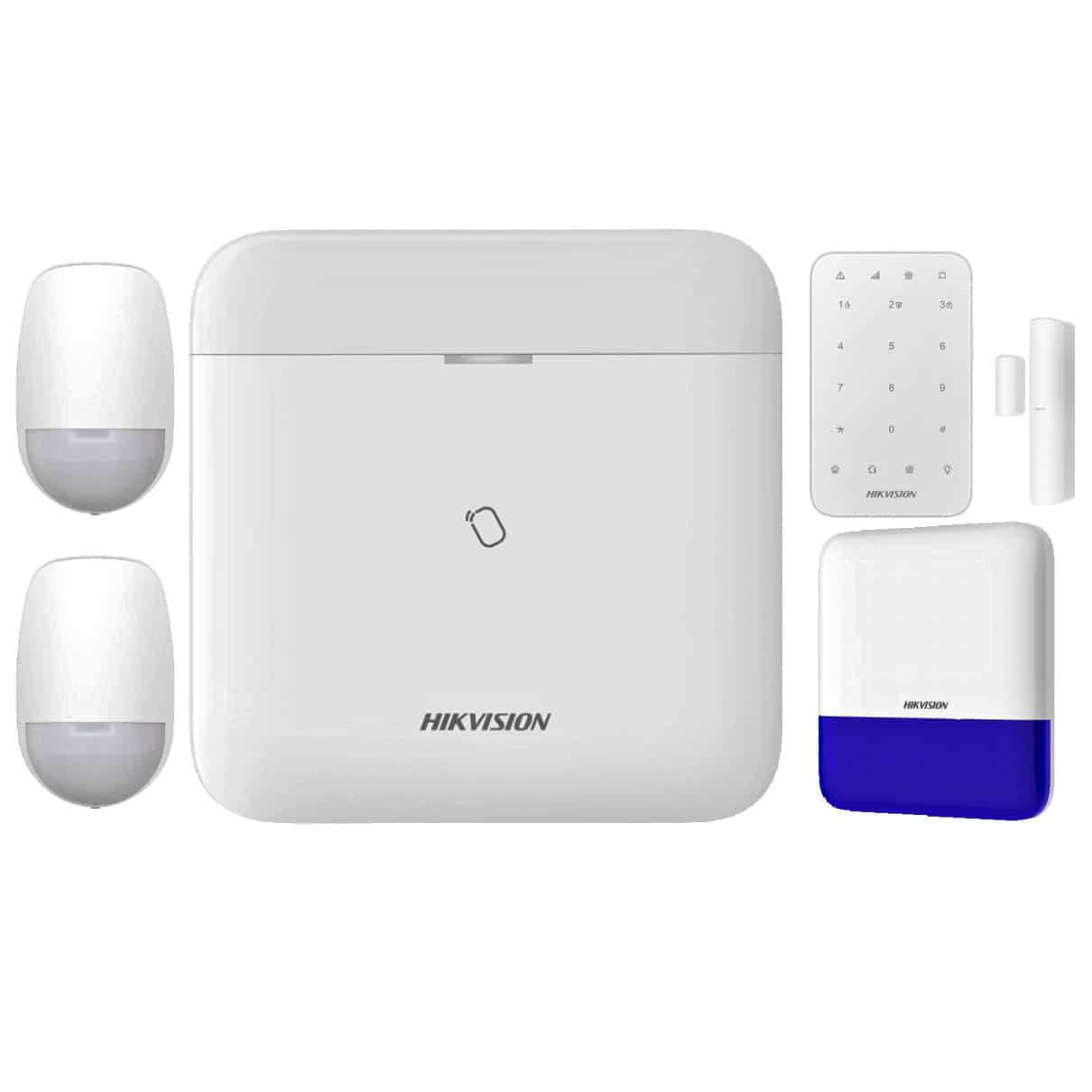
Duress and alarm layer
Compare where staff need a discreet alert path or after-hours response needs to be formalised.
Governance checklist
- Document why each camera exists and what it must not monitor.
- Limit footage access to named roles and keep export decisions traceable.
- Test duress response with real staff workflow, not only device activation.
- Review signage, retention and incident access procedures with management before handover.
Frequently asked questions
Should aged-care cameras be installed everywhere?
No. Cameras should be used carefully in appropriate common and security-relevant areas, with privacy and dignity boundaries documented.
What matters most for duress?
The response path. A duress button is only useful if the alert reaches the right people and the procedure is tested.