

















Commercial
Best Strata Security System in Australia
Return to Strata Building CCTV Systems
Security Systems
Quick answer
Most strata buildings start with common-property CCTV on entries, lobbies, lift landings, basements, gates and visitor parking, then layer in intercom and access control where the real problem is visitor release, resident access, tag management or after-hours gate misuse. The strongest systems also decide early who can review footage and who controls common-property security decisions.
What a broader strata security system usually includes
| Layer | Typical role | Common strata fit |
|---|---|---|
| CCTV | Review movement and incidents on common property | Lobbies, lift landings, basement ramps, gates, mailroom approaches |
| Intercom | Visitor verification and door release | Main entry, resident entry, gate intercom, delivery or visitor entry points |
| Access control | Credential-based control of doors or gates | Basement gates, side entries, amenities, plant or comms rooms, mixed-use entries |
| Governance | Decide who controls access and footage | Owners corporation, strata manager, building manager, committee process |
Worked examples
Small apartment block: lobby camera, front entry intercom, basement ramp camera, side gate view and clear committee rules around footage access. The biggest improvement is usually not more cameras. It is better front-entry and gate workflow.
Larger mixed-use building: lobby and mailroom CCTV, basement entry and visitor parking coverage, intercom-linked resident entry, selected access control on restricted spaces and a more formal process for authorising footage review and tag changes.
Common mistakes
- Trying to use CCTV as a substitute for weak intercom or gate workflow.
- Installing cameras without agreeing who can view and export footage.
- Treating resident privacy as an afterthought.
- Choosing broad common-property coverage but ignoring the visitor-release process at the main entry.
Real quote scenarios
| Scenario | Typical quote shape | Why this design works |
|---|---|---|
| 8-unit walk-up block | 6 to 8 common-property cameras, 8-channel NVR, front-entry intercom refresh, one side-gate or bin-area camera. | The problem is usually entry, mailroom, bins and side access, not a large enterprise system. Keep administration simple for the strata committee. |
| 40-lot apartment building with basement | 16 to 24 cameras, 32-channel NVR, lobby and lift landing coverage, basement gate view, visitor parking, intercom review and selected access control. | The basement and visitor workflow become as important as the lobby. Use access records and CCTV together so incidents can be reconstructed. |
| Mixed-use strata with retail below | 32 to 48 cameras, larger NVR or staged recorder design, separate user permissions, front entry, loading, retail back-of-house, basement and plant-room access control. | Mixed-use sites need governance as much as hardware. Separate residential, retail and building-manager permissions before handover. |
Recommended system stack by building type
A best-practice security system is built as a stack, not as a shopping list. Start with the control points, then choose CCTV, intercom, access control, alarms and governance around the way the site is actually run.
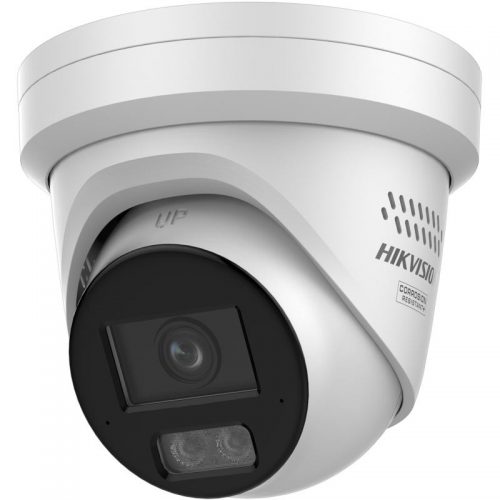
CCTV backbone
Use fixed evidence cameras first, then add PTZ, ANPR, thermal or deterrence only where the site workflow justifies it.
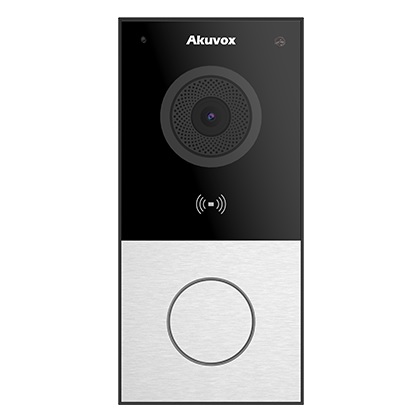
Intercom and visitor release
Use intercoms where the problem is visitor verification, delivery entry, after-hours release or reception workflow.

Access control
Use controlled credentials where keys, shared codes or uncontrolled staff-only doors are the real weakness.
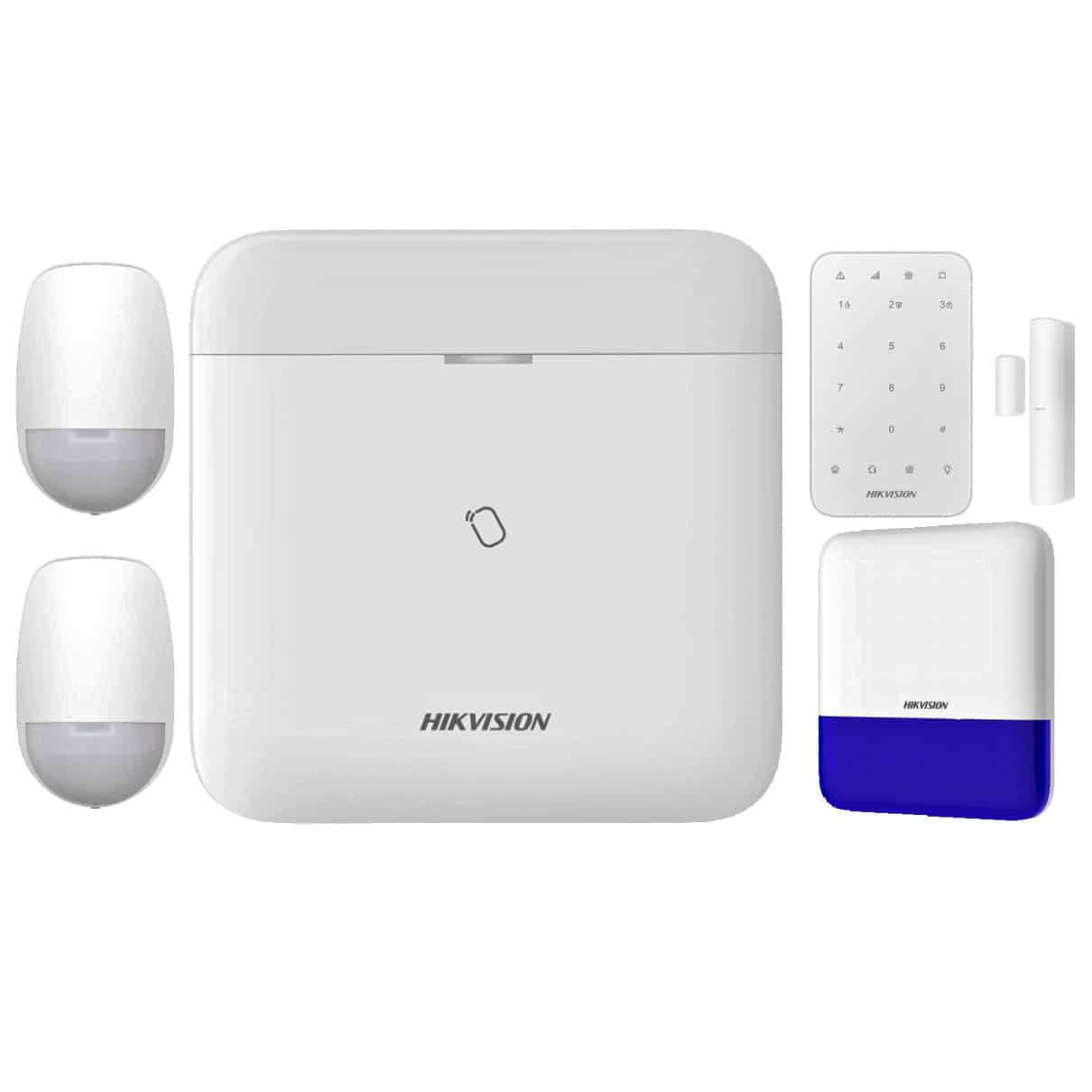
Alarm and duress layer
Use alarms, panic buttons or monitored response where the issue is immediate notification, not only later footage review.
Acceptance criteria before handover
- Every camera, intercom, reader, alarm input and user account has a named purpose.
- Day and night test clips are reviewed with the site manager, business owner or committee.
- Access permissions, footage export rules and admin ownership are documented.
- After-hours response is tested with the people who will actually receive alerts or calls.
- The site has a written maintenance and review rhythm so the system does not quietly drift.
Questions that separate a quote from a proper design
| Question | Why it matters |
|---|---|
| Who makes access and footage decisions? | Security systems fail socially before they fail technically when nobody owns permissions. |
| Which incidents are most likely to be reviewed? | The system should be framed around likely review events, not generic coverage. |
| What happens after an alert or call? | Alerts are only useful when there is a clear response path. |
| What is out of scope? | Good designs document private, sensitive or inappropriate areas as clearly as covered areas. |
Frequently asked questions
Can CCTV alone be the whole security system?
Sometimes for simple sites, but many buildings also need intercom, access control, alarm response or better governance.
What should be documented after installation?
Camera names, user permissions, footage access rules, alert recipients, access-control administration and known system limitations.
Where do buyers overspend?
Usually on broad cameras or premium features before fixing the real workflow at entries, gates, restricted rooms and after-hours response points.