

















Informational
Common-Property Coverage Should Be Clear and Purposeful
Shared Spaces
These areas often matter because they connect entries, lifts, mail zones, and residential floors. They are not usually the place for PTZ or flashy deterrence. They are the place for clear common-property logic: why the camera is there, what it helps review, and who can access the footage if something happens.
If the building uses lift controllers or wants to restrict floor access, the lift should be treated as part of the entry journey rather than an isolated add-on. The lift-controller decision, the access logs, and the supporting CCTV views on the lobby and landing all work better when they are planned together. The broader access-control side of that is covered in Intercom, Access Control, and Upgrades.
Frequently Asked Questions
-
What camera type usually suits strata corridors and lift landings?
Fixed cameras usually suit these areas because the site wants stable, predictable playback in spaces where movement patterns are regular.
-
Do these common-property areas need PTZ cameras?
Usually no. PTZ cameras are rarely the best fit because the scheme generally wants a constant record of the same landing or corridor area.
-
Why are lift landings important CCTV positions?
Lift landings are common transition points between public and semi-private common property, so good footage there can be very helpful in incident review.
-
How do lift controllers relate to CCTV planning?
If the building uses lift-floor restriction or resident-only level access, the committee should plan lift control together with intercom, access logs, and lobby or lift-landing CCTV so the full movement path is reviewable.
-
Should this part of the site be marked on a plan before installation?
Usually yes. A marked-up plan helps confirm viewing direction, blind spots, mounting positions, and whether the chosen camera type still makes sense before hardware is finalised.
-
What matters more here: wide overview or clear identification detail?
That depends on the job of the camera. Some zones need a broad overview, while others need enough detail to identify a person, vehicle, or event clearly.
Real quote scenarios
| Scenario | Typical quote shape | Why this design works |
|---|---|---|
| Small apartment corridor | Entry lobby camera plus one corridor transition camera, not blanket corridor coverage. | Supports common-property incident review without making residents feel over-monitored. |
| Lift lobby disputes | Lift landing camera, mailroom approach and lobby view with clear footage request rules. | Targets the common-property transition points that committees are usually asked to review. |
| Larger tower | Lift lobby coverage by level group, basement and lobby integration, role-based access and retention policy. | Turns footage review into a controlled process instead of an ad hoc committee debate. |
Authority upgrade: make the page quote-ready
For this topic to move from general advice to a strong buying guide, the buyer needs to know what to specify, what to avoid and how the installer should prove the result at handover.
| Specify | Why it matters |
|---|---|
| Exact review event | Camera placement should answer a named incident question, not just show a broad area. |
| Camera type and lens expectation | Fixed, motorised, PTZ, deterrence and ANPR cameras solve different problems. |
| Lighting and after-hours conditions | Many systems look acceptable by day and fail when the real incident occurs at night. |
| Handover evidence | Test clips, user permissions and playback workflow prove the system is usable. |
Product paths to compare
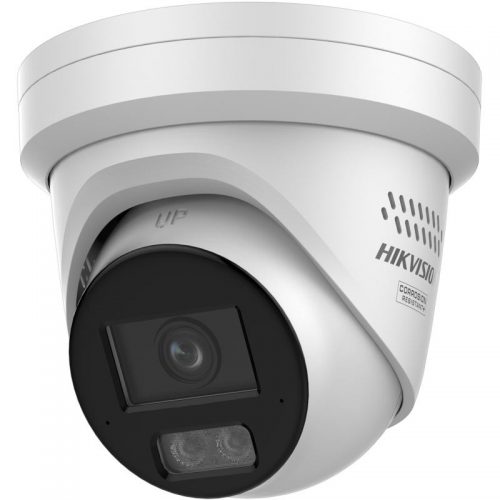
Hikvision fixed and specialist cameras
Use as a broad comparison path for fixed, low-light, deterrence, PTZ, ANPR and NVR-based systems.
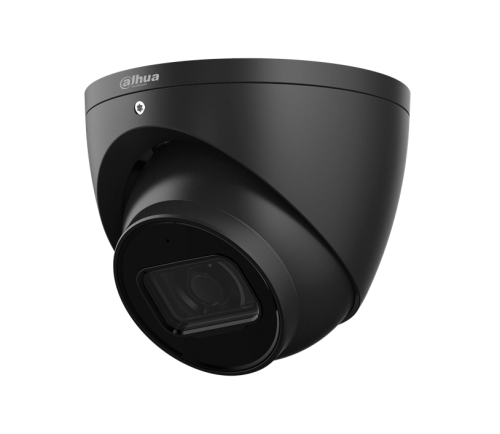
Dahua commercial CCTV
Compare when value, WizSense/WizColor, TiOC deterrence or Dahua recorder compatibility matter.
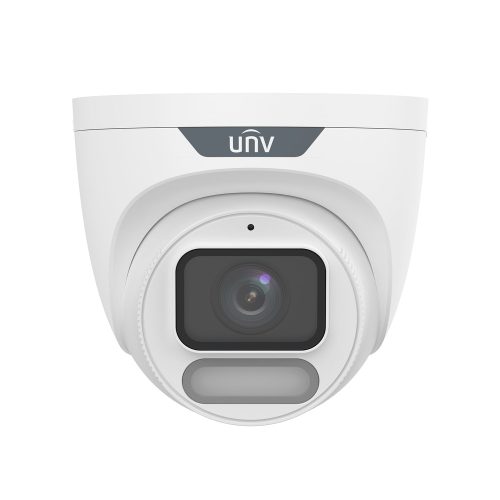
Uniview CCTV
Compare for practical commercial IP CCTV with OwlView, Tri-Guard and straightforward NVR paths.
Handover checklist
- Confirm the view answers the intended incident question.
- Test playback and export with the person who will use the system.
- Document user permissions, retention and known limitations.
- Review night footage or after-hours behaviour before sign-off.