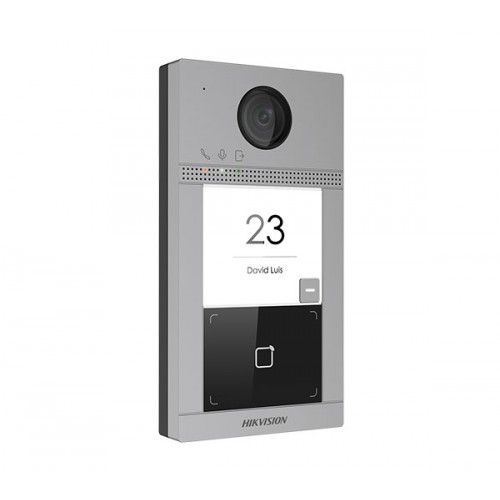
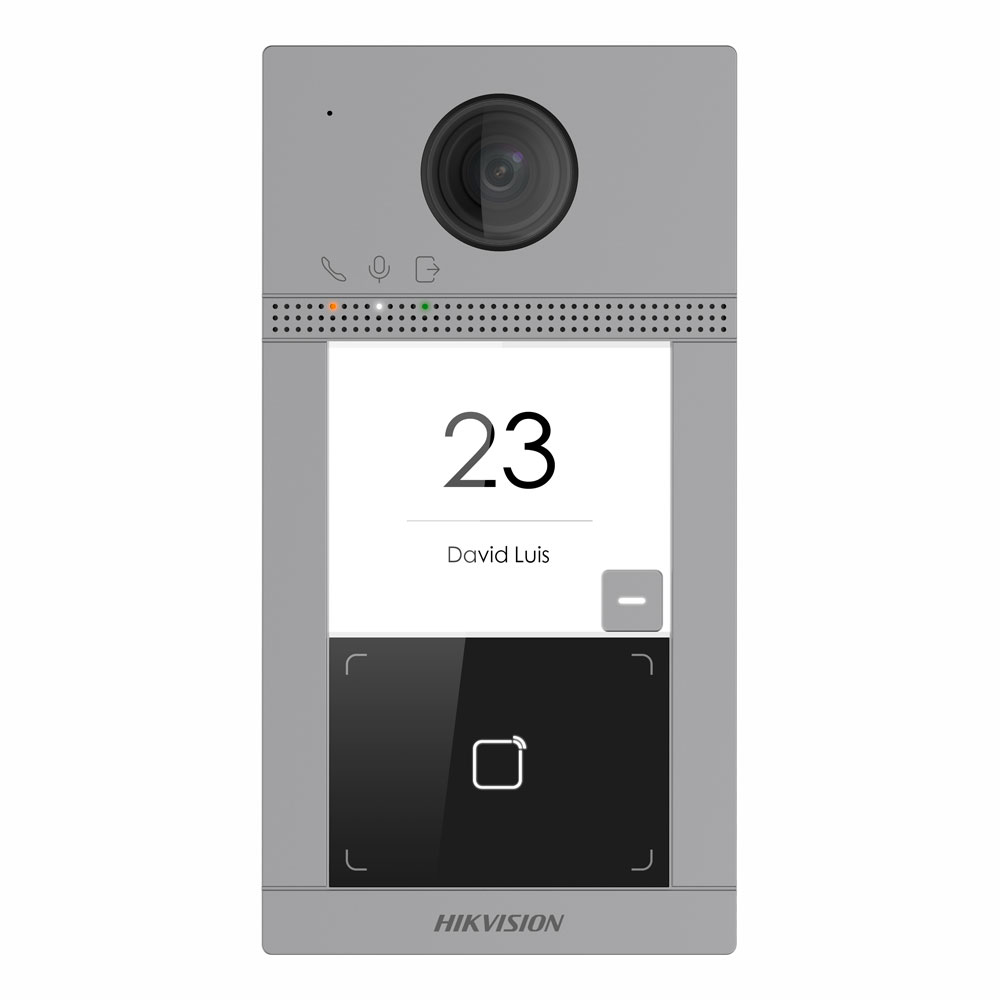
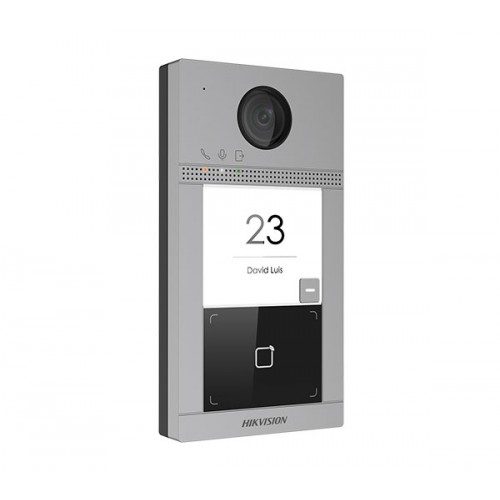
Hikvision DS-KV8113-WME1 Single Button Villa Door Station.
Includes, Single Button Villa Door Station, Aluminum alloy, 2MP (1080P) extreme wide angle Camera, 10M/100M Self-adaptive Ethernet, LAN and/or WiFi, 12 VDC / 48V PoE, 1-ch Indoor station access with Mifare Card Reader.
Key Features
● Single Button
● Standard PoE
● 2 MP HD camera
● Noise suppression and echo cancellation
● Low illumination
● Access control functions (built in Mifare Card Reader)
● Tamper-proof
● Configuration remotely via Web
● 2.4 GHz Wi-Fi
● Protection level: IP65 / IK08
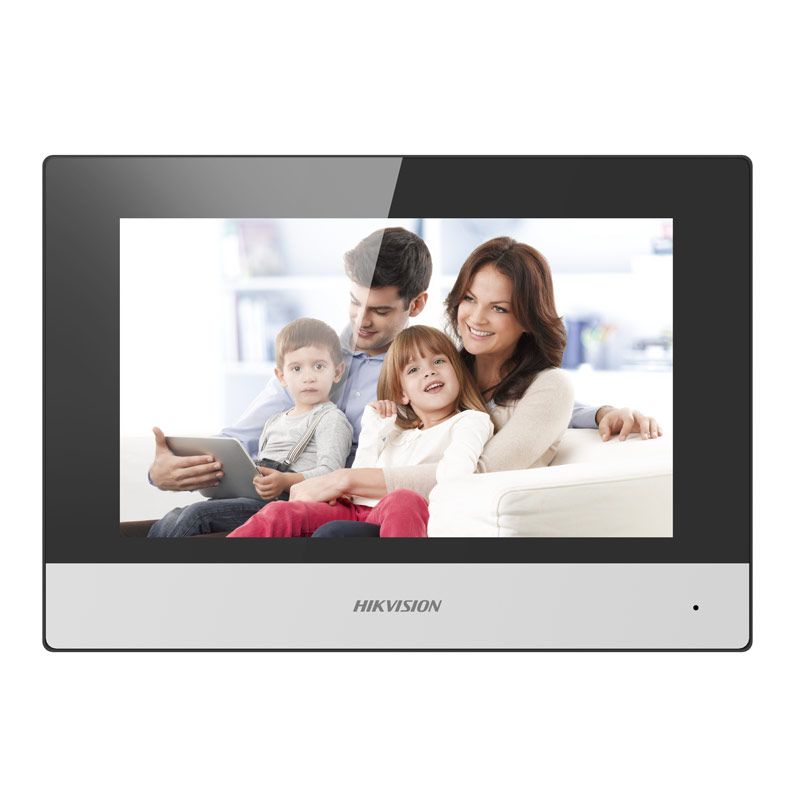
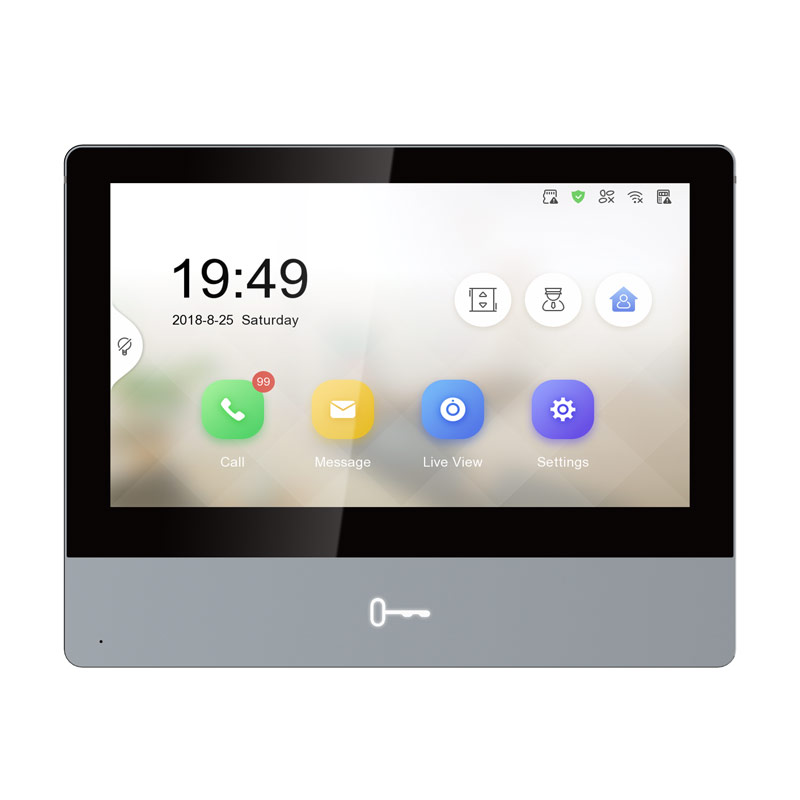
Works with any Gen2 Room Stations.
WIRING REQUIREMENTS;
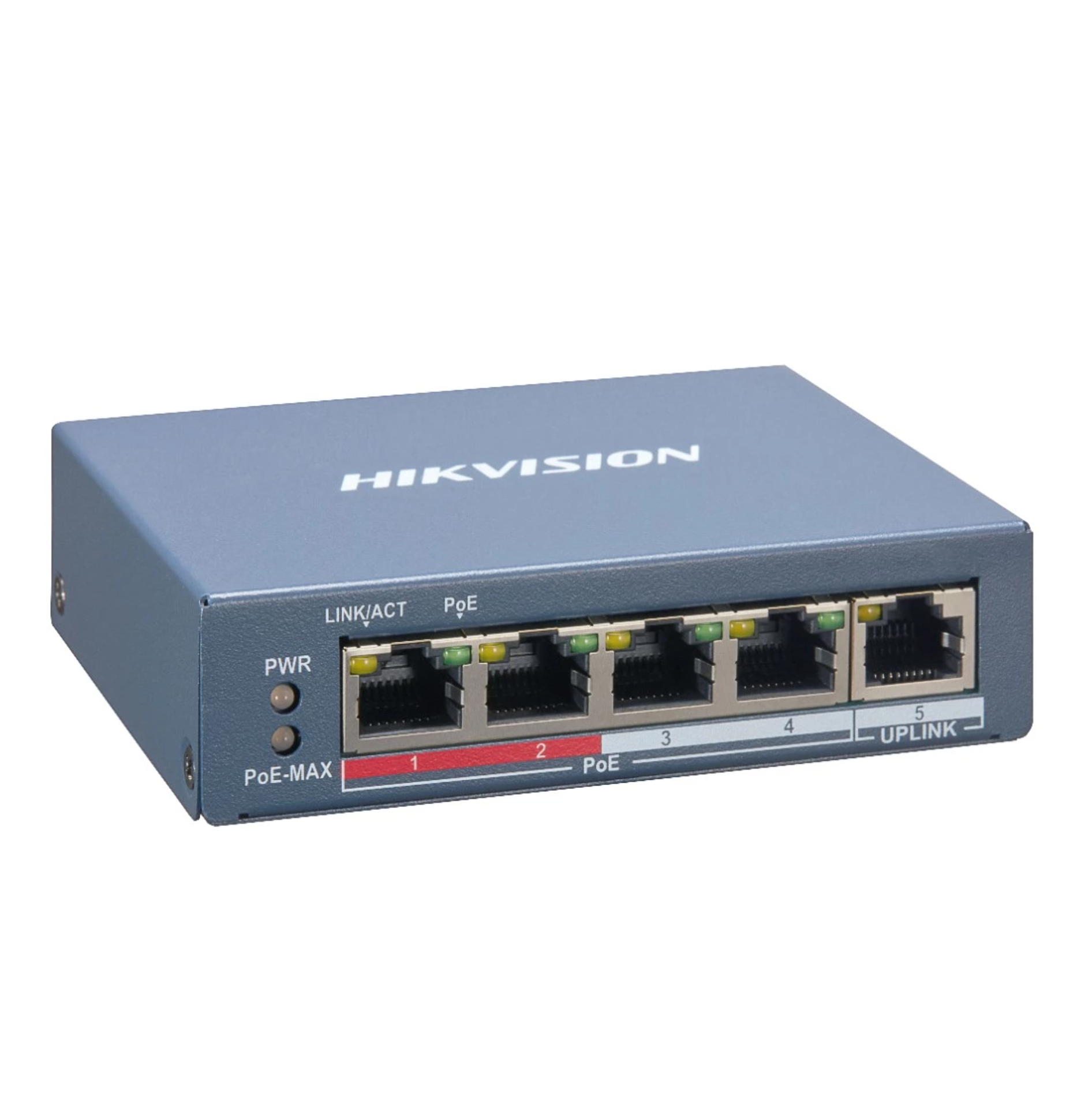
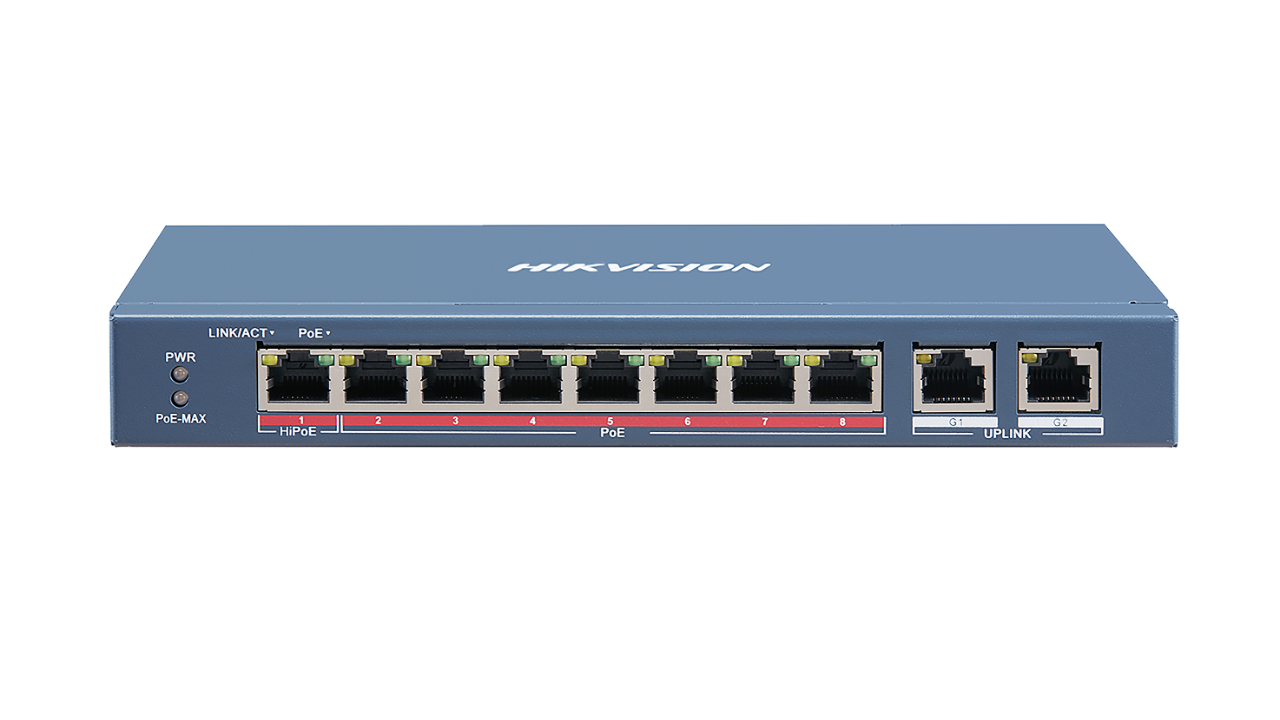
> ethernet cable from Door Station to Poe Switch
> ethernet cable from the indoor Monitor to Poe Switch
> ethernet cable Poe Switch to the modem (if you wish to set up remote communication)
INSTRUCTIONS
Issue Card via Main (Master) Card: You can swipe card to issue it after swiping the main card in
advance.
Steps:
1. Swipe the main (master) card on the card reading area, and hear two beeps.
2. Swipe the unauthorized sub cards in turn after hearing a beep.
3. Swipe the main card again to end the card issuing process.
KEEP MASTER CARD SAFE
| System Parameters |
| Processor: |
| |
High-Performance Embedded SOC Processor |
| Operation System: |
| |
Embedded Linux Operation System |
| Video Parameters |
| Camera: |
| |
2 MP HD Colorful Camera |
| Video Compression Standard: |
| |
H.264 |
| Resolution: |
| |
1080P |
| Video frame rate: |
| |
30 fps |
| Audio Parameters |
| Audio Input: |
| |
Built-in Omnidirectional Microphone |
| Audio Output: |
| |
Built-in Loudspeaker |
| Audio Compression Standard: |
| |
G.711 U |
| Audio Compression Rate: |
| |
64 Kbps |
| Audio Quality: |
| |
Noise Suppression and Echo Cancellation |
| Network Parameters |
| Ethernet: |
| |
10/100 Mbps Self-Adaptive Ethernet |
| Network Protocol: |
| |
TCP/IP, RTSP |
| Access Control Parameters |
| Internal Card Reader: |
| |
Built-in Card Reader (Mifare) |
| Light Supplement |
| Light Supplement Mode: |
| |
IR Supplement |
| Device Interfaces |
| Network Interface: |
| |
1 RJ-45 10/100 Mbps Self-Adaptive Ethernet Interface |
| RS-485: |
| |
1 RS-485 Half-Duplex Port |
| General |
| Indoor Station Access Amount: |
| |
2 |
| Material: |
| |
Aluminum Alloy |
| Power Supply: |
| |
IEEE802.3af, standard PoE, 12VDC |
| Power Consumption: |
| |
≤10 W |
| Working Temperature: |
| |
-40° C to +53° C |
| Working Humidity: |
| |
10% to 95% |
| IP Protection Level: |
| |
IP65, IK08 |
| Dimensions(L × W × H): |
| |
175 mm × 90 mm × 30 mm |
| Certification: |
| |
FCC, IC, CE, C-TICK, ROHS, REACH, WEEE |
How to enable standalone firmware
Then enable Hik-Connect service under Network > Advanced Settings > Platform Access
Using the Hik-Connect App add the device and scan the QR code. Apply the Verification Code and the device should now function to the app