

















Commercial
Best School Security System in Australia
Return to School CCTV Guides
Security Systems
Quick answer
For many schools, the right sequence is start with the campus CCTV backbone, then strengthen the real control points: front office entry, gates, staff-only areas and after-hours alarm or response workflow. Cameras help with oversight and review. They do not replace reception process, emergency management or site policy.
What a broader school security system usually includes
| Layer | Typical job | School fit |
|---|---|---|
| CCTV | Oversight and incident review | Entrances, reception, walkways, car parks, gates, perimeters |
| Intercom | Visitor verification before release | Front office entry, administration doors, some gated entries |
| Access control | Control staff-only or higher-value entries | Admin areas, server rooms, records rooms, some staff gates |
| Alarm layer | After-hours disturbance and intrusion response | Admin block, isolated buildings, equipment stores, perimeter-sensitive areas |
| Governance and response | Clarify who answers and who reviews | Front office, leadership, IT, security contractor, facilities staff |
Worked examples
Smaller primary school: reception and gate cameras, one intercom-backed front office entry, selected after-hours alarm on the admin block and a cleaner process for who can review footage after vandalism or a gate incident.
Larger multi-building campus: campus-wide CCTV, controlled office entry, selected staff-only access control, after-hours alarm coverage on admin and specialist blocks, and a documented workflow for leadership, IT and external monitoring or patrol response.
Where schools often get stuck
- Trying to solve visitor-entry control with cameras only.
- Using reception process and after-hours process as if they are the same thing.
- Assuming a PTZ or wide camera replaces a proper gate or office view.
- Adding cameras without deciding who can view, export and approve footage review.
Important note
A school security system should support policy and staff response, not replace it. This guide is general buying guidance, not legal, emergency-management or child-safety advice.
Real quote scenarios
| Scenario | Typical quote shape | Why this design works |
|---|---|---|
| Small primary school | 12 to 16 cameras, 16-channel NVR, front office intercom, reception/gate cameras, after-hours alarm on admin and equipment areas. | Focuses on visitor entry, gates, administration and vandalism review without overcomplicating classrooms or sensitive spaces. |
| Medium multi-building school | 32 to 48 cameras, 64-channel recorder headroom, staff-only door access, car park/gate cameras, selected external deterrence and formal user permissions. | Separates school-hours reception control from after-hours site protection, which is where many school designs otherwise get muddy. |
| Large campus or independent school | 64+ cameras, multiple PoE zones, fibre or switch-based layout, intercom/access integration, alarm zones, delegated playback permissions and documented incident workflow. | Turns security into an operational system for leadership, facilities and IT rather than a collection of cameras no one can manage properly. |
Recommended system stack by building type
A best-practice security system is built as a stack, not as a shopping list. Start with the control points, then choose CCTV, intercom, access control, alarms and governance around the way the site is actually run.
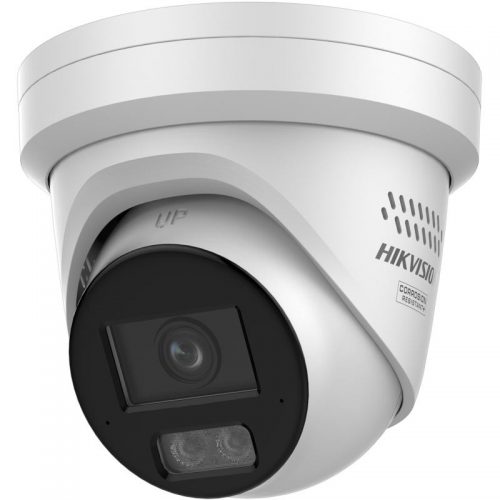
CCTV backbone
Use fixed evidence cameras first, then add PTZ, ANPR, thermal or deterrence only where the site workflow justifies it.
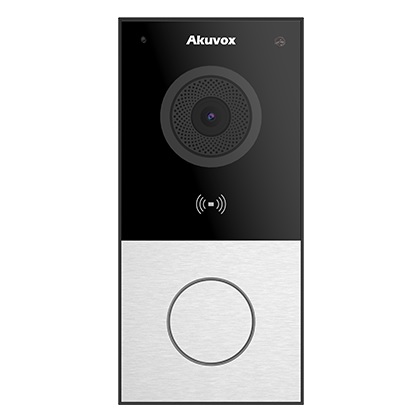
Intercom and visitor release
Use intercoms where the problem is visitor verification, delivery entry, after-hours release or reception workflow.

Access control
Use controlled credentials where keys, shared codes or uncontrolled staff-only doors are the real weakness.
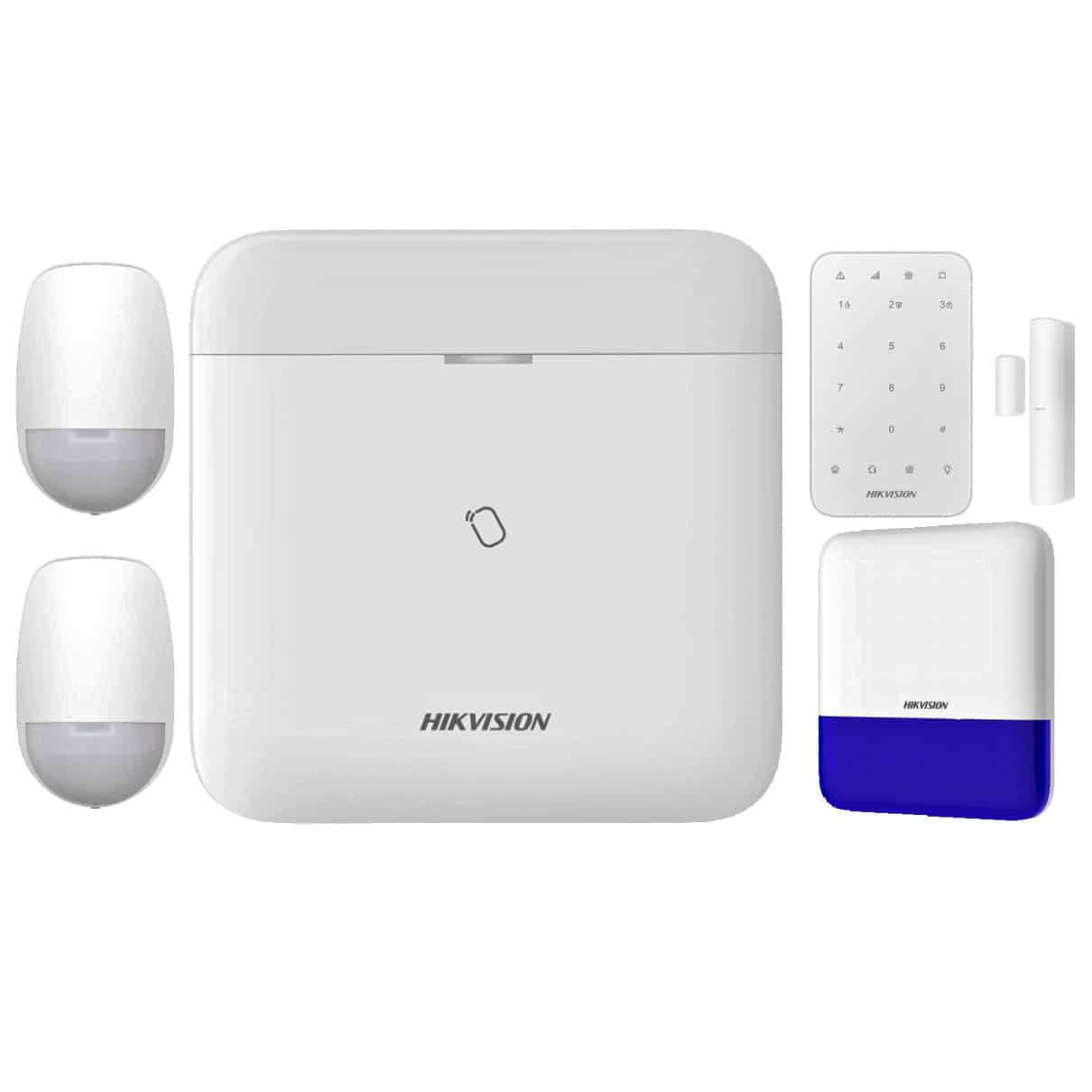
Alarm and duress layer
Use alarms, panic buttons or monitored response where the issue is immediate notification, not only later footage review.
Acceptance criteria before handover
- Every camera, intercom, reader, alarm input and user account has a named purpose.
- Day and night test clips are reviewed with the site manager, business owner or committee.
- Access permissions, footage export rules and admin ownership are documented.
- After-hours response is tested with the people who will actually receive alerts or calls.
- The site has a written maintenance and review rhythm so the system does not quietly drift.
Questions that separate a quote from a proper design
| Question | Why it matters |
|---|---|
| Who makes access and footage decisions? | Security systems fail socially before they fail technically when nobody owns permissions. |
| Which incidents are most likely to be reviewed? | The system should be framed around likely review events, not generic coverage. |
| What happens after an alert or call? | Alerts are only useful when there is a clear response path. |
| What is out of scope? | Good designs document private, sensitive or inappropriate areas as clearly as covered areas. |
Frequently asked questions
Can CCTV alone be the whole security system?
Sometimes for simple sites, but many buildings also need intercom, access control, alarm response or better governance.
What should be documented after installation?
Camera names, user permissions, footage access rules, alert recipients, access-control administration and known system limitations.
Where do buyers overspend?
Usually on broad cameras or premium features before fixing the real workflow at entries, gates, restricted rooms and after-hours response points.