

















Commercial
Best CCTV System for Schools in Australia
Return to School CCTV Guides hub
Commercial Buying Guide
Quick answer
A small school may need around 12 to 24 cameras. A medium campus often needs 24 to 48 cameras. A larger multi-building school can move into 48 to 100 or more cameras, with more deliberate network design, storage planning, permissions control and staged rollout logic.
At-a-Glance Recommendation Table
| Site type | Typical camera count | Recommended system | Notes |
|---|---|---|---|
| Small school | 12 to 24 cameras | Commercial PoE NVR system with disciplined entry, walkway and car-park coverage | Usually enough for reception, main gates, admin entries, walkways and car parks. |
| Medium campus | 24 to 48 cameras | Larger NVR or distributed switching design | Better once several buildings, perimeters and external zones need treatment. |
| Large multi-building school | 48 to 100+ cameras | Staged campus design with stronger network and retention planning | Needs fibre or distributed links, tighter permissions and more deliberate governance. |
24 vs 48 vs 100 Camera School CCTV Systems
24 camera school system
Suitable for: smaller schools where the priority is reception, several entries, walkways, car park and after-hours points.
Not enough when: several buildings or widespread grounds need separate treatment.
48 camera school system
Suitable for: medium campuses with several buildings, several gates and larger external circulation.
Not enough when: the site behaves more like a true multi-building campus.
100 camera and larger campus system
Suitable for: large multi-building campuses or more formal consultant-led projects.
Not enough when: only if the project needs a broader VMS-style enterprise path.
Coverage Zones
| Area | Recommended camera type | What to capture | Notes |
|---|---|---|---|
| Main entry or reception | Fixed camera | Visitor and student approach | One of the highest-value views on many campuses. |
| Admin office entry | Fixed camera | Controlled access to admin areas | Important for visitor oversight. |
| Car parks | Bullet or varifocal | Vehicle and pedestrian movement | Often a strong after-hours and arrival zone. |
| Walkways | Fixed or varifocal | Student and visitor movement between buildings | Usually higher value than generic blanket coverage. |
| External gates | Bullet, varifocal or ANPR where justified | Access timing and approach | Important for after-hours review and visitor management. |
| Bike racks or vandalism-prone areas | Bullet or deterrence camera | After-hours misuse and theft | Often justified where repeated incidents occur. |
For deeper planning, continue with School CCTV Camera Placement Guide, Entrances and Reception Cameras, Car Parks and After-Hours Monitoring and PoE and Network Planning.
Camera Type Recommendations
Fixed cameras usually carry the core evidence views on entries, reception and walkways. Varifocal cameras help on gates, larger walkways and car parks. PTZ cameras can supplement larger grounds. Deterrence cameras are usually an after-hours perimeter tool, not a replacement for core fixed evidence cameras.
NVR / Recorder Selection
| Camera count needed | Recommended recorder | Why |
|---|---|---|
| 12 to 24 cameras | 24 to 32 channel thinking | Gives smaller schools some growth headroom. |
| 24 to 48 cameras | Larger NVR and distributed switching | Common for medium campuses. |
| 48 to 100+ cameras | Staged or distributed design | Needs stronger network, storage and permissions governance. |
Storage and Retention
Schools often need more deliberate storage planning because entries, walkways and external spaces can create significant footage volumes, and access to footage normally needs stronger internal governance than a small business site.
PoE, Network and Multi-Building Planning
Wired PoE is normally preferred where practical, but campuses often need distributed switching, fibre uplinks and secure rack locations across several buildings. Treat network design as part of the CCTV system, not as a separate future problem.
Recommended Buying Paths
Small school
Best fit: Hikvision, Dahua, HiLook or Uniview depending on budget and feature needs.
Medium campus
Best fit: Hikvision, Dahua or Hanwha with stronger NVR and network planning.
Larger campus
Best fit: Distributed commercial design with stronger permissions and retention planning.
Recommended Packages and Product Paths
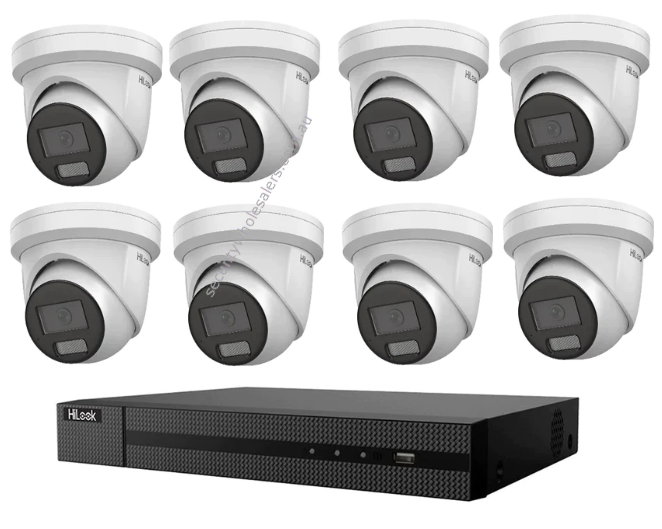
Small school stage one
Main picks: HiLook 8MP 8 camera turret kit or Hikvision 8MP ColorVu 3.0 hybrid 8 camera kit
Best for: a first building block covering reception, one gate, one walkway line, one car-park edge and a few after-hours vandalism points.
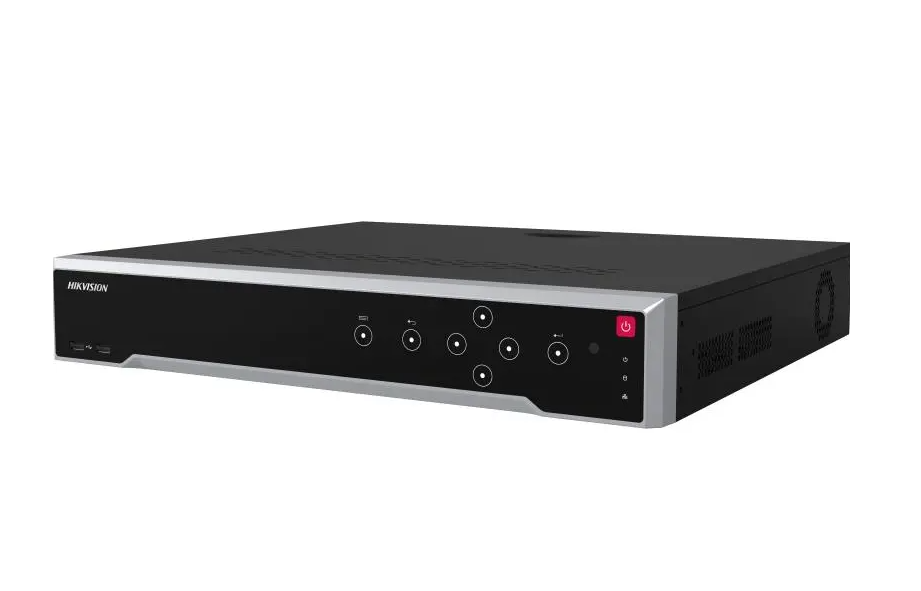
Small to medium campus build
Camera path: Hikvision ColorVu 3.0 smart hybrid turrets
Recorder path: Hikvision 16 channel Ultra Series NVR
Best for: smaller campuses that have moved beyond kit size and need deliberate treatment of admin, walkways, gates and car parks.
Medium campus recorder path
Recorder path: Hikvision 32 channel M-Series NVR
Camera families: mix fixed walkway and entry cameras with selected bullets on car parks, gates and after-hours edges.
Best for: campuses where several buildings and broader grounds make a 16-channel mindset too tight.
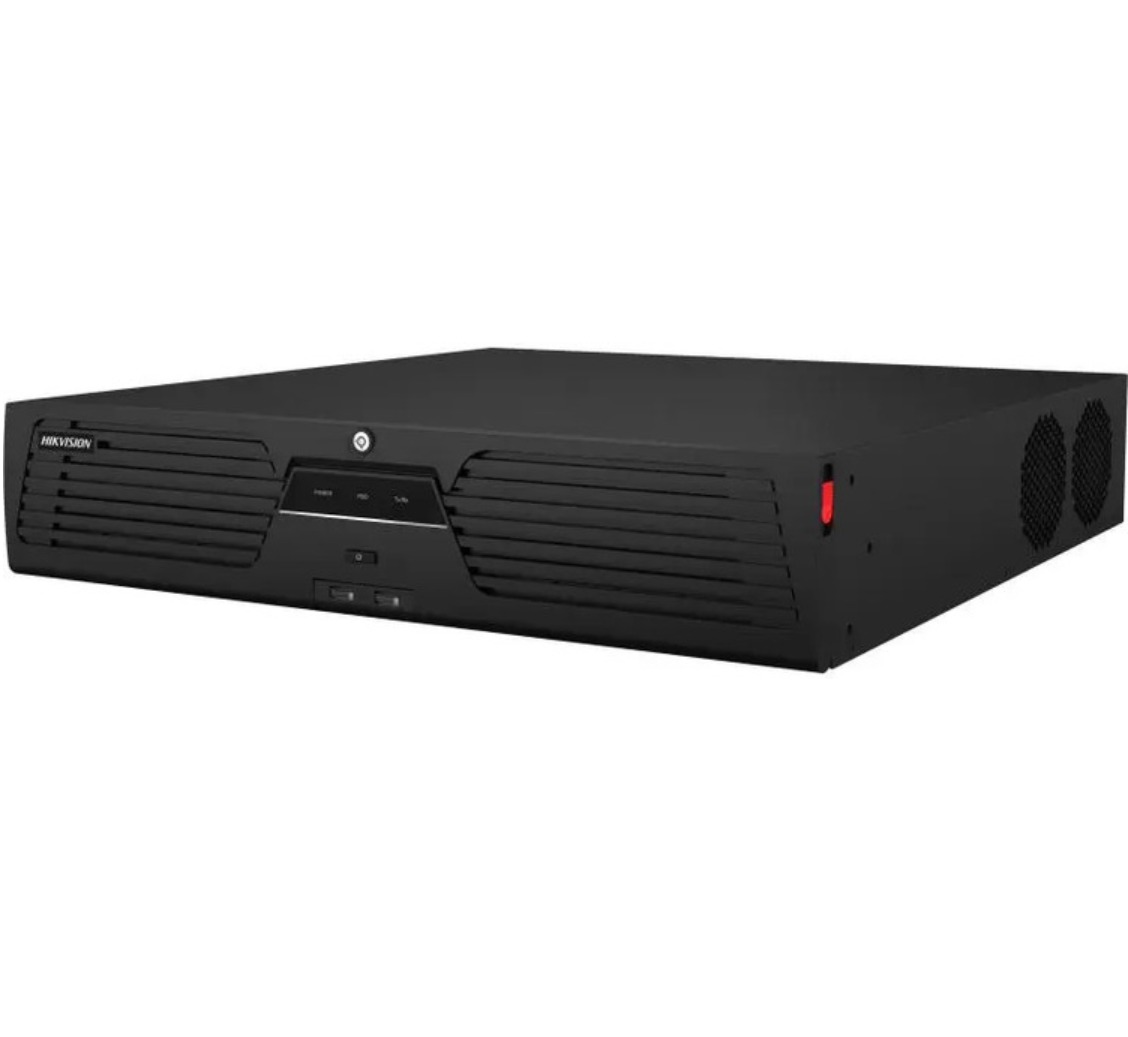
Large campus / 64+ camera path
Recorder path: Hikvision 64 channel M-Series NVR
Best for: multi-building schools that need stronger storage, permissions and staged rollout design rather than a simple school-kit mindset.
Typical School Layout Diagram
After You Buy: Useful Support Guides
IP Camera and NVR Installation Guide
Useful once the campus has chosen its recorder and switching path and the rollout needs to be staged across buildings properly.
Why P2P Remote Viewing Stops Working
Useful for admin handover, remote access and those account or router problems that often appear after school-holiday network changes.
CCTV NVR Not Recording: Complete Checklist
Useful if cameras are online but recording schedules, storage or event logic are not actually capturing the incidents the school expects.
How to Download CCTV Footage for Police or Insurance
Useful when the school needs to preserve a clean evidence export after vandalism, a vehicle incident or a formal request for footage.
School CCTV FAQs
What is the best CCTV system for a school?
For many schools, the best system is a planned PoE IP CCTV system built around entries, reception, car parks, gates, walkways and after-hours vandalism zones, supported by a correctly sized NVR, surveillance drives and strong permissions governance.
How many cameras does a school need?
A small school may start around 12 to 24 cameras. A medium campus often needs 24 to 48. A larger multi-building school can move into 48 to 100 or more once entries, perimeters, walkways and car parks are treated properly.
Can schools install CCTV in classrooms?
That needs careful policy and governance treatment. Many school systems focus more strongly on entries, walkways, car parks, external spaces and shared common areas than on blanket classroom coverage.
Should schools use PTZ cameras?
Some larger schools benefit from PTZ cameras for broad external overview, but PTZs should not replace fixed cameras on the core evidence views.