

















Commercial
Best CCTV System for Childcare Centres in Australia
Return to Childcare CCTV Guides hub
Commercial Buying Guide
Buyers in this sector are usually not asking for a random camera kit. They are asking a more specific question: what CCTV system should we buy for this centre, this pickup workflow, these indoor rooms, these outdoor play areas and this after-hours risk profile? That answer usually involves fixed evidence views, a realistic NVR size, stable PoE cabling, clear user permissions and sometimes intercom or access control at the front entry.
Quick answer
A small childcare centre may only need 6 to 8 cameras. A typical centre should usually plan around 8 to 16 cameras. Larger centres with multiple rooms, bigger outdoor areas, several gates or more complex pickup flow often need 16 to 24 or more cameras, stronger storage planning, UPS backup and more deliberate network design.
Glossary of what this guide covers
- Recommendation table by centre type
- 8 vs 16 vs 24 camera childcare systems
- Coverage zones and placement logic
- Camera type recommendations
- NVR and recorder selection
- Storage and retention
- PoE, cabling and network planning
- Recommended buying paths
- Recommended packages and product paths
- Related buying categories
- Childcare CCTV FAQs
At-a-Glance Recommendation Table
| Site type | Typical camera count | Recommended system | Notes |
|---|---|---|---|
| Small childcare centre | 6 to 8 cameras | 8 channel PoE NVR with strong entry, reception and outdoor-path coverage | Usually enough for the front entry, admin, pickup path, one or two indoor circulation zones and after-hours perimeter points. |
| Long day care centre | 8 to 12 cameras | 16 channel NVR with room to grow | Better once multiple play zones, gates and staff entries are mapped properly. |
| Kindergarten or preschool | 8 to 12 cameras | 8 or 16 channel system depending on outdoor and car-park exposure | Often needs stronger arrival and pickup design than buyers first expect. |
| Larger centre with multiple outdoor play areas | 12 to 16 cameras | 16 channel NVR with better storage and UPS planning | Better for larger room count, several gates and wider outdoor supervision support zones. |
| Multi-building early learning campus | 16 to 24+ cameras | Larger recorder path or staged network design | Needs more deliberate network, permissions and building-to-building planning. |
Do not choose only by building size. Camera count depends on gates, sign-in areas, pickup paths, play zones, outdoor boundaries, staff entries, after-hours exposure and how much useful review detail the centre wants later.
8 vs 16 vs 24 Camera Childcare CCTV Systems
8 camera centre system
Suitable for: smaller centres with one main entry, one reception point, one main pickup path and a manageable outdoor footprint.
Not enough when: the site has several classrooms, multiple yard zones, several gates or meaningful after-hours perimeter exposure.
Recorder path: 8 channels can work, but a 16 channel NVR is often the safer long-term fit.
16 camera centre system
Suitable for: many full operational childcare centres that need entry, reception, circulation, staff entry, after-hours points and several outdoor zones covered properly.
Not enough when: the centre behaves more like a multi-building campus or has very wide external grounds.
Recorder path: 16 channel NVR with stronger storage planning, surveillance drives and UPS.
24 camera and larger centre system
Suitable for: larger centres, multiple buildings or sites with a bigger gate, car-park and outdoor-play footprint.
Not enough when: the site needs campus-style building links, many external gates or multiple standalone admin zones.
Recorder path: staged design, stronger switching and possibly several comms points.
Coverage Zones for Childcare Centres
| Area | Recommended camera type | What to capture | Notes |
|---|---|---|---|
| Front entry | Fixed turret or dome | Arrival sequence, face capture, entry timing | Usually one of the highest-value cameras on the site. |
| Sign-in or sign-out area | Fixed turret | Pickup and handover context | Useful where review questions arise later. |
| Reception or admin | Fixed dome or turret | Visitor interaction and arrival flow | Often works together with intercom or door release planning. |
| Pickup or drop-off path | Wide fixed turret | Movement between gate, admin and handover point | More useful than trying to cover every internal room equally. |
| Outdoor play area | Fixed turret or bullet | General movement and incident context | Still does not replace active supervision. |
| Playground gates | Fixed turret or bullet | Gate use and access timing | High-value view on many centres. |
| Staff entry | Bullet or turret | After-hours staff or contractor access | Often overlooked on smaller centres. |
| Kitchen or store-room threshold | Fixed threshold view | Boundary crossing into back-of-house areas | Usually stronger than casual broad internal viewing. |
| Car park | Bullet or varifocal | Arrival, departure and after-hours activity | Useful where the site has car-park exposure. |
| External perimeter | Bullet or deterrence camera | Night-time approach and vandalism exposure | Pairs well with after-hours alarm planning. |
Go deeper with Childcare CCTV Camera Placement Guide, Entry, Pickup and Access Control and After-Hours and Perimeter CCTV.
Typical Childcare Layout Diagram
The stronger childcare layouts usually follow the real handover path: gate, admin, pickup route and outdoor gates, then add after-hours coverage around the site edge.
Important supervision boundary
Do not frame CCTV as a replacement for supervision. Be careful with bathrooms, change areas and sleep or rest areas. Use cameras to support arrival, pickup, access control and incident review, not to substitute for staffing.
Camera Type Recommendations
Turret cameras
Usually the best general-purpose choice for entries, admin, circulation and outdoor paths because they are stable, practical and easy to deploy across several predictable scenes.
Dome cameras
Useful in reception or public-facing interiors where a more discreet appearance matters.
Bullet cameras
Often better outdoors for gates, external paths and after-hours perimeter views.
Varifocal or motorised zoom cameras
Worth using on awkward driveways, car parks or longer approaches where a standard wide lens may waste detail.
PTZ cameras
Usually selective and not the default answer. They can supplement a larger site, but fixed cameras still need to carry the evidence burden.
Active deterrence or full-colour cameras
Usually make more sense after hours on gates or perimeter edges than in normal daytime childcare operations.
NVR / Recorder Selection
| Camera count needed | Recommended recorder | Why |
|---|---|---|
| 1 to 8 cameras | 8 or 16 channel NVR | 16 channels usually gives the better expansion path. |
| 9 to 16 cameras | 16 channel NVR | Common for centres with several internal and outdoor zones. |
| 16 to 24+ cameras | Larger NVR or staged design | Needs stronger network planning and secure user permissions. |
Recorders for childcare should be chosen around channel count, drive bays, user permissions, export workflow and future expansion. Read Recordings, Access and Storage for the deeper recorder-handling side.
Storage and Retention
Centres often want footage for arrival or pickup questions, visitor review, after-hours incidents and general incident handling. Many sites work from a practical retention target such as around 30 days, but it should be based on real operational needs, not guesswork.
| System size | Recording approach | Storage planning note |
|---|---|---|
| 6 to 8 cameras | Continuous on key channels, sometimes mixed with event recording | Entry and reception cameras often justify continuous recording. |
| 8 to 16 cameras | Usually more continuous recording | Resolution, codec, FPS and retention matter more than camera count alone. |
| 16 to 24+ cameras | Heavier storage planning | Use surveillance-grade drives and do not assume a small bundled HDD will suit the site. |
Use the CCTV Storage Calculator to estimate storage before committing to the NVR.
PoE, Cabling and Network Planning
Wired PoE is normally the preferred path for childcare. It is more stable than trying to rely on Wi-Fi for a centre that wants dependable review and secure recordings. Safe cable routes and out-of-reach equipment also matter on these sites, so the network path should be clean, protected and deliberate.
- Cat6 Ethernet normally has a 100 metre limit.
- Keep the recorder and switch in a secure location rather than a casual office corner.
- Consider UPS backup for the NVR, switch and router if the centre wants continuity through short outages.
- Front-entry intercom or access control should be designed together with CCTV rather than added as an afterthought.
- Avoid Wi-Fi where recording reliability or access control integrity matters.
Recommended Buying Paths
Entry / small centre
Best fit: HiLook, Uniarch or TP-Link VIGI for small PoE-based systems with disciplined coverage.
Why: Good for value-led projects that still want a proper NVR and business-grade camera path.
Standard / recommended centre
Best fit: Hikvision, Dahua or Uniview on an 8 or 16 channel NVR.
Why: Better where the centre needs stronger entry, pickup and outdoor-zone planning.
Larger or higher-risk centre
Best fit: 16 channel commercial build with better storage, UPS and permissions.
Why: Suits larger room counts, more gates and bigger after-hours exposure.
Premium pathway
Best fit: Higher-end Hikvision, Hanwha or Axis path where campus-style management or stricter governance matters.
Why: Better suited to larger or more complex childcare groups.
Recommended Packages and Product Paths
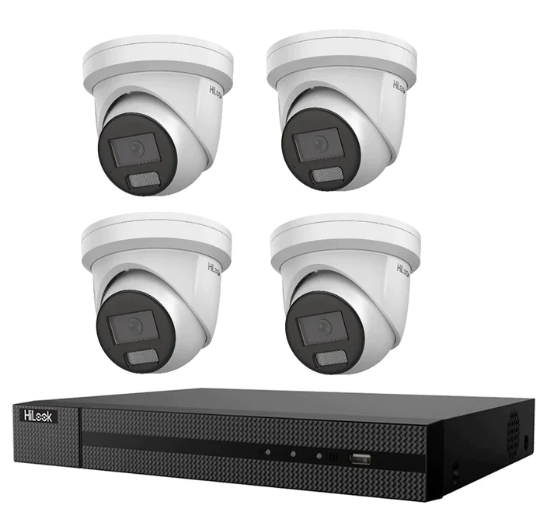
Very small centre first stage
Main pick: HiLook 8MP 4 camera turret kit
Best for: a smaller single-building site that needs the front entry, admin, pickup path and one outdoor play or gate view covered first.
When to step up: move higher as soon as the centre needs several gates, multiple outdoor play areas or a proper after-hours perimeter layer.
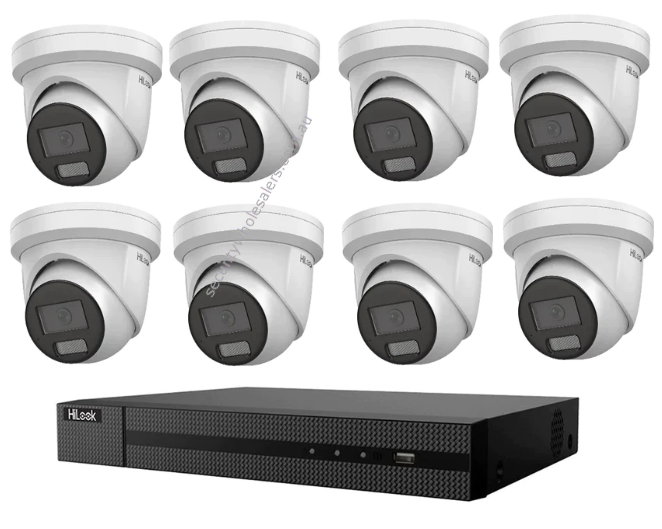
Small working childcare centre
Main picks: HiLook 8MP 8 camera turret kit or Hikvision 8MP ColorVu 3.0 hybrid 8 camera kit
How to choose: HiLook suits a value-led centre that still wants a proper NVR path, while the Hikvision ColorVu kit is stronger where the front gate, after-hours perimeter and visible deterrence matter more.
When to step up: move to a 16-channel build once the site has multiple play zones, wider circulation or heavier pickup workflow.
Larger centre with gates and outdoor zones
Camera path: Hikvision ColorVu 3.0 smart hybrid turret cameras or HiLook IPC-T383H-MU 8MP turret cameras
Recorder path: Hikvision 16 channel Ultra Series NVR
Best for: centres that need several gates, outdoor-play views, front-entry control and more disciplined after-hours coverage.
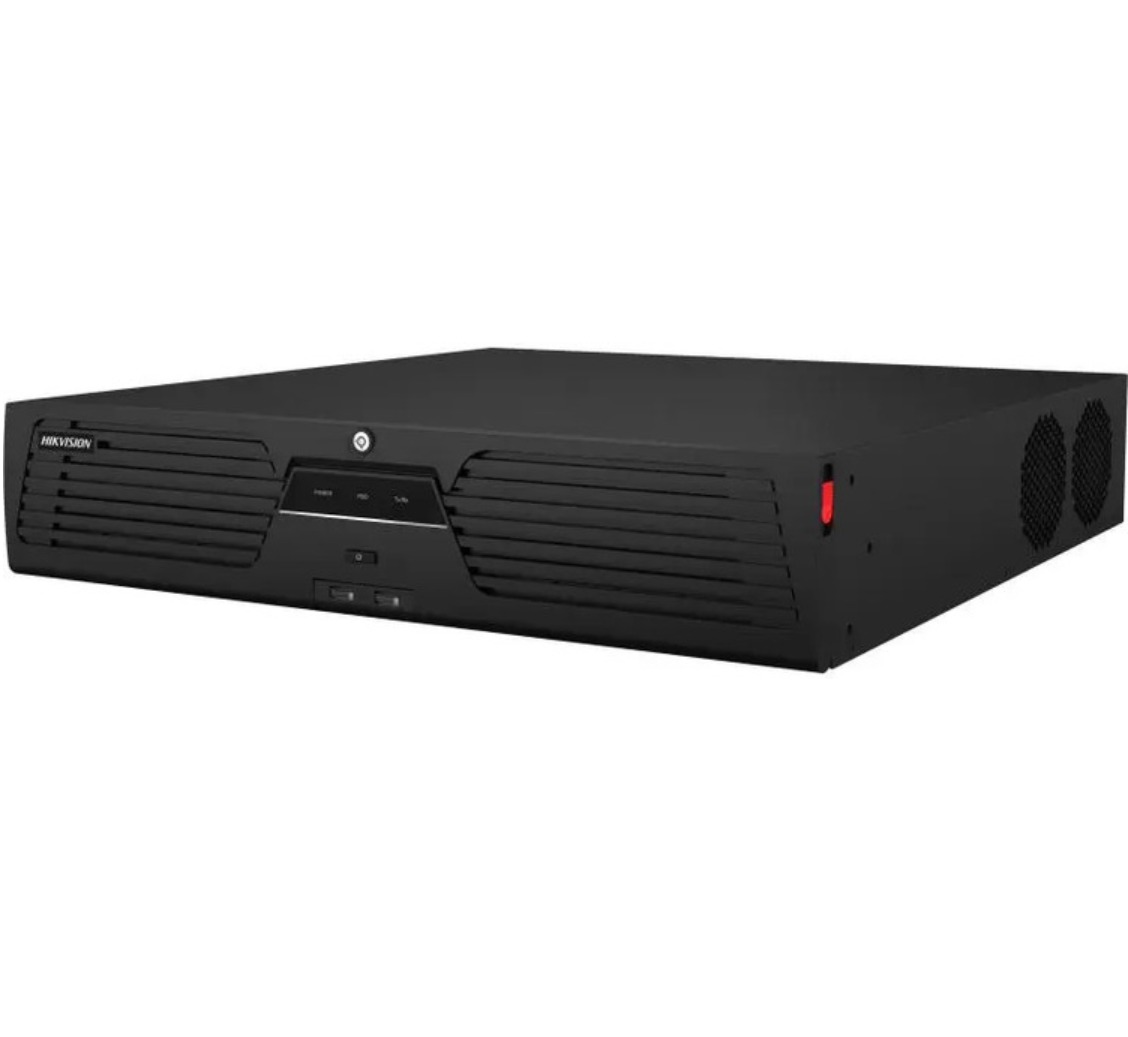
Multi-building early learning campus
Recorder path: Hikvision 64 channel M-Series NVR
Camera families: mix fixed turret cameras with selected outdoor bullets on car parks, gate lines and after-hours edges.
Best for: larger services or groups where the site behaves more like a campus and needs stronger permissions, storage and staged rollout logic.
Related Buying Categories
CCTV Kits
Useful for smaller centre starting points.
IP Cameras
Browse suitable indoor and outdoor CCTV cameras.
NVRs
Choose recorder size around channel count and retention.
Hikvision CCTV
Broader commercial range for larger centres.
HiLook CCTV
Value-led path for smaller centres.
Dahua CCTV
Commercial alternative for childcare CCTV builds.
Intercoms
Useful for front-gate and visitor workflow.
Access Control
Helps with stronger gate and entry control.
Surveillance Hard Drives
Use surveillance-grade drives for retention.
UPS Backup
Helps keep the recorder path running through short outages.
Suggested Next Reads
Compliance / Privacy Note
CCTV may capture staff, children, parents, guardians, visitors, contractors and members of the public. Services should consider signage, notice, camera purpose, footage access, retention and state or territory workplace or privacy requirements before installation. Avoid inappropriate areas such as toilets, change rooms and other sensitive spaces. This page is general buying guidance, not legal advice.
After You Buy: Useful Support Guides
Childcare CCTV FAQs
What is the best CCTV system for a childcare centre?
For many childcare centres, the best system is a wired PoE IP CCTV system that covers the front entry, sign-in area, pickup path, reception, circulation and after-hours perimeter, supported by a properly sized NVR and clear internal access rules.
Can childcare centres have cameras in play areas?
Yes, many centres use cameras in outdoor play areas, playground entries and circulation zones, but placement still needs to be deliberate and privacy-aware.
Should childcare CCTV be visible to parents?
The cameras themselves are often visible, but parent access to footage or live viewing should be handled carefully through provider policy, privacy obligations and operational governance.
How many cameras does a childcare centre need?
A small centre may use 6 to 8 cameras. A typical centre often needs 8 to 16 once the front entry, pickup path, indoor circulation and outdoor play zones are treated properly. Larger centres can move into 16 to 24 or more.
Where should cameras not be installed in childcare?
Centres should avoid inappropriate sensitive areas such as toilets, nappy-change spaces and other areas where surveillance would be unreasonable or intrusive.
Does CCTV replace supervision?
No. CCTV can support incident review, entry control and after-hours protection, but it does not replace active supervision by educators.
Should childcare CCTV record continuously?
Many centres record continuously on the main entry, reception and key circulation cameras because pickup, arrival and incident questions do not always align neatly with event-only triggers.
Do childcare centres need intercoms as well as CCTV?
Many centres benefit from combining CCTV with intercom or access control at the front gate or entry, especially where staff want stronger control over arrivals, visitors and pickup workflow.
What is the best CCTV brand for childcare centres?
That depends on the centre size, budget and whether the site needs a broader commercial feature set. HiLook can suit smaller value-led centres, while Hikvision, Dahua and Uniview often make more sense on larger or more demanding sites.
Can a childcare centre add more cameras later?
Usually yes, if the recorder, storage, switch capacity and cabling were planned with spare room. That is why many centres choose a 16 channel NVR even if stage one does not use every channel.