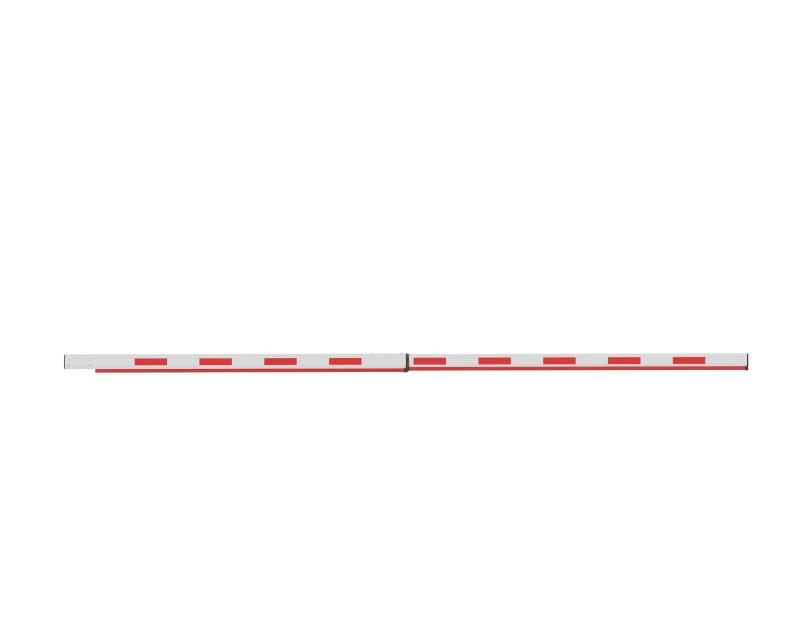
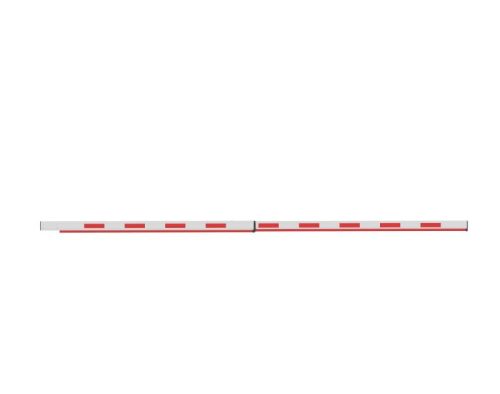
Hikvision DS-TMG001-3 6 m Straight Boom Pole
Product Overview
Straight replacement boom arm for a compatible Hikvision vehicle barrier. This listing is for the 6 m straight boom pole as specified in the supplier price book. Use the complete SKU when speaking to your installer or supplier, especially if you are matching an older barrier installation where some equipment may already have been replaced.
A vehicle entry system can include the barrier mechanism, access credentials, detection devices and an entry controller. The exact accessory required depends on how those parts work together. Before buying, identify the product you will retain, the function you need to add or restore, and who will be responsible for checking compatibility.
Key Capabilities
Identifiable order configuration
6 m straight boom pole as specified in the supplier price book. Record the manufacturer and model code in the equipment schedule. That makes the replacement easier to identify and helps avoid ordering the wrong variant from a similar product family.
Role in the vehicle lane
Match the arm length, fixing profile and barrier model. Consider when the device is used during a normal entry or exit cycle and how it interacts with the other devices in that lane.
Compatibility with installed equipment
The family code also appears in documentation for shorter arms, so verify the supplier order configuration and any strip lighting before ordering. Use the full controller designation when checking the documentation because hardware revisions, regional options and connection methods can vary.
Replacement project planning
Record why the component is being added or changed. Where it replaces a failed part, ask the installer to check the associated mechanical, electrical or configuration issue so the installation can be assessed as a complete system.
Test and handover
Agree on a functional check with the site operator before work begins. Record the expected outcome and verify it during commissioning, keeping a record of the product code and any relevant settings for the team responsible for future maintenance.
Installation and Compatibility
The family code also appears in documentation for shorter arms, so verify the supplier order configuration and any strip lighting before ordering. Give the installer access to the gate documentation and equipment labels before the site visit. The installer should follow the manufacturer's instructions and schedule the work so the operator can manage traffic while the lane is unavailable.
At handover, check normal operation with the people who use the system. If equipment has been replaced, check any linked functions that depend on it before returning the lane to normal operation. Record the final equipment configuration so future replacements can be specified from the site records.
Choosing the Right Model
Compare this exact part with the project equipment schedule and confirm which supporting parts are to be supplied separately. If an existing gate is being repaired, include its full model and revision when requesting compatibility confirmation.
The estimated lead time is 70 days. Allow for the lead time in the project schedule. Confirm delivery and the proposed installation date before arranging a lane closure or booking the installer.
Technical Specifications
| Store SKU |
DS-TMG001-3 |
| Product type |
6 m Straight Boom Pole |
| Configuration |
6 m straight boom pole as specified in the supplier price book |
| Application |
Match the arm length, fixing profile and barrier model |
| Estimated lead time |
70 days |
FAQs
- What should I confirm before buying?
The family code also appears in documentation for shorter arms, so verify the supplier order configuration and any strip lighting before ordering.
- Is this a complete boom gate kit?
This listing supplies the named accessory. Confirm what is already installed and whether the project needs a gate mechanism, controller, fittings or other accessories separately.
- How should I plan the delivery and installation?
Allow an estimated 70 days for supply. Check the delivery schedule with the supplier before setting an installation date or changing the site's traffic arrangements.
Additional Information
Product reference
How these boom gate accessories work together
These accessories can be used in the same compatible Hikvision vehicle lane. They serve four separate functions and do not connect directly to one another.
Approach and capture: The trigger radar detects an approaching vehicle and sends a signal to a compatible entrance or exit camera to trigger a capture. The site’s access rules determine whether the barrier should open.
Manual operation and barrier: The handheld remote sends a command to a compatible receiver or controller. The controller operates the barrier mechanism, which raises and lowers the straight boom pole. Confirm the receiver model, arm length and mounting profile for the installed gate.
Passage and closing: The anti-fall radar monitors the area at the boom and signals the barrier controller while that area is occupied. The installer should verify the approved controller behaviour and any additional safeguards the site requires.