Product SKU: Hikvision DS-KD-INFO
Product Overview
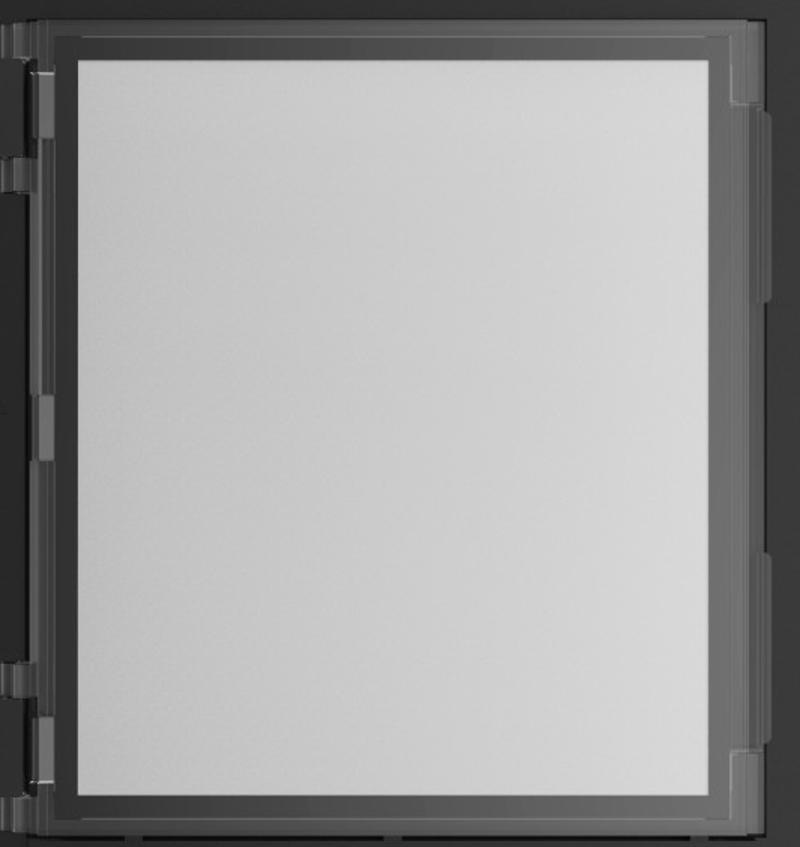
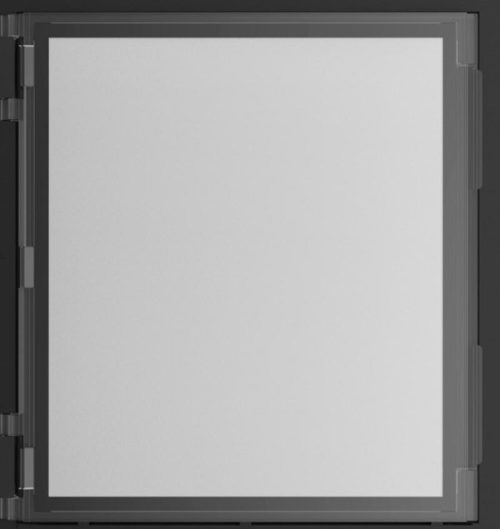
The Hikvision DS-KD-INFO KD8 Series Information Module is a modular door station accessory designed to display building, tenant, call or entry information within compatible Hikvision KD8 Series Pro modular intercom systems. It supports outdoor application with IP65 protection and auto backlight switching according to environmental conditions, making it useful for apartment entries, office lobbies, gated access points and multi-tenant intercom installations. The module is designed to be easy to use and extend as part of a wider modular door station layout, working alongside compatible main units, keypad modules, card readers, name tag modules and mounting frames. It is best selected when a modular intercom panel needs a dedicated information area for clearer visitor guidance.
Key Capabilities
Information Module for Modular Door Stations
The DS-KD-INFO adds a dedicated information area to compatible KD8 Series modular door station systems, helping visitors understand entry instructions, contact guidance or building information.
IP65 Protected Design
IP65 protection supports suitable outdoor entry installations when the module is installed with compatible Hikvision housings, frames and correct sealing.
Auto Backlight Switching
Automatic backlight switching according to environmental conditions helps improve visibility and usability around changing light levels at entry points.
Easy Modular Expansion
The module forms part of Hikvision’s expandable KD8 modular door station platform, allowing installers to build a custom entry panel with the required modules for the site.
Professional Visitor Guidance
A dedicated information module helps make the door station layout clearer for visitors, tenants, residents and delivery drivers using the entry point.
Best For
- Apartment Building Entries: Suitable for shared residential entries where visitors need clear information or calling instructions.
- Office and Commercial Lobbies: Useful for multi-tenant buildings where an intercom panel needs building or visitor guidance.
- Gated Access Points: Practical for external entry stations where instructions may be needed before visitors call or unlock access.
- Multi-Module Door Stations: A good addition to Hikvision KD8 modular systems using camera, keypad, card reader, display or name tag modules.
- Outdoor Intercom Panels: Suitable for compatible outdoor modular door station installations requiring IP65 protection and automatic backlight support.
Why Choose the DS-KD-INFO
The DS-KD-INFO is a practical choice when a Hikvision KD8 modular door station needs a dedicated area for entry information instead of relying only on buttons, keypad labels or separate signage. In apartment buildings, commercial sites and gated entries, clear information at the intercom can reduce confusion and help visitors use the correct module or calling method. The IP65 protection and automatic backlight switching make it suitable for professional outdoor-facing intercom layouts when installed with compatible mounting hardware. For projects supplied through Security Wholesalers, this module should be selected during the system design stage so the installer can confirm the main unit, frame size, module order and visitor workflow.
Buyer Decision Tips
Buyer Tip: Choose the DS-KD-INFO when the modular door station needs a dedicated information panel. If visitors need to scroll contacts, enter PINs or call individual residents directly, confirm whether a display, keypad or name tag module is also required.
Installation Tip: Confirm the KD8 main unit, mounting frame, flush or surface housing, rain shield, power/module connection, module order and available space before installation.
Key Features & Technical Specifications
| Model | DS-KD-INFO |
| Product Type | KD8 Series information module for modular door station systems |
| Primary Use | Displays entry information or visitor guidance as part of a compatible Hikvision modular door station layout |
| Compatible System | Hikvision KD8 Series Pro modular door station systems |
| Backlight | Auto backlight switching according to environmental conditions |
| Protection Level | IP65 |
| Application Environment | Outdoor when installed with compatible housing, frame and correct sealing |
| Installation | Flush mounting or surface mounting with compatible Hikvision modular brackets and frames |
| System Role | Information display module; used with compatible main unit and other KD8 modules as required |
| Expandability | Easy to use and extend within compatible modular door station builds |
| Best Use | Apartment entries, commercial lobbies, visitor gates, multi-tenant buildings and Hikvision modular intercom panels |
| Installation Consideration | Requires compatible KD8 modular door station hardware, mounting frame, housing and system design |
Ideal Use Cases
Apartment Entry Instructions
Use the module where visitors need basic entry information before calling a resident or using another intercom module.
Commercial Lobby Panels
Suitable for office entries where the modular intercom panel needs clear instructions, tenant guidance or visitor prompts.
Gated Community Access
Useful at visitor gates where users need directions before searching contacts, pressing call buttons or using keypad access.
Custom KD8 Modular Builds
A practical information module for modular systems that also include camera, keypad, card reader, display or name tag modules.
Outdoor Visitor Points
Suitable for protected outdoor locations when installed with compatible Hikvision housings and correct sealing practices.
Choosing the Right Model
- Choose this model if: You need an information module for a compatible Hikvision KD8 Series Pro modular door station.
- Choose a different module if: You need keypad PIN entry, card reading, contact scrolling, apartment name tags, a blank module or the main camera/audio door station unit.
- Check before ordering: Confirm the main KD8 unit, mounting frame, module quantity, surface or flush housing, rain shield requirements and how visitors will use the final door station layout.
FAQs
- What is the Hikvision DS-KD-INFO used for?
The DS-KD-INFO is used as an information module in compatible Hikvision KD8 Series Pro modular door station systems. It provides a dedicated area for entry information, visitor guidance or building instructions as part of a larger modular intercom panel. - Is the DS-KD-INFO a standalone intercom?
No. The DS-KD-INFO is a modular information accessory and must be used with compatible Hikvision KD8 modular door station hardware. It does not replace the main door station unit, camera, microphone, speaker, keypad or card reader module. - Does the DS-KD-INFO have IP65 protection?
Yes. The DS-KD-INFO has IP65 protection, making it suitable for outdoor-facing modular door station installations when used with compatible Hikvision mounting accessories and correct sealing. The final installation should still be checked for weather exposure and cable protection. - Does the backlight turn on automatically?
Yes. The DS-KD-INFO supports auto backlight switching according to environmental conditions. This helps improve visibility around changing light levels, such as daytime, evening or shaded entry areas. - Can the DS-KD-INFO be used with other KD8 modules?
Yes. The DS-KD-INFO is designed for use within Hikvision KD8 modular door station layouts. It can be planned alongside compatible main units, keypad modules, display modules, card readers, name tag modules and the required mounting frames. - When should I choose an information module instead of a display module?
Choose an information module when you need a simple dedicated information area or visitor instruction panel. Choose a display or name scroll module when visitors need to search contacts, scroll names or interact with a contact directory. For projects supplied through Security Wholesalers, the final module mix should match the visitor workflow. - Can this module be used outdoors?
Yes, the DS-KD-INFO supports outdoor application when installed correctly with the compatible housing and mounting accessories. The installer should still confirm the door station location, rain shield requirement, wall surface, cable entry and exposure level. - What should be checked before installation?
Before installation, confirm the main KD8 door station, module order, mounting frame, flush or surface box, rain shield, power/module connection, visitor workflow and whether the information text or panel layout suits the site’s entry requirements.
Additional Information