Product Overview
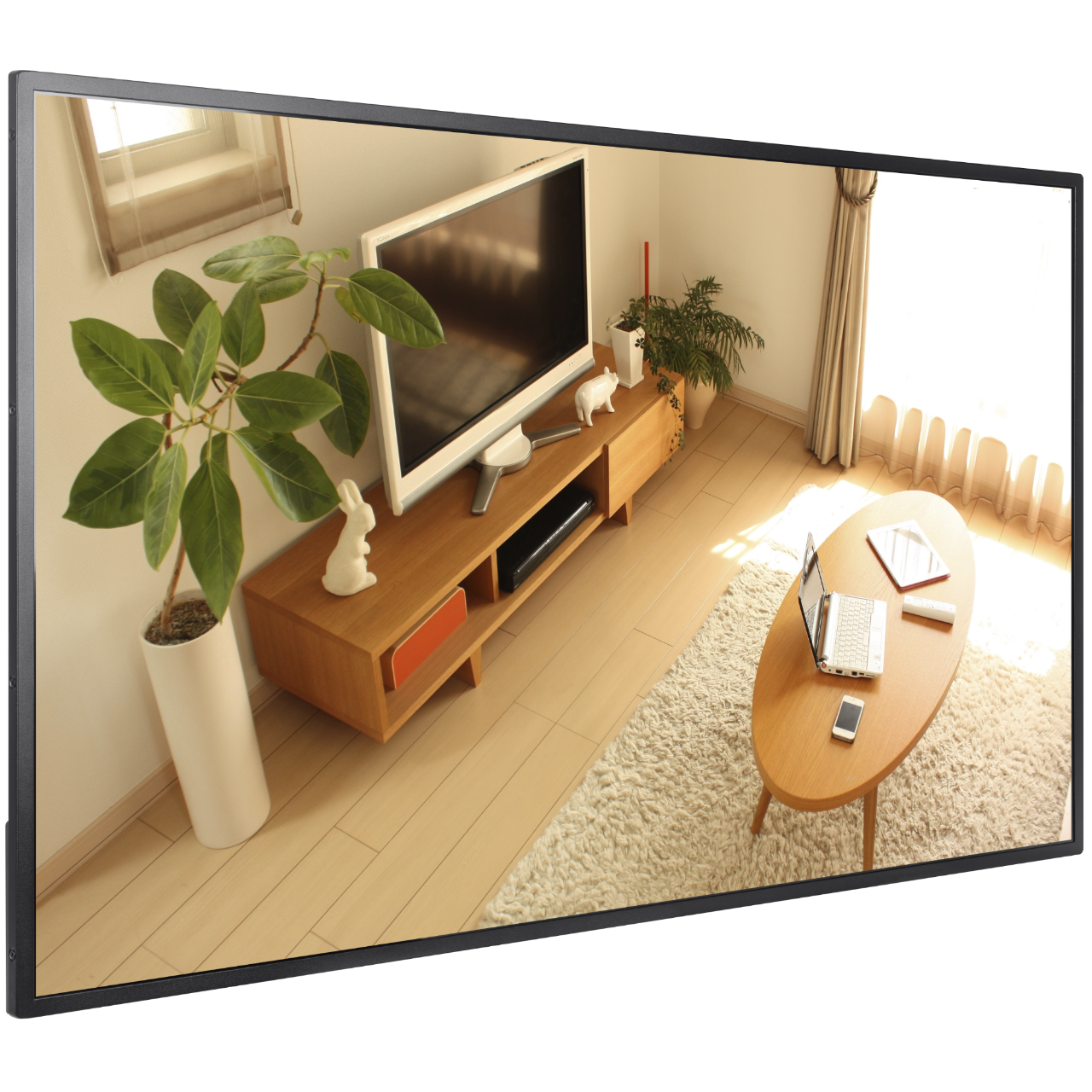
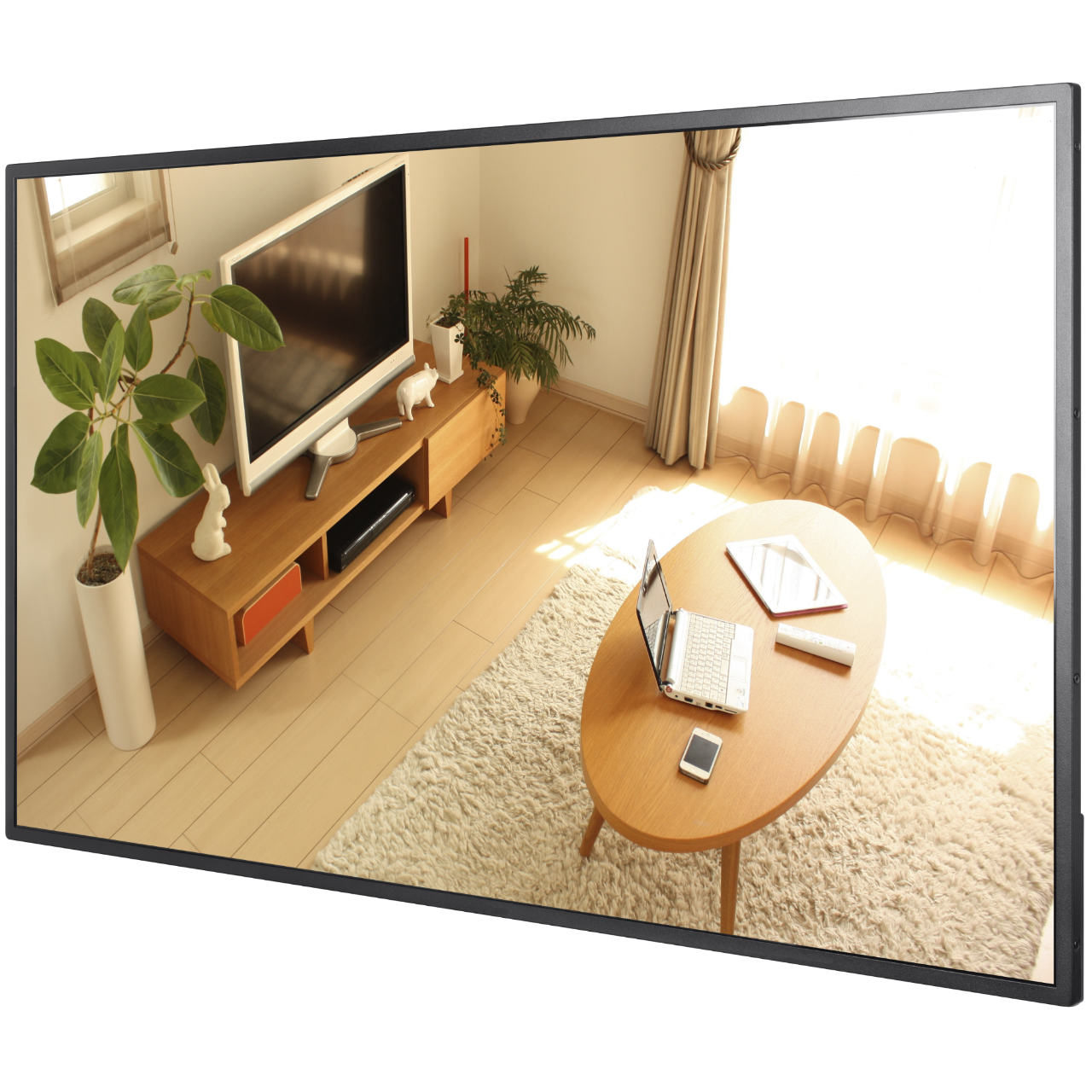
Wall-mounted digital signage with a 43-inch 4K UHD panel, the Hikvision DS-D6043UN-B is built for indoor deployments where consistent, managed content delivery matters. With a slim narrow-bezel design and a built-in Android 8.1 system, this display operates as a self-contained signage terminal that can receive and schedule content updates over a network without relying on an external media player. Featuring a 500 cd/m2 industrial A+ panel rated for 7×24-hour continuous operation, it is suited to high-traffic environments where the screen runs throughout the day. Equipped with dual HDMI inputs, LAN and Wi-Fi connectivity, USB 2.0 ports, and built-in dual speakers, it handles a wide range of media formats including video, images, PDF, and web pages. It integrates with Hikvision’s centralised management platform, allowing administrators to control scheduling, brightness, volume, and content release across one or multiple screens remotely. This makes it well suited to reception areas, retail floors, corporate lobbies, waiting rooms, and transport facilities requiring dependable scheduled display management.
Key Capabilities
4K UHD Display Panel
The 3840 x 2160 resolution across a 43-inch industrial A+ panel delivers fine pixel detail at a 0.2451 mm pitch. A 4000:1 contrast ratio and 10-bit colour depth (8-bit + FRC) produce accurate, vibrant images for branded content or informational displays viewed at close to mid range.
7×24-Hour Continuous Operation
Rated for around-the-clock use at up to 40 degrees Celsius, the DS-D6043UN-B is designed for installations where the screen cannot be shut down overnight. Retail venues, transport hubs, and hospitality environments benefit from a display built to handle extended run times without degrading performance.
Built-In Android 8.1 System
An integrated Cortex-A17 quad-core processor running at 1.6 GHz, 2 GB RAM, and 16 GB eMMC storage eliminate the need for a separate media player. Content can be pushed directly to the device over the network or loaded locally via USB, keeping the installation clean and reducing points of failure.
Centralised Remote Management
Administrators can manage one screen or a network of screens remotely, covering timed startup and shutdown, brightness and volume scheduling, screenshot previews, and content release. Program updates can be pushed over the network or applied locally via USB, giving operations teams full control without attending each installation.
Flexible Program Scheduling
Content can be scheduled by day, by week, in continuous loops, or through custom configurations. Multiple material types, including static images, video, audio, scrolling subtitles, PDF, web pages, live video, and pop-up overlays, can be arranged across independently managed display zones.
Multi-Level Security and Permission Control
A 5-level organisational permission structure controls which users can manage materials, programs, terminals, and schedules. A 3-level content approval process prevents unauthorised or accidental release. Data is encrypted both in storage and during transmission, and no default password is set, requiring activation and user-defined credentials from the first use.
Best For
- Retail and Shopfront Displays: The 500 cd/m2 brightness and 178-degree viewing angle keep content legible from wide approach angles in lit retail environments, while the narrow bezel maintains a clean wall-mounted appearance.
- Corporate Lobbies and Reception Areas: Slim-profile wall mounting in landscape or portrait orientation suits formal indoor spaces. Centrally managed content scheduling keeps reception displays updated without on-site staff involvement.
- Waiting Rooms and Wayfinding: Flexible multi-zone content layouts support simultaneous display of informational content, video, and scrolling text, making the DS-D6043UN-B practical for healthcare waiting areas, transport hubs, and education facilities.
- Multi-Screen Managed Deployments: The centralised management system supports remote control of multiple screens simultaneously, making it well suited to organisations running signage across several locations or departments from a single administrative point.
Why Choose the DS-D6043UN-B
The DS-D6043UN-B separates itself from basic commercial displays through its combination of a 4K industrial A+ panel, a built-in managed Android system, and an enterprise-grade content permission framework in a single wall-mounted unit. A standard commercial screen requires a separate media player, content software, and manual updates at each location. This Hikvision unit consolidates all of that into one device, rated for 7×24-hour continuous operation with encrypted data handling and a 5-level user permission structure that suits deployments where multiple stakeholders need controlled access to content. The dual 8-ohm, 5-watt built-in speakers remove the need for separate audio hardware for most signage applications. For organisations managing more than one screen, the remote scheduling and program release capability reduces ongoing operational overhead considerably. Available at Security Wholesalers, the DS-D6043UN-B is stocked and ready to ship for installers and end users requiring a complete signage solution without additional hardware.
Buyer Decision Tips
Buyer Tip 1 – Storage and Content Volume: The built-in 16 GB eMMC storage covers typical signage workloads involving images, short videos, and PDFs. If your content library includes long-duration high-bitrate 4K video files that will rotate frequently, calculate your storage requirement before relying solely on internal storage. The USB 2.0 ports and TF card slot provide additional local storage options to supplement the built-in capacity.
Buyer Tip 2 – Orientation and Mounting: The DS-D6043UN-B supports both landscape and portrait wall mounting. Confirm your preferred orientation before installation, as the supplied wall-mounted backboard adds 19.8 mm to the overall depth (total 92.24 mm from wall to face). The unit weighs 11.39 kg, so wall fixings should be rated to the structure type and the supplied mounting hardware used as a minimum baseline.
Key Features & Technical Specifications
| Screen Size |
43 inch |
| Resolution |
3840 x 2160 (4K UHD) |
| Brightness |
500 cd/m2 |
| Contrast Ratio |
4000:1 |
| Viewing Angle |
178 degrees (H) / 178 degrees (V) |
| Colour Depth |
10 bit (8 bit + FRC) |
| Backlight Type |
D-LED |
| Refresh Rate |
60 Hz |
| Response Time |
8 ms |
| Reliability Rating |
7 x 24 hours continuous operation |
| Operating System |
Android 8.1 |
| Processor |
Cortex-A17, 4-core, 1.6 GHz |
| RAM |
2 GB |
| Built-In Storage |
16 GB eMMC |
| Video and Audio Input |
HDMI x 2, VGA x 1, Audio In x 1 |
| Audio Output |
Audio Out x 1, Built-in speakers (8 ohm, 5 W) x 2 |
| Network Connectivity |
LAN x 1, Wi-Fi x 1 |
| Data Interfaces |
USB 2.0 x 2, TF Card x 1, Bluetooth 4.0 x 1 |
| Power Consumption |
110 W maximum, 0.5 W standby |
| Input Voltage |
100 to 240 VAC, 50/60 Hz |
| Mounting Type |
Wall mounting (landscape or portrait) |
| Dimensions (W x H x D) |
967.18 mm x 555.42 mm x 72.44 mm (without backboard), 967.18 mm x 555.42 mm x 92.24 mm (with backboard) |
| Net Weight |
11.39 kg |
| Working Temperature |
0 degrees C to 40 degrees C |
| Working Humidity |
10% to 80% RH |
Ideal Use Cases
Retail Promotional Displays
The 500 cd/m2 brightness and 178-degree horizontal viewing angle keep promotional video and imagery visible across a sales floor. Flexible scheduling by day or week allows promotional content to change automatically without staff intervention, and remote content updates eliminate the need for USB visits to each screen.
Corporate and Office Lobbies
Portrait or landscape wall mounting with the narrow-bezel slim-profile design integrates cleanly into formal reception environments. The 5-level permission structure allows communications or marketing teams to update content independently without requiring IT involvement for every change.
Healthcare and Education Waiting Areas
Multi-zone layout support allows informational content, video, and scrolling subtitle feeds to run simultaneously on the same screen. The 7×24-hour reliability rating means the display can operate through extended facility hours without performance concerns.
Transport and Wayfinding Signage
Live video feed support, web page rendering, and dynamic content scheduling make the DS-D6043UN-B suited to transport facility displays showing timetable information, directional guidance, or live service updates. LAN and Wi-Fi connectivity allow content to update from a central feed in real time.
Multi-Site Managed Signage Networks
Remote management of timed startup and shutdown, brightness adjustment, volume control, and content release across multiple screens makes this display practical for organisations running signage at more than one location. Content can be pushed to groups of terminals simultaneously without visiting each site.
Choosing the Right Model
- Choose this model if: You need a self-contained 4K signage display with built-in Android, centralised remote management, enterprise-level content permission controls, and 7×24-hour continuous operation in an indoor wall-mounted installation running landscape or portrait.
- Choose a different model if: Your installation is outdoors or in a high-humidity environment, as the DS-D6043UN-B is rated for indoor use between 0 and 40 degrees Celsius only and is not weatherproofed. If you require a larger screen size or a touch-interactive display, a different product from the Hikvision signage range may be more appropriate.
- Choose a different model if: Your content library consists primarily of large 4K video files that will cycle frequently, and 16 GB of built-in storage is insufficient even with USB supplementation. A signage display connected to an external high-capacity media server may better suit high-volume content workflows.
FAQs
- Can the DS-D6043UN-B be mounted in portrait orientation?
Yes. The wall-mounted backboard supplied in the box supports both landscape and portrait installation. Before mounting, confirm which orientation suits your space, as the overall unit dimensions are 967.18 mm x 555.42 mm and the backboard adds approximately 19.8 mm to the depth. The net weight of 11.39 kg means wall fixings must be rated to handle the load against your specific wall structure.
- Does the display need a separate media player to operate?
No. The DS-D6043UN-B has a built-in Cortex-A17 quad-core processor running Android 8.1 with 2 GB RAM and 16 GB eMMC storage. Content can be loaded directly via USB, TF card, or pushed over LAN or Wi-Fi from a management platform. No external media player hardware is required for standard signage operation.
- What content formats does the DS-D6043UN-B support?
The unit supports a broad range of file types, including MP4, MKV, AVI, MOV, 3GP, FLV, WEBM, and other video formats; MP3, WAV, WMA, FLAC, and other audio formats; and JPG, PNG, BMP, and GIF images. PDF documents, web pages, scrolling subtitles, and live video feeds are also supported through the built-in signage platform.
- How does the centralised management system work across multiple screens?
The DS-D6043UN-B connects to Hikvision’s signage management platform over LAN or Wi-Fi. From a single administrative interface, operators can push content updates, schedule timed startup and shutdown, adjust brightness and volume by time of day, preview screenshots, and release programs to individual screens or groups simultaneously. This removes the need to physically visit each screen for routine updates.
- Is the display suitable for outdoor installation?
No. The DS-D6043UN-B is an indoor display rated for operating temperatures between 0 and 40 degrees Celsius and humidity between 10% and 80% RH. It has no weatherproofing and is not suitable for outdoor or semi-outdoor environments exposed to rain, direct sunlight, or condensation beyond the rated humidity range.
- What security controls are built into the content management system?
The DS-D6043UN-B includes a 3-level approval process for materials, programs, and schedules to prevent accidental or unauthorised content release. A 5-level organisational permission structure controls user access to content management, terminal control, and scheduling functions. Data is encrypted both in storage and during transmission, and the device ships with no default password, requiring the user to set credentials on activation. This is confirmed product data available through Security Wholesalers for organisations with compliance or content governance requirements.
Additional Information