| OUTDOOR STATION | |
|---|---|
| RESOLUTION | 2MP |
| TECHNOLOGY | IP |
| POWER SUPPLY | DC 12V, PoE |
| PROTECTION | IP65 |
| MOUNT | Surface Mount |

| Image | Name | Price | Buy | hf:att:pa_ai-technology | hf:att:pa_audio-features | hf:att:pa_camera-count | hf:att:pa_camera-style | hf:att:pa_detection-features | hf:att:pa_deterrence-features | hf:att:pa_environmental-features | hf:att:pa_focal-length | hf:att:pa_hdd-bays | hf:att:pa_hdd-included | hf:att:pa_ik-rating | hf:att:pa_included-storage | hf:att:pa_installation-level | hf:att:pa_ip-rating | hf:att:pa_kit-camera-style | hf:att:pa_lens-type | hf:att:pa_low-light-technology | hf:att:pa_max-recording-resolution | hf:att:pa_mounting-position | hf:att:pa_night-vision-range | hf:att:pa_night-vision-type | hf:att:pa_optical-zoom | hf:att:pa_poe-ports | hf:att:pa_power-connectivity | hf:att:pa_protocol-compatibility | hf:att:pa_recorder-channels | hf:att:pa_remote-viewing | hf:att:pa_resolution | hf:att:pa_specialist-features | hf:att:pa_system-format | hf:att:pa_white-light-range | hf:att:pa_zoom-type |
|---|---|---|---|---|---|---|---|---|---|---|---|---|---|---|---|---|---|---|---|---|---|---|---|---|---|---|---|---|---|---|---|---|---|---|---|
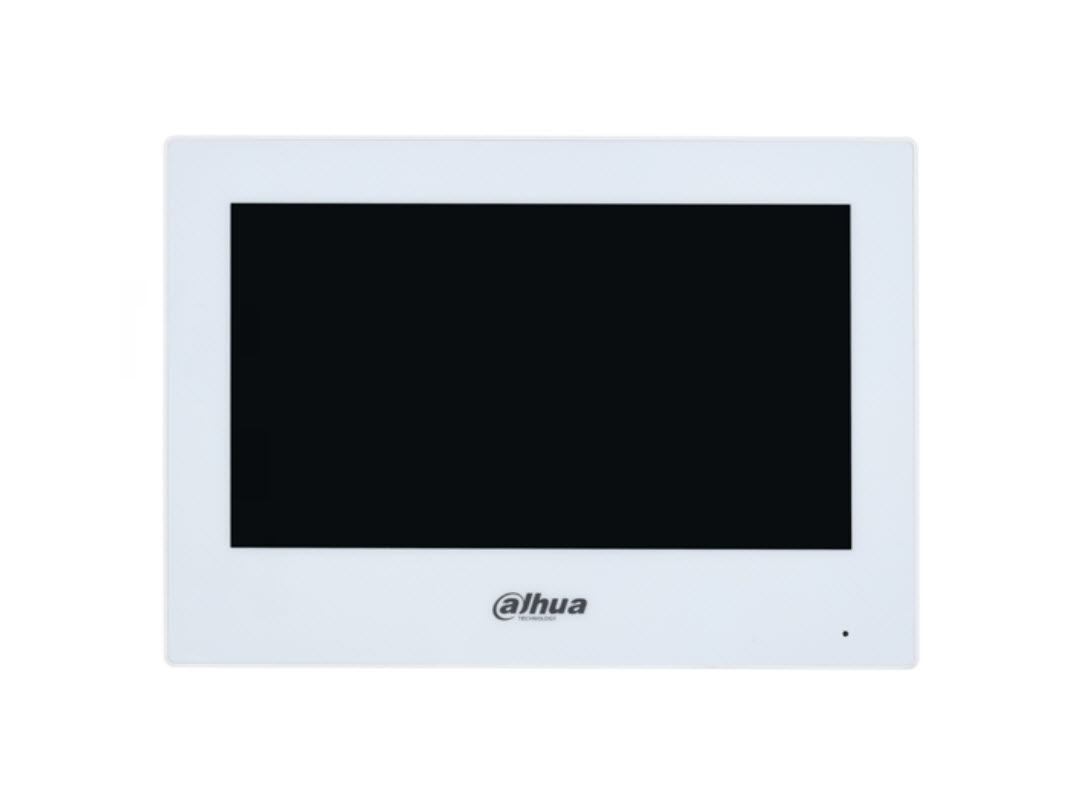
| Dahua DHI-VTH2621GW-P 7inch Touch Screen IP Indoor Intercom Monitor | $156.00 |
1. Components in the Kit
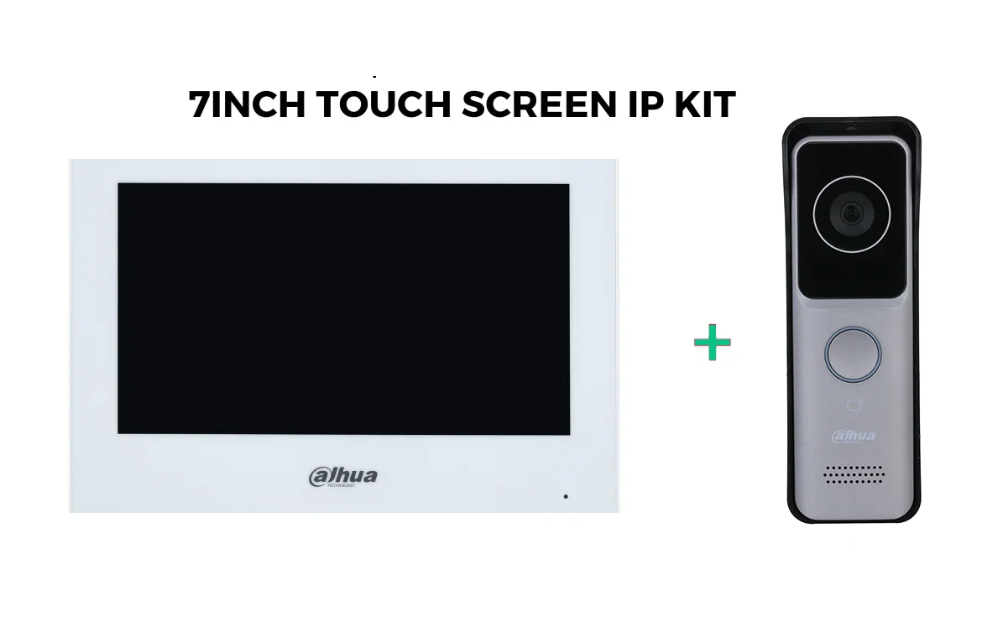
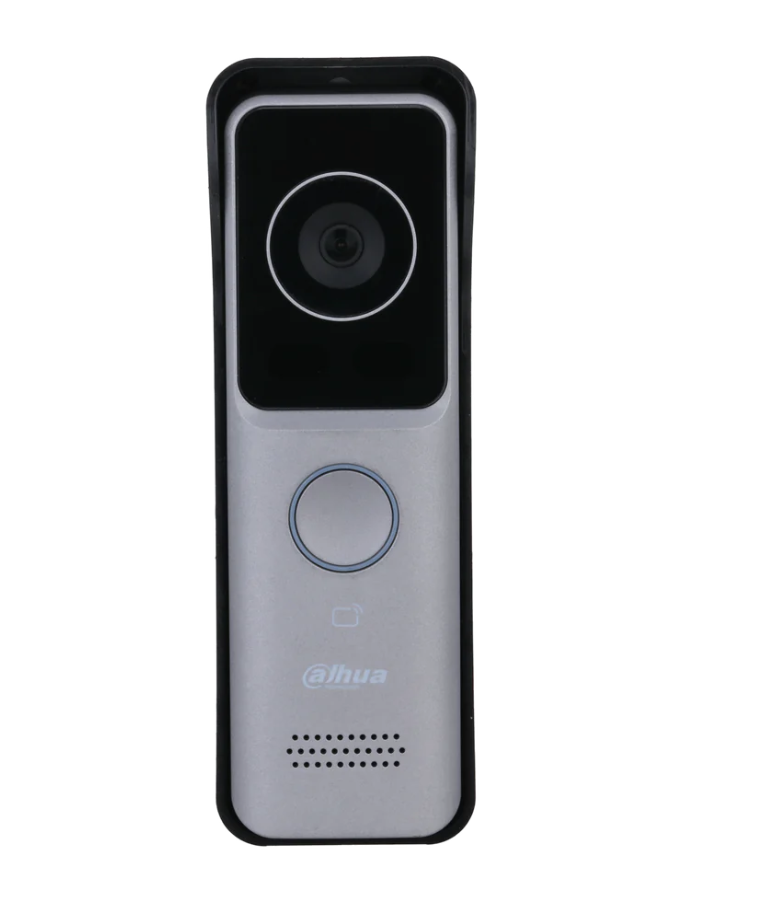
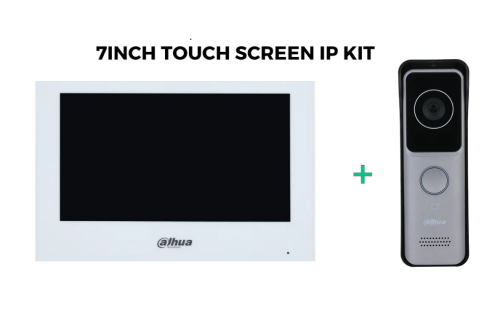
- DHI-VTO2311R-WP: Outdoor station (doorbell with a camera).
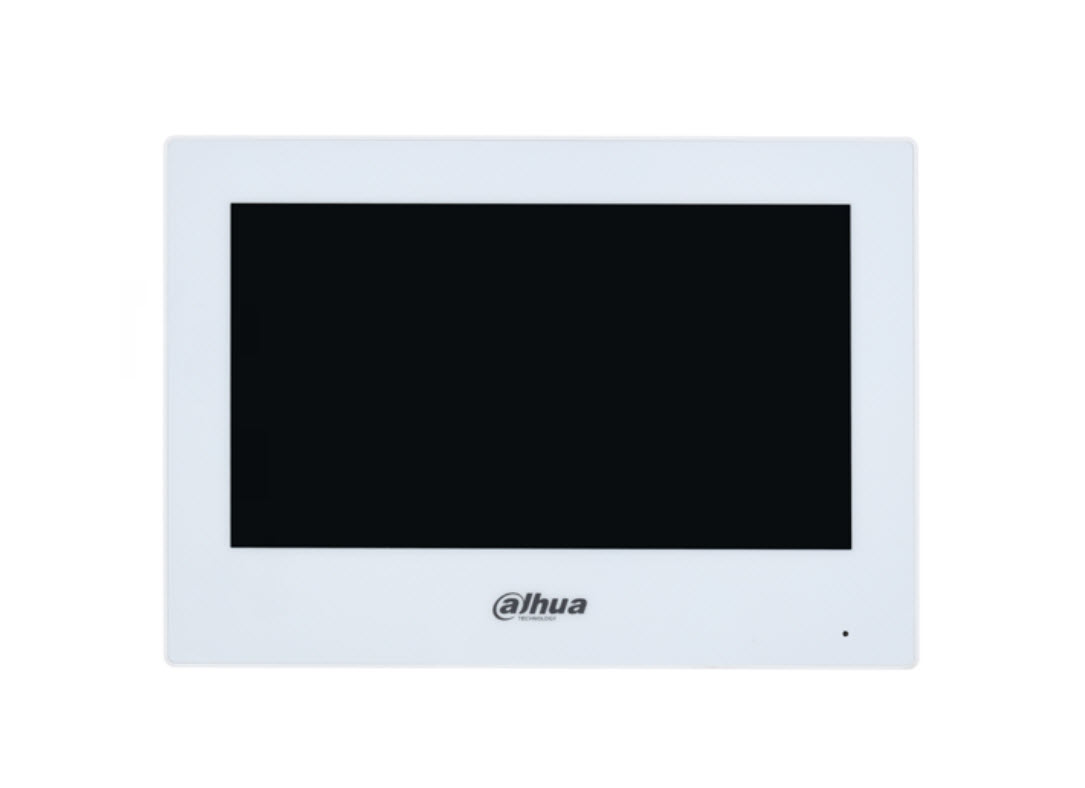
- 7-inch Touchscreen Monitor (VTH): Indoor monitor to interact with the outdoor station.
- Mounting Brackets: For physical installation.
- Screws and Anchors: For securing devices.
2. Required Tools and Materials
- Ethernet cables (if not using Wi-Fi).
- Screwdrivers and drill for mounting.
- Router or network switch (if integrating with a network).
- PoE switch if using Power over Ethernet.
3. Cabling Setup
Wired Network Setup
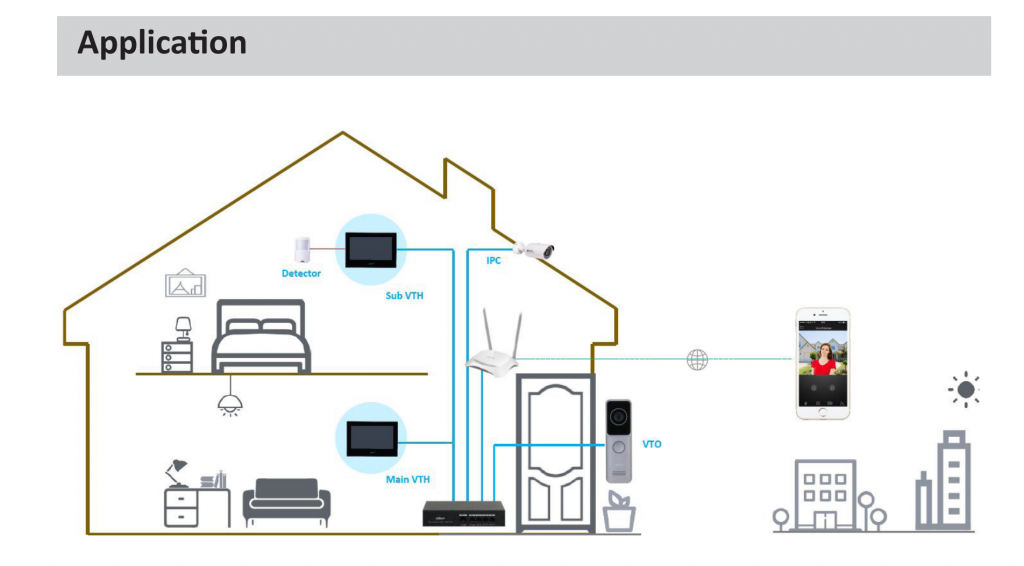
- Outdoor Station (VTO) to Router/Switch:
- Use a CAT5e/6 Ethernet cable to connect the VTO to your network router or switch.
- If using PoE, the same Ethernet cable will provide both power and data.
- Indoor Monitor (VTH) to Router/Switch:
- Connect the VTH to the same network using an Ethernet cable.
- If the VTH supports PoE, use a PoE-enabled switch;
4. Installation
Outdoor Station (VTO)
- Mount the VTO near your entrance, ensuring the camera has a clear view.
- Use the mounting bracket and screws to secure it.
- Ensure the device is weatherproofed if installed outdoors, especially the cabling
Indoor Monitor (VTH)
- Mount the VTH on a wall near a cable outlet.
- Position it where it is easily accessible.
5. Initial Configuration
- Power On:
- Power on both the VTO and VTH.