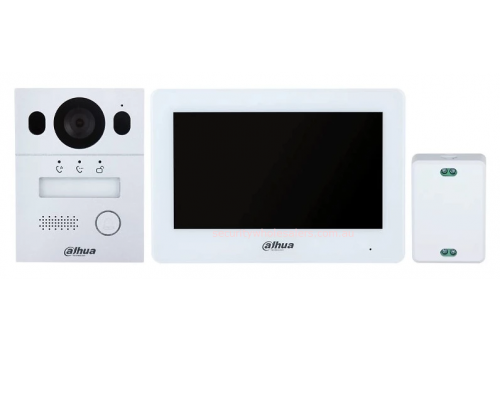
Front Gate / Front Door
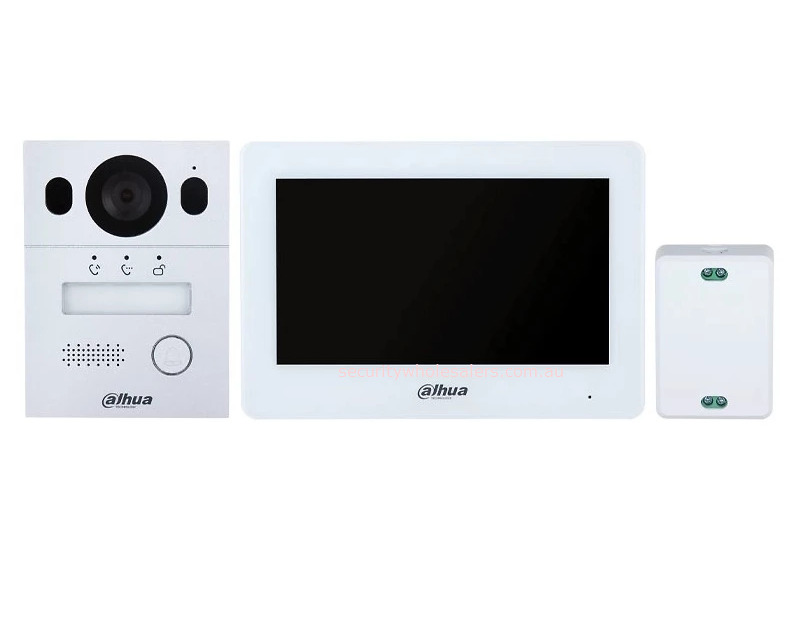
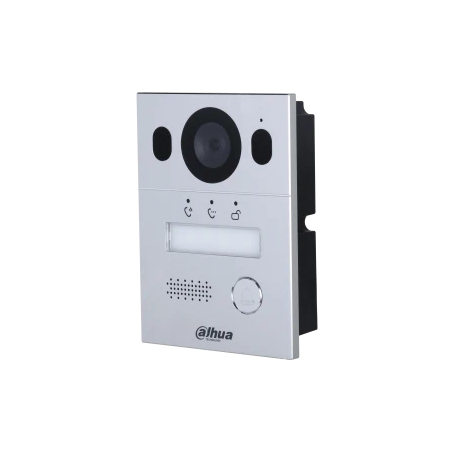
Dahua VTO2003F Door Station
        │
        │ 2-core cable
        │ carries power + video/audio/data
        │
VTNC1003C 2-Wire Controller
        │
        │ 2-core cable
        │ carries power + video/audio/data
        │
VTH5123H-W Indoor Monitor
        │
        │ Wi-Fi to router
        │ for DMSS app / remote calling
        │
Home Internet Router
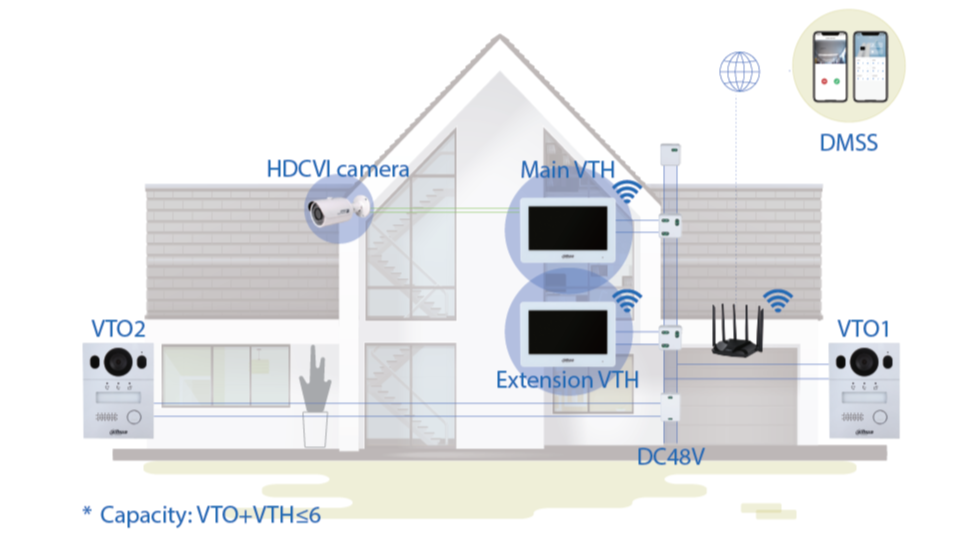
The kit uses a 2-wire controller as the central power and communication point. Dahua’s 2-wire system sends both power and signal through the same 2-core cable, and the indoor monitor can connect to the network by Wi-Fi for app calling, remote viewing and remote unlock through DMSS. Dahua states the system is designed for upgrading old intercom/doorbell wiring and supports up to around 200 m from door station to indoor monitor in suitable conditions.
Practical cabling layout
1. Door station to controller Run one 2-core cable from the outdoor door station back to the VTNC1003C 2-wire controller.
2. Controller to indoor monitor Run one 2-core cable from the controller to the indoor touchscreen monitor.
3. Controller power The controller is powered by the supplied power adapter/power cord. The door station itself is powered from the 2-wire controller, not by PoE. The Dahua product spec lists the door station power supply as 2-wire controller.
4. Internet/app connection No Ethernet cable is required to the indoor monitor if using Wi-Fi. The indoor monitor connects to the customer’s Wi-Fi, which then allows mobile app calling, monitoring and unlocking via DMSS.
Lock/gate release cabling
If it is opening a gate motor, usually wire the Dahua door station’s relay output into the gate motor’s push button / open / trigger input. That is normally a dry-contact style trigger.
If it is opening an electric strike or magnetic lock, do not rely on the tiny 12 V output for most locks. The door station has a 12 VDC 200 mA output and lock control output, but most locks need their own properly sized power supply.
Your Shopping Cart will be saved and you'll be given a link. You, or anyone with the link, can use it to retrieve your Cart at any time.
Back
Save & Share Cart
Your Shopping Cart will be saved with Product pictures and information, and Cart Totals. Then send it to yourself, or a friend, with a link to retrieve it at any time.
Your cart email sent successfully :)
Dahua 2 Wire Intercom Kit, DHI-KTX01(S) IP Villa Door Station