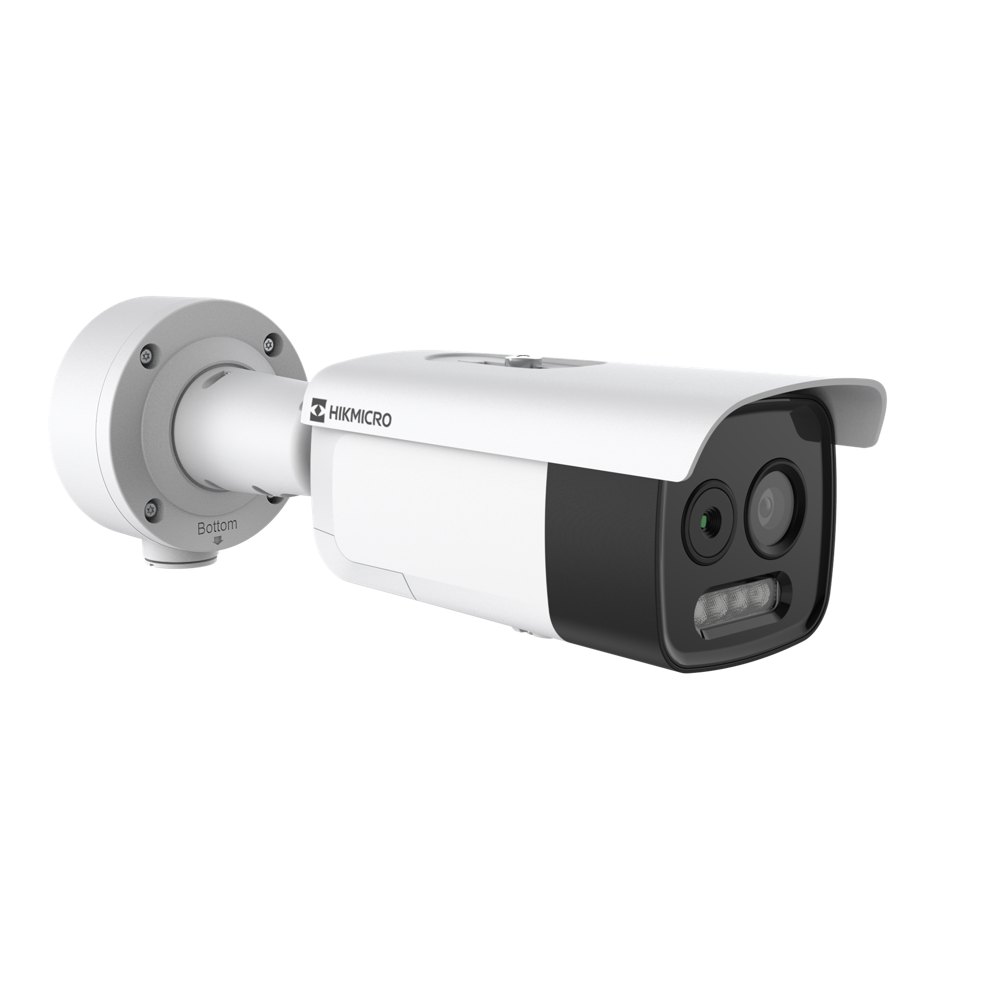
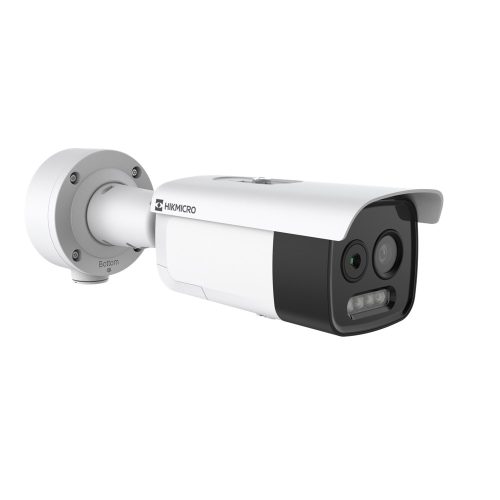
HIKMICRO HM-TD2628-10/G1/T3A 9.7 mm bi-spectrum thermal network bullet camera
Product Overview
HIKMICRO HM-TD2628-10/G1/T3A is a 9.7 mm bi-spectrum thermal network bullet camera for fixed perimeter approaches where a narrow thermal view suits the scene. 256 × 192 thermal resolution and 9.7 mm thermal lens. Fixed bullet with separate thermal and 5 MP optical imaging. Start with the system layout and the specific outcome the equipment needs to achieve, and confirm the model suffix on the equipment schedule before ordering.
This listing is for the stated hardware model. Plan the supporting equipment separately, including the network, power, mounting where applicable, and the equipment or software that receives video. A good specification describes where the equipment will be installed, what staff need to see, and which functions should be tested at handover.
Key Capabilities
Model and primary specification
256 × 192 thermal resolution and 9.7 mm thermal lens. Reference HM-TD2628-10-G1-T3A when matching a supplier quote or purchase order to the equipment and entitlement schedule. This also helps distinguish sibling models with similar names.
Imaging or system hardware
Fixed bullet with separate thermal and 5 MP optical imaging. Check this figure against the way your system counts devices, channels, lanes or endpoints, as applicable. For hardware, compare it with the specific operating requirement at the site.
Operating role
Perimeter video analysis and temperature exception alarms. Review the manufacturer's documentation for the exact configuration and check that the equipment or licence fits the way operators will use the system. Record any prerequisites in the project schedule before sign-off.
Integration and commissioning
Check the 18.0° × 13.5° thermal field of view against the required coverage and test the event rules at the site. Confirm the current platform version and device compatibility before connecting the product to an existing deployment.
Project fit
Fixed perimeter approaches where a narrow thermal view suits the scene. Define the normal operating workflow and the handover test up front. This makes it easier to confirm whether the product covers the requested job or whether the design also needs a separate device, software feature or service entitlement.
Best For
- Fixed perimeter approaches where a narrow thermal view suits the scene
Installation and Compatibility
Check the available power and network connection, then follow the exact-model installation instructions. For camera installations, confirm the mounting point can support the camera, provides the intended field of view and permits access for future maintenance. For the workstation, confirm desk space, ventilation and connection to the surveillance network before commissioning.
Choosing the Right Model
Check the 18.0° × 13.5° thermal field of view against the required coverage and test the event rules at the site. Allow time for this check before installation. On a multi-stage project, separate what is needed now from the capacity that may be required later, so that the first order covers the initial scope and any dependencies are visible to the buyer.
Technical Specifications
| Store SKU |
HM-TD2628-10-G1-T3A |
| Manufacturer model |
HM-TD2628-10/G1/T3A |
| Product type |
9.7 mm bi-spectrum thermal network bullet camera |
| Key specification |
256 × 192 thermal resolution and 9.7 mm thermal lens |
| Capacity or configuration |
Fixed bullet with separate thermal and 5 MP optical imaging |
| Application |
Perimeter video analysis and temperature exception alarms |
FAQs
- What is included with HM-TD2628-10-G1-T3A?
9.7 mm bi-spectrum thermal network bullet camera. Fixed bullet with separate thermal and 5 MP optical imaging. Confirm any additional hardware, licences or support needed for your installation separately.
- What should I confirm before ordering?
Check the 18.0° × 13.5° thermal field of view against the required coverage and test the event rules at the site. Use the full model suffix when comparing against the project specification.
- How should I verify the installation?
Test the selected hardware with the intended network and software and confirm it performs the required function at the actual installation location.
Additional Information
Manufacturer datasheet