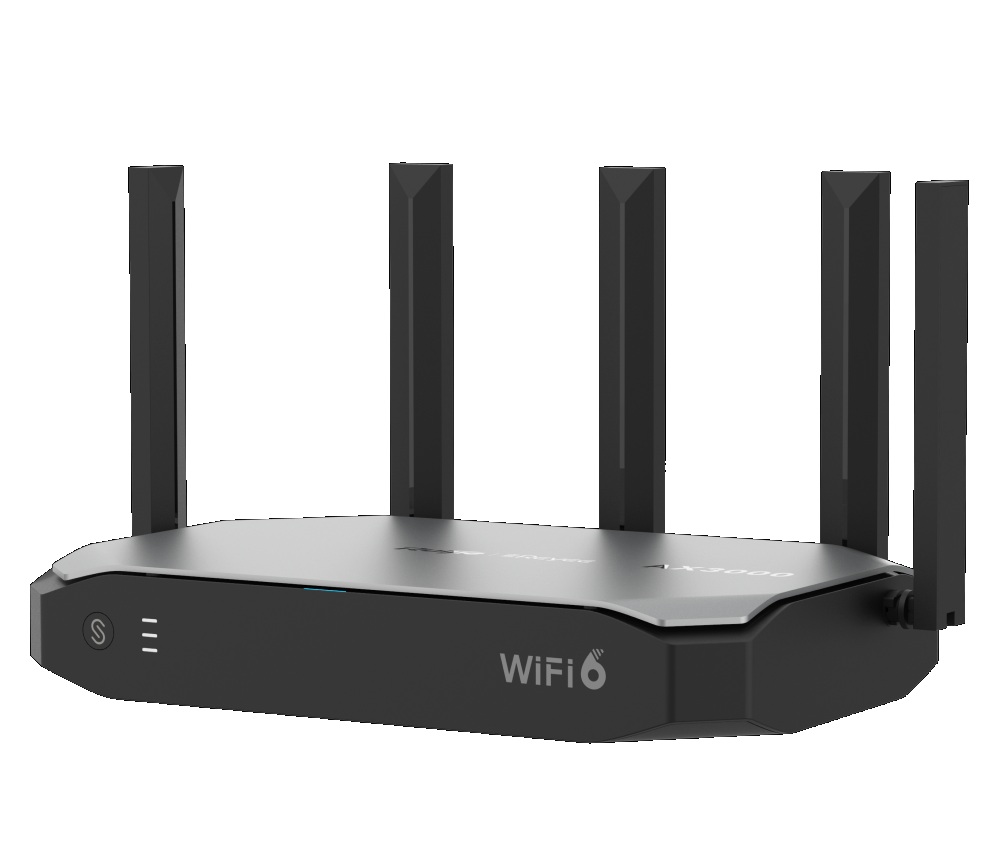
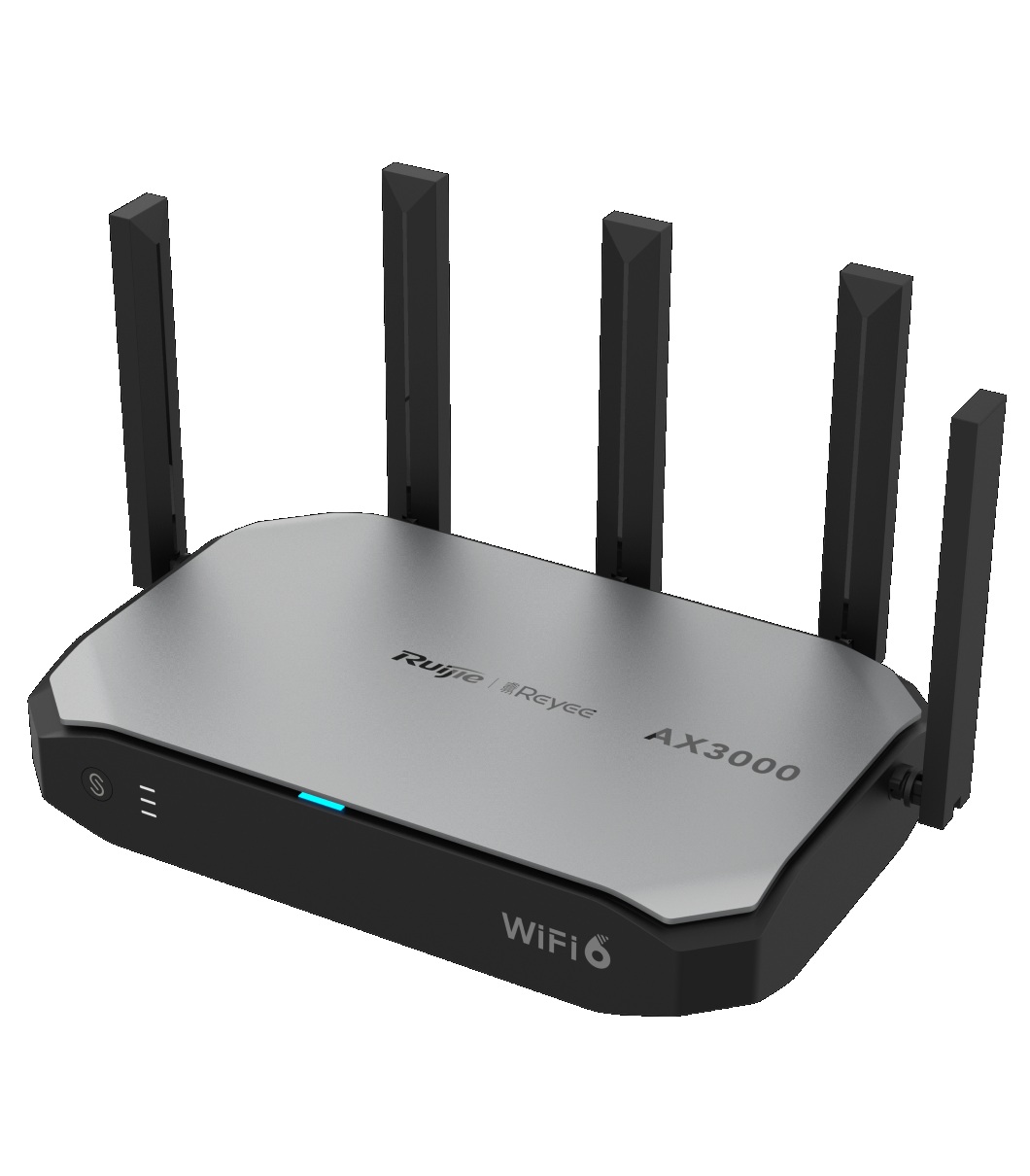
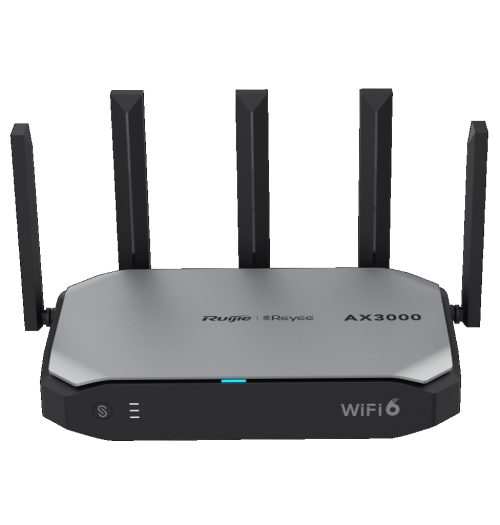
Product SKU: Ruijie Reyee RG-EG105GW-X
Product Overview
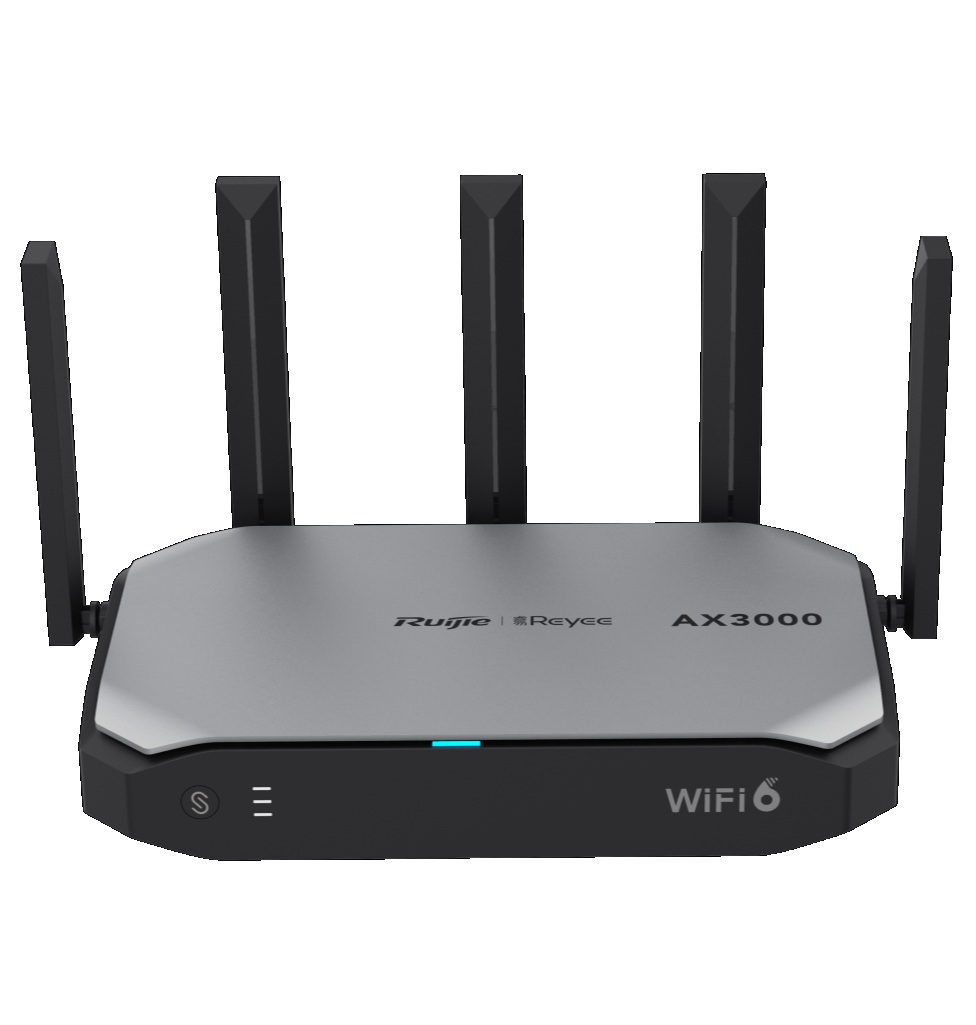
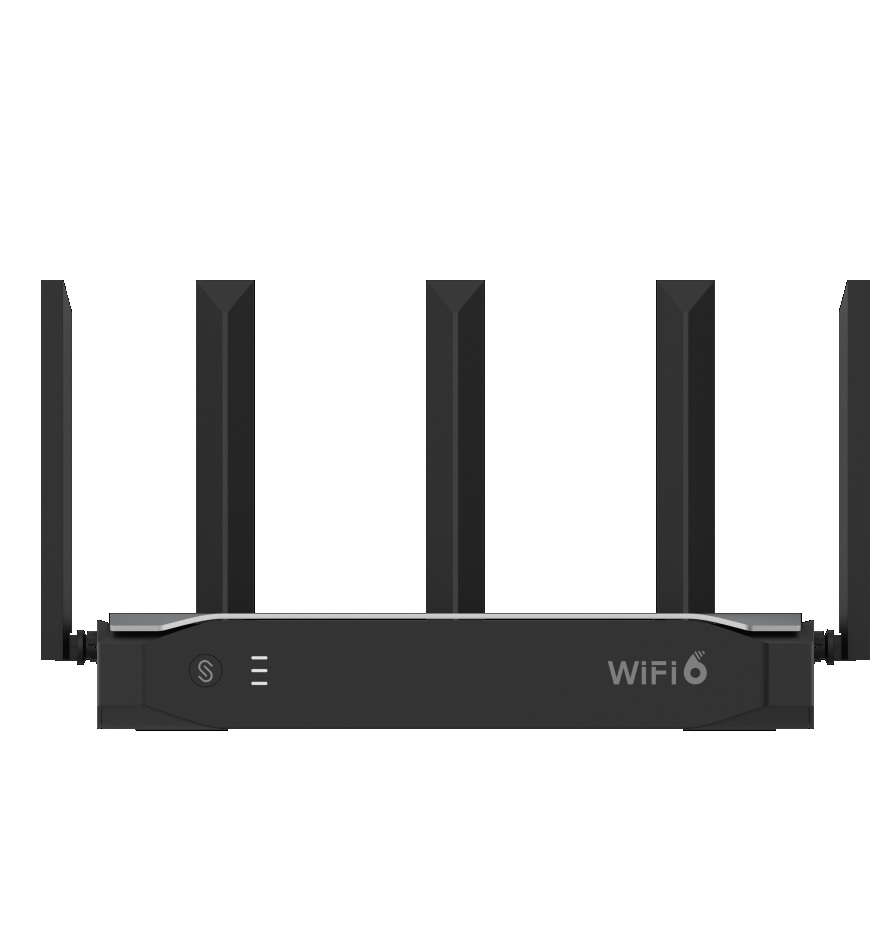
The Ruijie Reyee RG-EG105GW-X Wi-Fi 6 AX3000 All-in-One Business Router is designed for small business, retail, office, café, clinic and branch network environments requiring faster wireless performance, wired Gigabit connectivity and cloud-based management in one compact device. It features Wi-Fi 6 AX3000 wireless performance, 5 Gigabit ports, support for up to 160 clients and cloud management, making it suitable for staff Wi-Fi, guest access, POS systems, small office networks, security devices and everyday business internet connectivity. The all-in-one design helps reduce the need for separate router and wireless access point hardware in smaller deployments. This model is best selected where a compact Wi-Fi 6 business router is required for higher-capacity small-to-medium network environments.
Key Capabilities
Wi-Fi 6 AX3000 Performance
The RG-EG105GW-X supports Wi-Fi 6 AX3000 wireless performance for faster, higher-capacity connectivity across compatible business devices.
All-in-One Business Router
The integrated router and wireless design helps simplify small business deployments where routing and Wi-Fi are required from one device.
5 Gigabit Ports
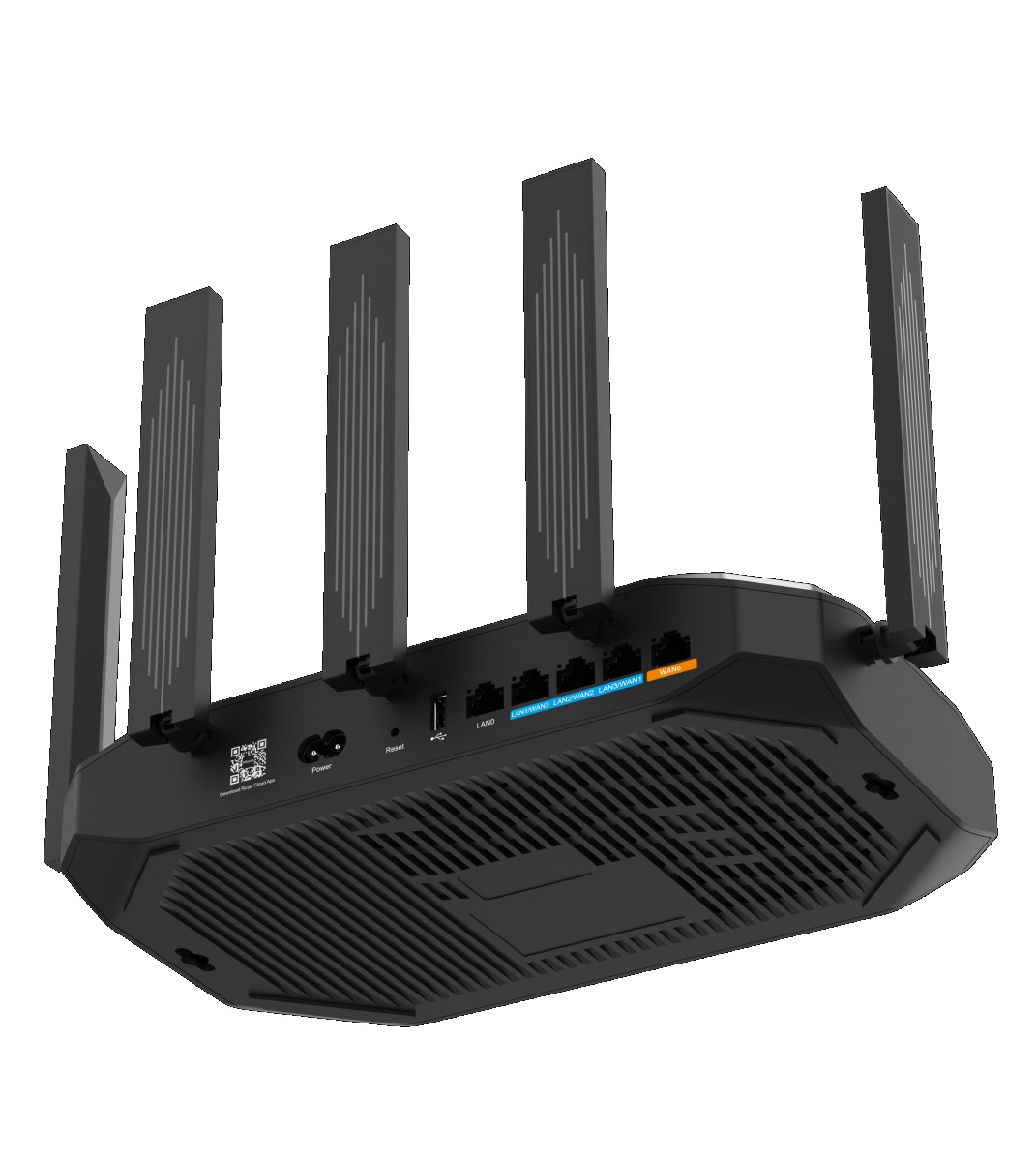
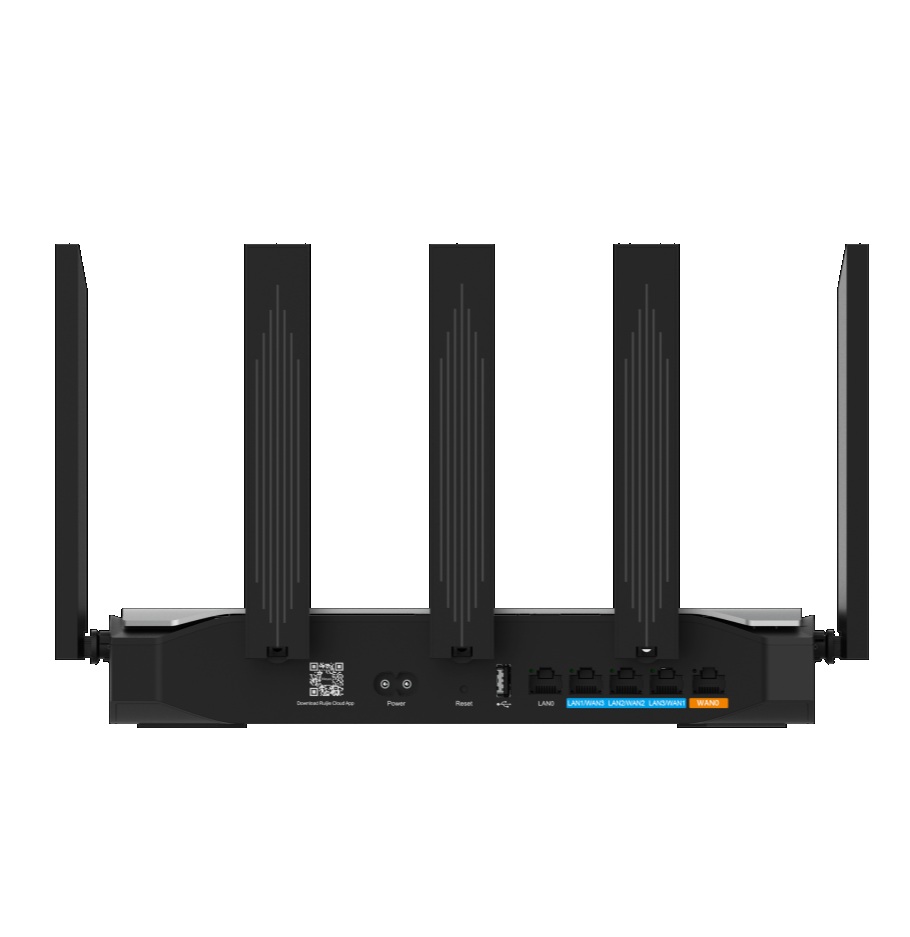
Five Gigabit ports provide wired connectivity for internet, switches, computers, POS terminals, NVRs and other compatible network devices.
160 Client Support
Support for up to 160 clients makes the router suitable for busier small business environments with staff, guest and device connectivity needs.
Cloud Management
Cloud management helps simplify setup, monitoring and remote maintenance for installers, managed service providers and multi-site administrators.
Best For
- Small Business Networks: Suitable for offices, shops, cafés, clinics, showrooms and branch sites requiring compact Wi-Fi 6 routing.
- Retail and Hospitality Wi-Fi: Practical for staff devices, guest access, POS connectivity and everyday business internet use.
- Higher-Capacity Wi-Fi Deployments: Useful where more connected clients are expected than a basic wireless router can comfortably support.
- Cloud Managed Sites: A good option where remote monitoring and configuration help simplify network administration.
- Compact Business Networks: Best where a single all-in-one router can provide routing, Wi-Fi and wired Gigabit connectivity.
Why Choose the RG-EG105GW-X
The RG-EG105GW-X is a strong choice when a small business network needs Wi-Fi 6 performance, Gigabit wired connectivity and cloud management in one easy-to-deploy device. Its AX3000 wireless capability supports faster connections for compatible devices, while 5 Gigabit ports provide wired options for switches, computers, POS terminals and security equipment. Support for up to 160 clients makes it a practical upgrade for busier small sites compared with simpler all-in-one routers. For systems supplied through Security Wholesalers, this router should be selected after confirming internet speed, wireless coverage area, client count, wired device count, cloud management needs, VLAN requirements and whether additional access points or switches are required.
Buyer Decision Tips
Buyer Tip: Choose the RG-EG105GW-X when you need a Wi-Fi 6 AX3000 all-in-one business router with 5 Gigabit ports, support for up to 160 clients and cloud management.
Installation Tip: Confirm internet service speed, wireless coverage area, expected client count, wired device requirements, router placement, cloud management access and whether additional access points are needed before deployment.
Key Features & Technical Specifications
| Model | RG-EG105GW-X |
| Brand | Ruijie Reyee |
| Product Type | Wi-Fi 6 all-in-one business router |
| Router Series | Reyee wireless router / business router |
| Wireless Standard | Wi-Fi 6 |
| Wireless Class | AX3000 |
| Port Count | 5 × Gigabit ports |
| Client Capacity | Up to 160 clients |
| Management | Cloud management |
| Primary Use | Small business routing, integrated Wi-Fi 6, wired Gigabit connectivity and cloud managed networking |
| Typical Applications | Offices, retail stores, cafés, clinics, showrooms, branch sites, guest Wi-Fi, POS networks and compact business deployments |
| Installation Type | Small business network installation with suitable power, cabling, placement and ventilation |
| Best Use | Cloud managed Wi-Fi 6 business routing, higher-capacity wireless access, wired Gigabit device connectivity and compact network setups |
| Deployment Consideration | Confirm internet speed, client count, wireless coverage area, wired device count, VLAN requirements, access point needs, router placement and cloud management requirements before installation |
Ideal Use Cases
Small Office Wi-Fi 6
Use the router for compact offices requiring faster Wi-Fi 6 access, internet routing and Gigabit wired connectivity.
Retail Store Networks
Suitable for shops and showrooms needing staff Wi-Fi, guest access, POS connectivity and cloud managed administration.
Café and Guest Wi-Fi
Practical for cafés and small venues where multiple guest and staff devices need reliable wireless access.
Branch Site Networking
A good option for branch offices and small sites where cloud management simplifies remote support.
Compact Business Networks
Useful where one all-in-one router can reduce the need for separate routing and wireless hardware.
Choosing the Right Model
- Choose this model if: You need a Ruijie Reyee Wi-Fi 6 AX3000 all-in-one business router with 5 Gigabit ports, support for up to 160 clients and cloud management.
- Choose a different router or network setup if: The site needs PoE output, more wired ports, larger wireless coverage, higher enterprise firewall capacity, rackmount switching, 10GE uplinks, industrial mounting or multiple ceiling-mounted access points.
- Check before ordering: Confirm WAN speed, client count, Wi-Fi coverage area, wired device count, guest network needs, VLAN requirements, router placement, cloud management access and whether extra switches or access points are required.
FAQs
- What is the Ruijie Reyee RG-EG105GW-X used for?
The RG-EG105GW-X is used as an all-in-one Wi-Fi 6 business router for small and medium network environments. It is suitable for offices, retail stores, cafés, clinics, branch sites and compact business deployments requiring routing, wireless access, Gigabit ports and cloud management. - What does AX3000 mean?
AX3000 refers to the router’s Wi-Fi 6 wireless class, indicating higher wireless performance for compatible devices compared with older basic Wi-Fi routers. Actual performance depends on internet speed, client capability, interference, placement and network configuration. - How many wired ports does it have?
This model includes 5 Gigabit ports for wired network devices. Before installation, confirm how many wired devices need connection and whether an additional switch is required. - How many clients does the RG-EG105GW-X support?
The router supports up to 160 clients, making it suitable for busier small business environments with staff devices, guest devices and connected network equipment. - Does this router support cloud management?
Yes. Cloud management allows supported remote setup, monitoring and maintenance, which is useful for installers, managed service providers and multi-site administrators. - Does the RG-EG105GW-X provide PoE power?
This model is described as a Wi-Fi 6 AX3000 all-in-one business router with 5 Gigabit ports and cloud management. If PoE output is required for cameras or access points, choose a PoE router or add a compatible PoE switch. - When should I choose this instead of a Wi-Fi 5 router?
Choose this model when the site has newer Wi-Fi 6 devices, more connected clients or higher wireless performance requirements. A Wi-Fi 5 router may be enough for simpler, lower-density sites with fewer wireless users. - What should be checked before installation?
Before installation, confirm internet speed, expected client count, required Wi-Fi coverage, router placement, building materials, interference sources, wired device count, guest network requirements, VLAN design, cloud management setup, power availability and whether extra switching or wireless access points are needed.
Additional Information