
-0%
, , , , ,

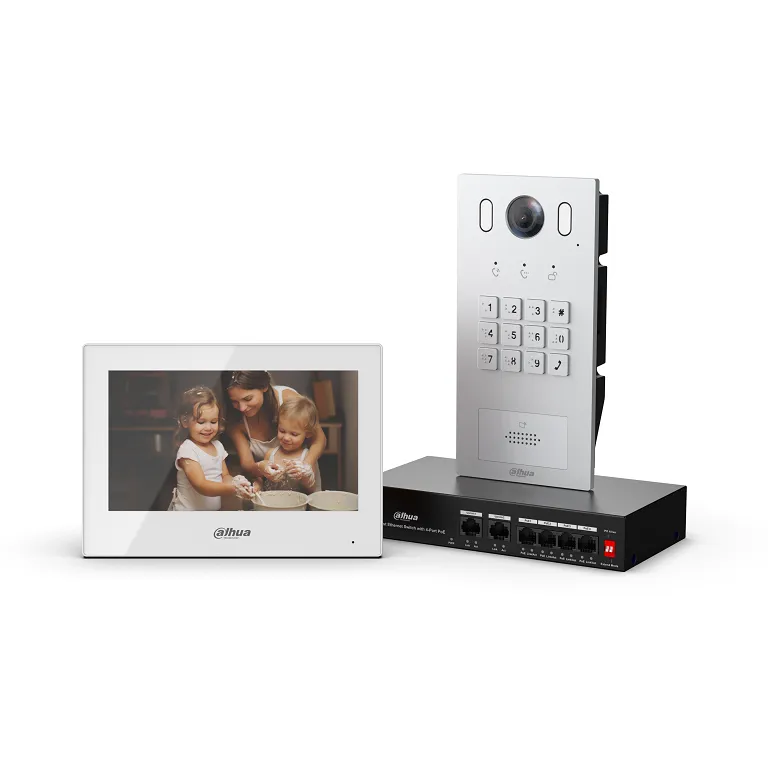
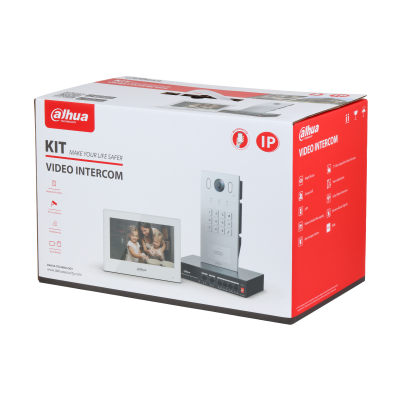
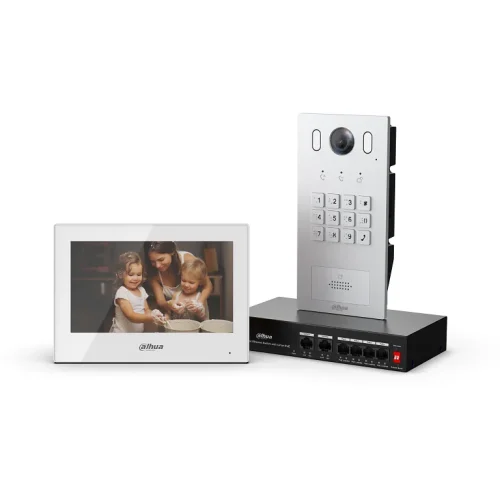
Dahua KTP05-S2 IP Video Intercom Kit


Complete Dahua IP video intercom kit for villas and small residential applications, combining a stylish indoor monitor with an IP door station for reliable video calling, remote unlocking, and mobile app access.

DHI-KTP05(S)_S2_datasheet_20241204

$566.00 $567.00 inc GST +3 Year Warranty & Support

Key Features

  • IP-based video intercom solution for homes and small sites

  • High-resolution video with clear two-way audio

  • Indoor monitor with capacitive touch screen interface

  • Door station with integrated camera and call button

  • Remote viewing and door unlock via mobile app

  • Supports PoE for simplified installation

  • Suitable for integration with Dahua IP CCTV systems

  • Clean, modern design for residential entry points


What’s Included

  • 1 × Dahua IP indoor monitor

  • 1 × Dahua IP outdoor door station

  • Mounting accessories

  • User documentation


Typical Applications

  • Single-dwelling homes

  • Villas and townhouses

  • Home offices

  • Small offices or consulting rooms

  • Gated residential entries


Installer Notes

  • PoE switch or PoE-enabled NVR recommended

  • Cat5e or Cat6 cabling required between devices

  • Door lock requires a compatible electric strike or maglock (sold separately)

  • Network configuration may be required for mobile app access

  • Indoor monitor should be mounted at eye level for best usability


Mobile App & Remote Access

  • Answer calls remotely from your smartphone

  • View live video from the door station

  • Unlock doors remotely (with compatible lock hardware)

  • Push notifications for visitor calls


Compatibility

  • Dahua IP video intercom ecosystem

  • Compatible with Dahua IP cameras and NVRs (network integration)

  • Standard ONVIF-based IP networking environment


WIRING REQUIREMENTS;
> ethernet cable from Door Station to Poe Switch
> ethernet cable from the Monitor to Poe Switch
> ethernet cable Poe Switch to the modem (if you wish to set up remote communication)

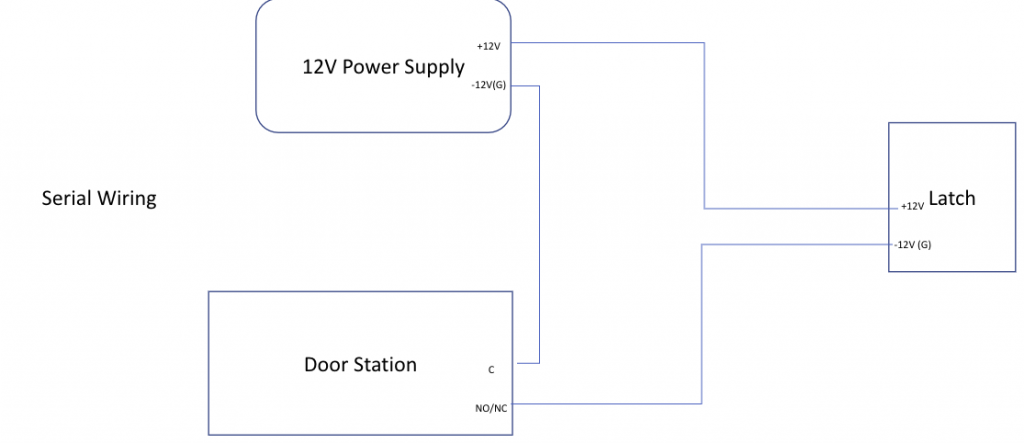
If you need to open/ control 1-2 door / gate strikes, run 4 core cabling from the door station to the respective strikes. These strikes need to be powered separately, ie. the door station will not be able to power these strikes.

How to cable strike:

This is assuming the electronic gate unlock with 12V power in. Some of the gates do not need any power as it is powered by a motor. In that case, we only need to connect the NO or NC and Com to the relevant connection in the gate. For the gate that has a motor, do not use 12V as it may damage the connection ports in the motor of the gate.
If the monitor gives “Lock 1 failed” error intermittently, go to web browser of the VTO > Local Setting > Access Control > Local
In there, put the unlock responding interval and unlock period as the same.
Unlock responding interval: It is the time, the user has to wait before unlocking the door again after you have already pressed the unlock button
Unlock period: It is the unlock time of the latch

Happy 2026 from our Security Wholesalers Team!
Trade Customers: Log In or Register to Unlock Even Better Prices.

Save & Share Cart
Your Shopping Cart will be saved and you'll be given a link. You, or anyone with the link, can use it to retrieve your Cart at any time.
Back Save & Share Cart
Your Shopping Cart will be saved with Product pictures and information, and Cart Totals. Then send it to yourself, or a friend, with a link to retrieve it at any time.
Your cart email sent successfully :)

Dahua KTP05-S2 IP Video Intercom Kit
$566.00 $567.00 inc GST +3 Year Warranty & Support