A gaming friend asks where you live
They say they want to send you a gift.
Do not share your address. Ask a trusted adult.
Junior Security Detective Academy
A practical guide to passwords, personal information, gaming, messages, scams and asking trusted adults for help.
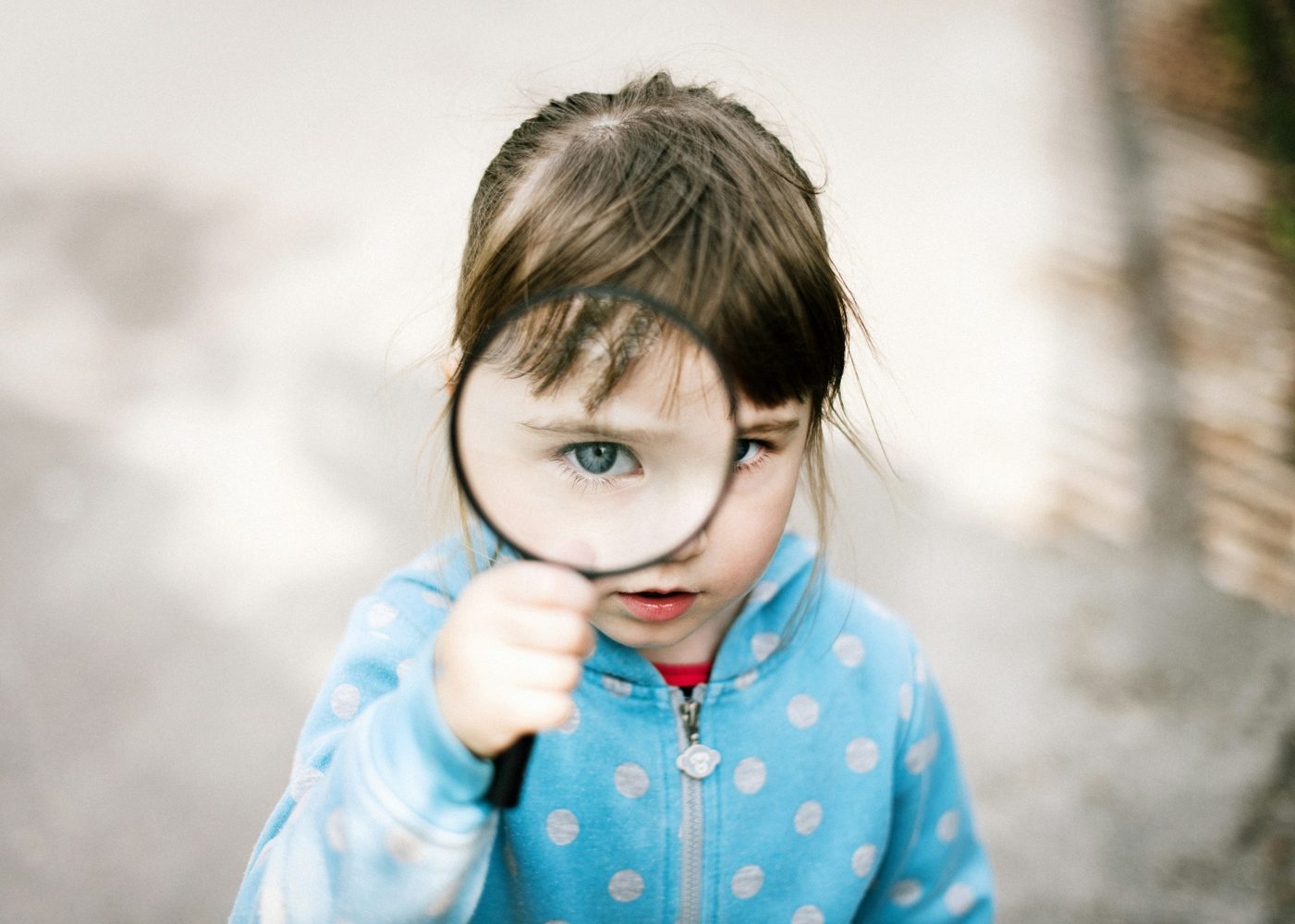
Online safety is part of modern home security. Phones, tablets, laptops, cameras, smart speakers and games can all connect to the internet. A good junior detective protects personal information, uses strong passwords, thinks before clicking, and asks a trusted adult when something feels wrong.
Your name, school, address, phone number, photos, passwords, location and family details can be personal information. Not every person online is who they say they are, so it is important to be careful about what you share.
A password protects an account in the same way a key protects a door. A strong password is hard for others to guess. A password should not be shared with friends, even best friends, because it protects your family and your privacy.
Some messages try to make people click quickly by promising prizes, free game items or urgent warnings. A smart detective slows down. They check with an adult before clicking links, downloading files or entering details.
Is someone asking for a password, location, photo or private detail?
Does it feel rushed, secret, scary or too good to be true?
Show a trusted adult before replying, clicking or downloading.
Adults can help report, block or change settings when needed.
They say they want to send you a gift.
It asks for a parent’s card details.
They say it must be secret.
Many home security tools now use online accounts. A camera app, alarm app, smart lock app or Wi-Fi router might all need usernames and passwords. This means online safety is not separate from home safety. If an account is weak, the device can become weak too.
A strong password is usually long, unique and secret. Long means it has enough characters to be hard to guess. Unique means it is not reused on many apps. Secret means it is not shared with friends, typed into strange websites or written where visitors can see it.
Some accounts use multi-factor authentication. That means a password is not the only check. The account may also need a code from an app, message or device. Kids should not share these codes. A message asking for a code might be someone trying to get into an account.
Good cyber safety also includes updates, backups, careful downloads and privacy settings. If a message or pop-up makes you feel rushed, worried, excited about a prize or pressured to keep a secret, that is a signal to stop and ask an adult.
With an adult, list internet-connected devices in your home: phones, tablets, laptops, smart TVs, cameras, alarms, speakers, game consoles and Wi-Fi routers. For each one, ask: Who manages it? Does it need updates? Does it have a strong password? What personal information could it hold?
Online safety and home security are connected. A photo of your front door, school uniform, street sign, alarm keypad, holiday plans or “I am home alone” message can reveal more than you realise. A junior detective learns to pause before posting.
No. Passwords are private, like house keys.
Information that can identify you, contact you, locate you or reveal private details about you.
Stop, do not reply, keep evidence if safe, and tell a trusted adult.
Yes. Games often include accounts, chat, purchases and personal information.
Finished reading? Mark this lesson as complete to track your progress.